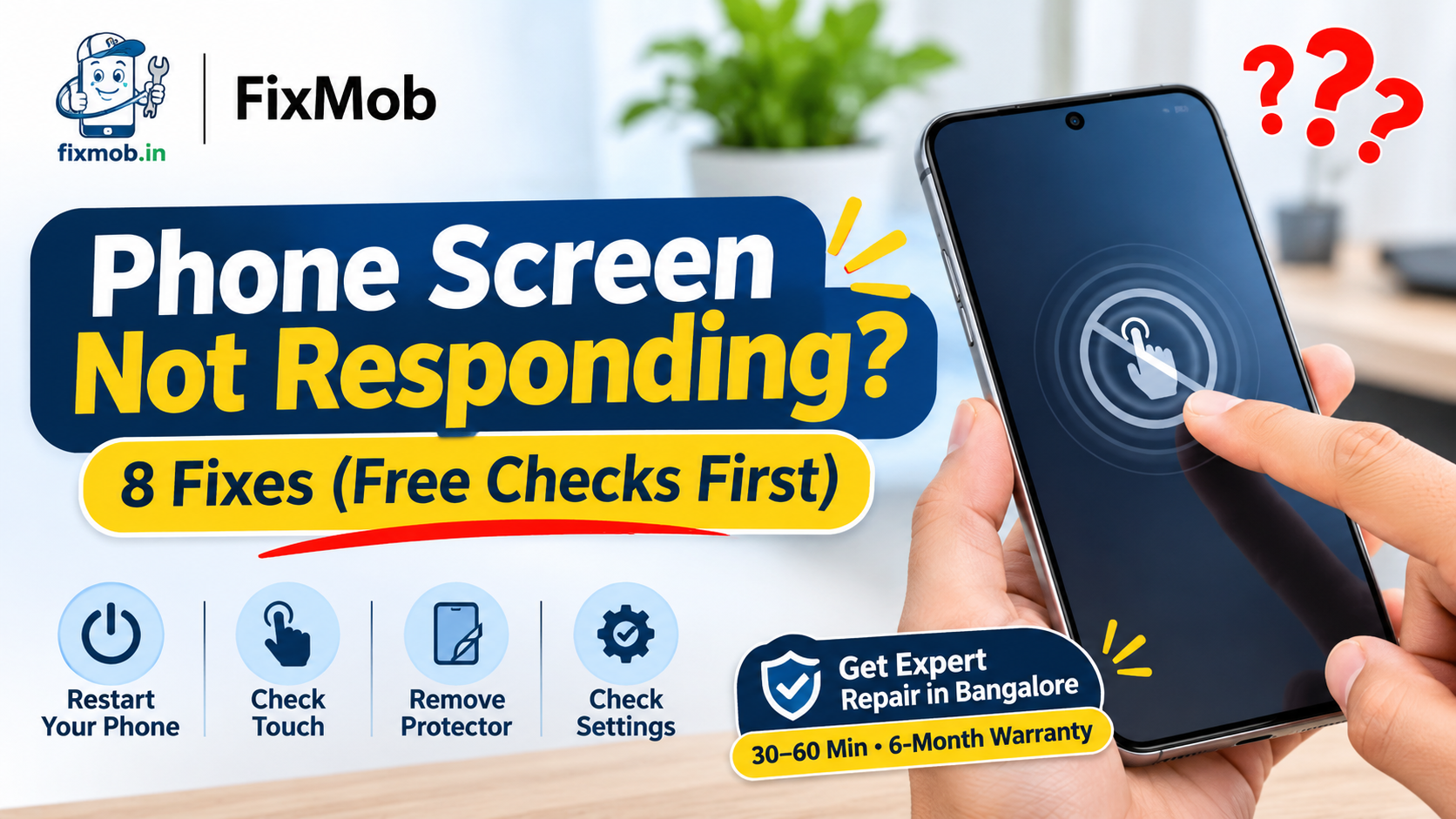
Phone Screen Not Responding: 8 Fixes (Free Checks First)
A phone screen not responding is usually fixed with eight free checks, starting with a restart and a clean, dry screen. If the glass is cracked or a patch stays dead, a screen replacement in Bangalore takes 30 to 60 minutes at your door.
You tap, you swipe, you tap again, and nothing moves. If the taps seem to fire on their own instead, read our guide to a screen that taps by itself first, because that fault has different causes.
This guide sorts the causes by symptom, runs eight free checks in order, and shows when the fault is hardware that needs a technician.
At A Glance
• Duration: 30 to 60 minutes for a doorstep screen replacement
• Warranty: 6 months on the repair
• Payment: After the repair is complete
• Coverage: Doorstep and pickup across Bangalore
• Eight free checks come first, because most cases need no parts
Why Is Your Phone Touch Screen Not Working?
A phone screen not responding almost always traces back to one of five causes: a software freeze, a dirty or wet screen, heat, a lifted protector, or a damaged touch layer. The first four cost nothing to rule out, so test them before you spend money.
Your screen finds a fingertip by reading tiny changes in an electrical field across a grid under the glass. Anything that disturbs that field can confuse it, so a phone touch screen not working is often sweat, steam or a cheap charger rather than a broken part.
• Software freeze: a stuck app or a bad update stops the touch driver listening
• Moisture or grime: sweat, sunscreen and kitchen steam read as false or missing touches
• Heat: a phone left in a hot car or in the sun can ignore taps until it cools
• Protector or case: a thick, bubbled or lifted layer blocks light taps
• Damaged touch layer: a drop or a hard flex breaks tracks in the grid
Where the fault shows up is a clue. If one app misbehaves, suspect the app. If every app ignores you, look at the system, the accessories or the panel.
Heat deserves a special mention. A hot phone throttles itself and misreads taps, so a navigation app on a sunny dashboard is a classic trigger. Shade and a ten minute rest usually settle it.
What Does Your Symptom Tell You?
Match what you see to the likely cause before you try anything. A phone screen not responding in one corner usually means a damaged panel, while one that fails only on charge points at the adapter. The table pairs six common patterns with a first test.
|
Symptom |
Likely cause |
First test |
Usual route |
|
Whole screen ignores you |
Freeze, heat or moisture |
Restart, then wipe and dry the glass |
Display check if it persists |
|
One strip or corner is dead |
Damaged touch grid |
Draw a line along every edge in a notes app |
Screen replacement |
|
Fails only while charging |
Noisy charger or cable |
Try another adapter and socket |
New charger, no repair |
|
Taps land in the wrong spot |
Warped protector or weak panel |
Remove the protector and retest |
Screen replacement if it continues |
|
Slow and drops swipes |
Full storage or heavy apps |
Clear storage and update your apps |
Software fixes |
|
Stopped after a drop or splash |
Impact or liquid damage |
Switch off and do not charge |
Inspection first |
Run the first test in each row before you book anything. A short screen recording of the dead area also helps a technician see what you see.
Own an iPhone? There are free checks and force restart steps for iPhones in our Apple guide, including a symptom table for those handsets.
Which Free Checks Fix A Phone Screen Not Responding?
Eight free checks fix most cases of a phone screen not responding, and each takes a few minutes. Work through them in order and stop the moment touch comes back, because that tells you the cause.
Samsung’s own DIY touchscreen guide starts with TalkBack, touch sensitivity and the screen guard, which is a useful order to borrow.
1. Restart. Use the power menu. Many Android phones also force a restart if you hold power and volume down together for around ten seconds.
2. Clean and dry. Wipe the glass with a dry microfibre cloth and dry your fingers, since damp skin gives erratic input.
3. Unplug everything. Remove cables, power banks and earphones, then try a different charger and socket.
4. Strip the case and protector. Test the bare glass for ten minutes, because a lifted protector traps moisture and blocks taps.
5. Let it cool. A phone left in the sun can ignore touches. Rest it in shade, then retry.
6. Check TalkBack. With TalkBack on, a single tap only selects an item, so turning it off restores normal touch.
7. Raise touch sensitivity. Samsung phones have a Touch sensitivity switch under Display. On other brands, look for a similar option.
8. Try safe mode. Safe mode loads the phone without your installed apps. If touch works there, an app is the culprit.
If touch returns after any step, stop. You found the cause and saved yourself a repair.
Write down which step worked. If the fault comes back, that note saves time and lets a technician start from the right place.
When Does A Dead Touch Mean A Hardware Fault?
When a phone screen not responding survives every free check, the fault is physical. The touch layer, its cable or the panel has failed, and on most current phones the whole display is replaced as one bonded part.
A mobile screen not responding after a drop, even without a crack, often means a tiny break in the touch tracks or a loosened display connector. Glass that looks almost whole can hide a severed track underneath.
These signs point to hardware:
• A dead patch that stays in the same place after restarts
• Touch that fails in safe mode too
• Coloured lines, ink spots or flicker alongside the touch fault
• A start date that matches a drop, a splash or heavy pressure
Waiting makes it worse, because every flex in a pocket lengthens a crack. Our guide to a broken cell phone screen explains why the first day is the cheapest day to act.
What Should You Do Right After A Drop Or Splash?
Switch the phone off, keep it unplugged and dry, and back up anything you can before touch fades further. Acting in the first hour protects both your data and the repair, because a damp or cracked display can get worse quickly.
• Power down if the phone got wet, and do not plug it in
• Take off the case and pat the outside dry with a soft cloth
• Sync photos to the cloud over Wi-Fi, or copy files to a laptop with a cable
• Press clear tape over any crack so loose splinters stay put
• Film the fault now, so you have a record before any repair
Moisture is the quiet one. A splash can leave the screen working for an hour and failing that night, so a phone that got wet deserves an inspection even if touch seems fine. Plugging in a damp phone is how a touch fault becomes a dead phone.
Should You Choose An Original Or A Compatible Screen?
Touch response is the biggest difference between screen grades. An original panel usually feels smoothest, while a compatible one costs less and suits older or spare phones. Ask which grade is going into your phone before anyone opens it.
FixMob’s comparison of original and compatible mobile screens walks through brightness, durability and price side by side.
Compatible does not mean fake. It means a third party built the panel to fit your model, and a decent one handles calls, messages and video well. The grade matters most when touch was your original complaint.
Three questions protect you from a poor repair:
• Which grade goes into my phone, and is it written on the quote?
• What does the warranty cover, and for how long?
• Will you test every corner of the screen before I pay?
How Do You Get A Doorstep Fix In Bangalore?
To fix a phone screen not responding at your door, book online, agree the quote, watch the swap and pay only after your own test. Most screen jobs finish in 30 to 60 minutes, and harder faults go to the workshop through free pickup and delivery.
1. Note your brand, model and symptom, and film a short clip of the dead area.
2. Back up what you can while touch still works.
3. Choose Screen Replacement on the booking page and add your area.
4. Agree the quote with the technician before any tools come out.
5. Watch the swap, then draw along every edge, pinch to zoom and open the camera.
6. Pay once everything passes, and keep the invoice for your warranty.
FixMob lists screen replacement among its repair services for cracked or unresponsive displays. It has repaired more than 10,000 devices and gives a 6-month warranty. It is an independent repairer, not tied to any phone maker.
Frequently Asked Questions
Why Is My Mobile Touch Screen Not Working But The Display Looks Fine?
A mobile touch screen not working while the picture looks normal usually means a frozen touch driver, a protector or moisture, or a damaged touch layer. Restart, test the bare glass, then ask for a display check.
Will A Factory Reset Help?
A phone screen not responding after a reset points to hardware, because a reset clears software faults only. Back up first, and try safe mode before wiping anything.
Can A Screen Protector Stop Touch From Working?
Yes. A thick, bubbled or lifted protector can block light taps and trap moisture, so peel it off and test the bare glass for ten minutes first.
Is It Safe To Keep Using A Phone With A Dead Patch?
Not for long, because cracks spread and a small dead patch can grow into a strip. Back up your photos and book soon.
Will A Screen Replacement Erase My Data?
No. Swapping the display leaves your storage untouched, and FixMob promises full data privacy, though a quick backup first is still sensible.
Do I Pay Before The Technician Starts?
No. FixMob charges only after the repair is complete, once you have reviewed photos and videos of the finished phone.
Where Do You Go From Here?
Run the eight checks tonight and note what changes. If touch is still dead tomorrow, book a doorstep screen repair with FixMob, choose your model and approve the quote first. Fixing a phone screen not responding early also stops a small dead patch from spreading.
Expert advice
|
A phone screen not responding is often a freeze, a dirty screen or a lifted protector, and eight free checks sort most cases in minutes. Learn what to try first and when a Bangalore doorstep repair makes sense. |
Serving Bengaluru, Karnataka.