Mobile Phone Repair At Home: Bangalore Guide
Mobile phone repair at home works for screens, batteries, charging ports, cameras and speakers, and a FixMob technician usually finishes these in 30 to 60 minutes at your door in Bangalore. You approve the quote first and pay only after the repair is done.
A cracked screen on a busy Tuesday leaves no room for a trip across the city. Before you pick a slot, read our comparison of a technician visit and pickup, then use this guide to get your home and your questions ready.
At A Glance
• Price: Quoted for your exact model, approved before work starts
• Duration: 30 to 60 minutes for common repairs
• Included: Inspection, repair, testing and a 6-month warranty
• Payment: After the repair is complete
• Areas covered: Across Bangalore, with free pickup and delivery
• Bigger faults, like a dead board, go to the workshop instead.
Which Repairs Can Be Done At Home And Which Need A Workshop?
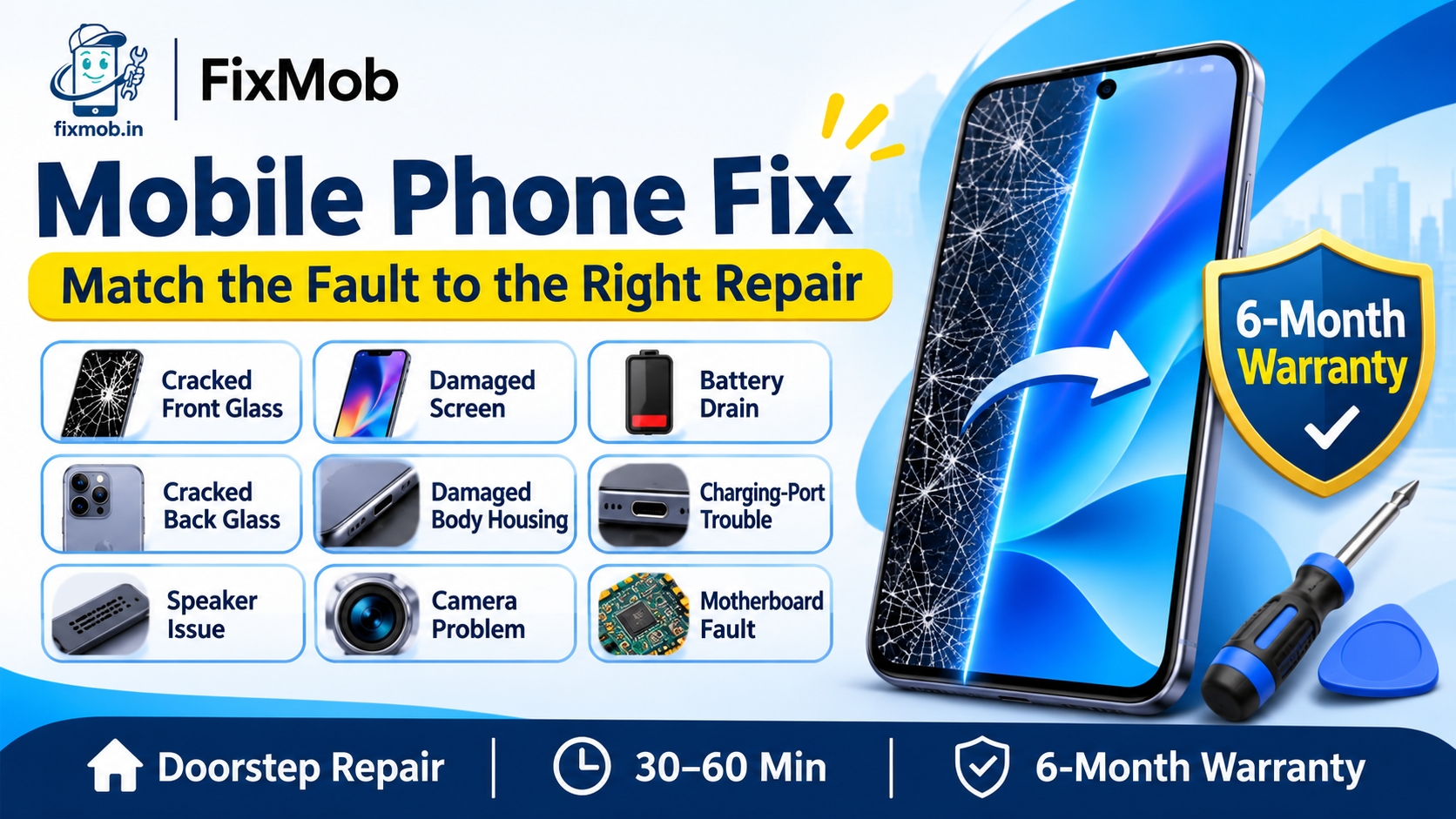
Most surface faults suit mobile phone repair at home: cracked displays, tired batteries, loose charging ports, blurry cameras and weak speakers. Faults on the circuit board, such as a phone that will not switch on or has been through water, are better handled at a workshop.
The line has little to do with how bad the phone looks. It depends on whether the part sits on top of the phone or deep inside it. A display or battery is a swap. A board fault needs magnification, patience and a clean bench.
|
Fault you notice |
Fixed at your home? |
Why |
|
Cracked or dead screen |
Yes |
It is a part swap you can watch |
|
Battery that dies by lunch |
Yes |
The old battery comes out, a new one goes in |
|
Charging that works only at an angle |
Yes |
Port cleaning or replacement is quick |
|
Blurry or cracked camera |
Yes |
The camera module is replaced as one unit |
|
Crackling or silent speaker |
Yes |
The speaker is swapped and tested on a call |
|
Phone will not switch on |
Usually not |
It needs board level checks on a bench |
|
Water or liquid damage |
Usually not |
Corrosion work needs a workshop |
|
Restart loop |
Usually not |
Often a fault on the board |
FixMob lists every repair it handles, motherboard work included, on its repair services page. Check your fault against that list before booking, and describe the symptom in one clear sentence so the team can tell you honestly which route fits.
What Does A Technician Bring To Your Door?
A FixMob technician arrives with the tools and replacement parts for your job, then inspects the phone before anything is opened. Parts are genuine or high quality compatible, and every eligible repair carries a 6-month warranty.
Three questions are worth asking before the first screw turns:
• Which exact part are you fitting into my model?
• Is it genuine or compatible, and who stands behind it?
• What does the warranty leave out?
You are not being awkward by asking. A technician who works openly will answer in plain words, and those answers tell you more about how the repair will hold up than any star rating does.
How Do You Get Your Home Ready For The Technician?
Set up a table near a window, run a backup and keep your charger handy. That is all mobile phone repair at home really asks of you, plus five minutes to take out the SIM and memory card.
A little preparation makes the visit calmer for everyone:
• Light: Daylight or a bright lamp helps the technician see adhesive lines and tiny connectors.
• Backup: Let photos and chats sync over Wi-Fi first. FixMob recommends a current backup before any repair.
• SIM and card: Take them out and keep them in your pocket.
• Unlock method: Decide how you will unlock the phone, because touch, camera and fingerprint all get tested.
• Space: Keep kids and pets away from the table, since screws and glass chips are small.
• Paperwork: Keep the box and bill nearby if the phone is still under the maker’s warranty.
Write the symptom down before the visit. “Flickers on the left while charging” is far more useful than “the phone is acting strange”, and it stops you forgetting something once the work starts.
If you work from home, choose a slot between calls. Mobile repair at home usually takes 30 to 60 minutes, so a gap in your calendar matters more than a clean desk.
How Does Mobile Screen Repair At Home Work, Step By Step?
When the job is a display, mobile phone repair at home runs in a short sequence: the technician inspects the damage, quotes your exact model, swaps the display in front of you and tests it before you pay. Most screen jobs finish within 30 to 60 minutes.
That is what mobile screen repair at home looks like on a good day. The old panel is lifted out with controlled heat, the new display is connected and sealed, and you see every stage from your own sofa.
Two things decide the result: the part and the testing. Ask what the replacement is, then check the screen yourself. Run a finger along all four edges, push brightness up and down, open the camera and try face unlock or the fingerprint sensor if your phone has one.
If the glass is cracked but the picture and touch still behave, a glass only job may be enough. FixMob lists that separately from a full display swap, and our guide on what to do with a broken cell phone screen shows how to tell the two apart.
If the phone is a few years old, ask about the battery during the same visit. A fresh display on a worn battery can still leave you hunting for a charger by noon, and one visit costs less time than two.
Is It Safe To Let A Repairer Work On Your Phone At Home?
Yes, if the provider works openly and explains the job before touching the phone. FixMob says its technicians access only what inspection and testing need, and that a factory reset is not normally required for hardware repairs.
At the door, let the technician explain what is wrong before the phone is opened. If the explanation is vague, or the quote changes for no clear reason, you can pause the job.
A calm question at that moment costs nothing. Technicians who work openly are used to this, and they tend to respect a customer who pays attention.
Read FixMob’s page on device safety and data privacy before you book, so you know the promises you can hold the team to. Ask the team to confirm the technician’s name and your slot by call or message, then keep your phone in sight throughout.
Using an independent repairer is an ordinary choice today. India’s Ministry of Consumer Affairs counts mobile phones and tablets among the initial focus sectors of its Right to Repair framework, which aims to let people repair products instead of replacing them.
One caution applies. FixMob is an independent provider and is not tied to any phone maker, so a phone still under the maker’s warranty should go to the maker first.
What Does It Cost, And When Do You Pay?
The price of mobile phone repair at home depends on your model, the fault and the part fitted, so there is no honest flat rate. FixMob shares the expected cost after inspection and collects payment only once the repair is finished.
That order matters. The pay after service process runs from inspection and estimate to your approval, then repair, testing and payment. If another fault turns up halfway through, the team tells you before doing extra work.
Four things move the number:
• Your phone model and its screen or battery type
• The grade of the replacement part
• Extra damage found once the phone is inspected
• Whether the part is in stock that day
Ask for the model, the part and the warranty to be named in the same message as the quote. FixMob also shares photos and videos of the restored phone before the invoice arrives, so you pay for something you have already seen.
How Do You Book Mobile Phone Repair At Home In Bangalore?
To book mobile phone repair at home, choose your brand, model and service on the booking page, confirm the slot when FixMob calls, and test everything before you pay. Booking takes about two minutes.
Here is the full run for a mobile repair home service visit:
1. Pick the service. Choose your brand and model, then the repair, such as Screen Replacement or Battery Replacement.
2. Share your details. Add your name and phone number and submit the form.
3. Confirm the slot. FixMob contacts you to settle the appointment, and WhatsApp works for quick updates.
4. Show the fault. Walk the technician through the symptom and agree the quote before any tool comes out.
5. Watch and test. See the part go in, then check touch, camera, speaker and charging.
6. Review and pay. Look at the photos and videos of the finished phone, then pay.
FixMob lists pickup and delivery in dozens of localities, including Koramangala, HSR Layout, Indiranagar, Whitefield, Yelahanka and Jayanagar. If yours is missing, ask on WhatsApp before assuming the answer is no.
Frequently Asked Questions
Do I need to be at home for the whole visit?
Yes, or someone you trust should be. You approve the quote, watch the repair and test the phone before paying, so the visit works best with you present.
Will my data stay private during the repair?
FixMob says technicians access only what inspection and testing require, and hardware repairs do not normally need a factory reset. Back up first anyway, because a current backup is cheap insurance.
How long does mobile screen repair at home take?
Most screen replacements finish in 30 to 60 minutes. Mobile screen repair at home takes longer only when the part is out of stock or the phone has other damage.
Which phones can a technician repair at my place?
FixMob repairs Apple, Samsung, Xiaomi, Redmi, OnePlus, Vivo, Oppo, Realme, Motorola, Nokia and Google Pixel phones, plus other brands. Pick your exact model on the booking page to confirm.
What if my phone will not switch on at all?
A phone that will not switch on usually has a board fault, so mobile phone repair at home is not the right route. FixMob takes those through pickup and delivery, with 2 to 4 hours of bench time.
Does the warranty cover a new crack after the repair?
No. The 6-month warranty covers eligible faults tied to the part FixMob fitted, while new cracks, liquid damage and misuse after the repair fall outside it.
What Is The Fastest Way To Start?
Pick your fault from the table, back up your photos and choose a slot when you will actually be home. Then book your repair online with FixMob and pay once the phone works. Mobile phone repair at home is the quickest fix for most screens and batteries.
Expert advice
|
Mobile phone repair at home saves you the trip to a shop, but only some faults suit it. Here is what a technician can fix at your door in Bangalore, how to prepare, and what to check before you pay. |
Serving Bengaluru, Karnataka.