Fix Your Phone: 9 Common Problems And Fixes
You can fix your phone at home when the fault is software, such as a freeze, a full storage or a slow charge. Cracks, tired batteries and dead ports need a technician, and FixMob finishes most of those in 30 to 60 minutes at your door in Bangalore.
Phone trouble often looks bigger than it is. Some faults vanish after a restart, others need a part, and our mobile phone fix guide covers the repairs behind them. This post sorts nine problems by what you can actually see or hear.
At A Glance
• Price: Quoted for your exact model, paid after the repair
• Duration: 30 to 60 minutes for most repairs
• Warranty: 6 months on eligible repairs
• Areas covered: Across Bangalore, with free pickup and delivery
• Motherboard faults can take 2 to 4 hours at the workshop.
Which Phone Problems Can You Fix At Home?
Three kinds of fault respond well to a home fix: frozen or laggy software, a charging port clogged with lint, and one app that eats the battery. If you fix your phone yourself, stay inside those. Cracks, swelling and water damage belong with a technician.
The test is simple. Ask whether anything inside the phone has been physically damaged. If the answer is no, a few free checks are worth your time before you spend a rupee.
• Worth trying at home: a restart, an update, clearing storage, cleaning the port, restricting one noisy app.
• Leave to a technician: a cracked display, a bulging back panel, a phone that got wet, a port that still wobbles after cleaning.
• Do not attempt: prying the frame open, charging a swollen phone, or poking metal pins into a port.
One honest caution. A home fix that goes wrong can make the repair bigger, so stop the moment the phone feels hot, smells odd or looks swollen.
What Are The Most Common Phone Problems And Solutions?
The most common phone problems and solutions come down to nine symptoms. Start with the one you can see or hear, try the free check beside it, and book a repair only when that check fails to help.
|
What you notice |
Likely cause |
Free check first |
Repair if it fails |
|
Freezes or lags |
Full storage or a stuck app |
Restart, clear space, update |
Software troubleshooting |
|
Battery drains fast |
A heavy app or a worn cell |
Read the per-app battery list |
Battery replacement |
|
Charges slowly or only at an angle |
Lint, a bad cable or a worn port |
Another cable, then clean the port |
Charging port repair |
|
Cracked glass, picture normal |
Top glass damaged |
Tape over it and back up |
Glass replacement (touch) |
|
Lines, black patches or dead touch |
Display damaged |
Back up while touch still works |
Screen replacement |
|
Low volume or crackling |
Blocked or faulty speaker |
Test a call and speakerphone |
Speaker replacement |
|
Blurry photos |
Smudged lens or faulty module |
Wipe the lens and retest |
Camera replacement |
|
Overheats or restarts alone |
Heavy use, worn cell or board fault |
Cool it down, then restart |
Battery or motherboard check |
|
Will not switch on, or got wet |
Power, liquid or board damage |
Switch it off and leave it off |
Motherboard repair |
Two rows can apply at once, and a fall that cracks the front glass often marks the back too. Mention both when you book, and you can fix your phone in one visit with one quote.
If the third row sounds like yours, our phone not charging diagnosis tests the cable, the adapter and the port in the right order.
How Do You Fix A Slow, Frozen Or Restarting Phone?
Restart first, then install pending updates, free up storage and remove the app that started the trouble. Most freezes and lag come from a crowded phone rather than a broken one, so these four steps solve more cases than any repair does.
Work in that order and stop when the problem stops. You will not always fix your phone this way, but you will find out whether the fault is hardware before you pay anyone.
• Restart: it clears stuck processes and is the cheapest test there is.
• Update: system and app updates carry fixes for known bugs.
• Storage: a phone with almost no free space slows to a crawl, so clear old downloads, photos and chats.
• Recent apps: if the trouble began after one install, remove that app first.
• Reset last: a factory reset wipes everything, so back up before you try it.
If the phone still restarts on its own after all that, the cause is usually the battery or the board. That is the point where a technician earns the visit.
What Should You Do When The Screen Cracks Or The Battery Fails?
Back up the phone, stop using it if the crack catches your finger, and book a repair. Glass-only jobs and full screen swaps are different repairs, and a battery that swells needs to be switched off and kept away from chargers straight away.
A cracked display is the one problem you should not try to fix your phone around, because dust and moisture creep in through the break. Back up first, because the touch layer can give up without any warning.
If only the top layer is cracked and the picture and touch behave, glass replacement is enough. Once you see lines, ink-like blots, flicker or dead patches, the display underneath has failed and the whole screen has to be swapped.
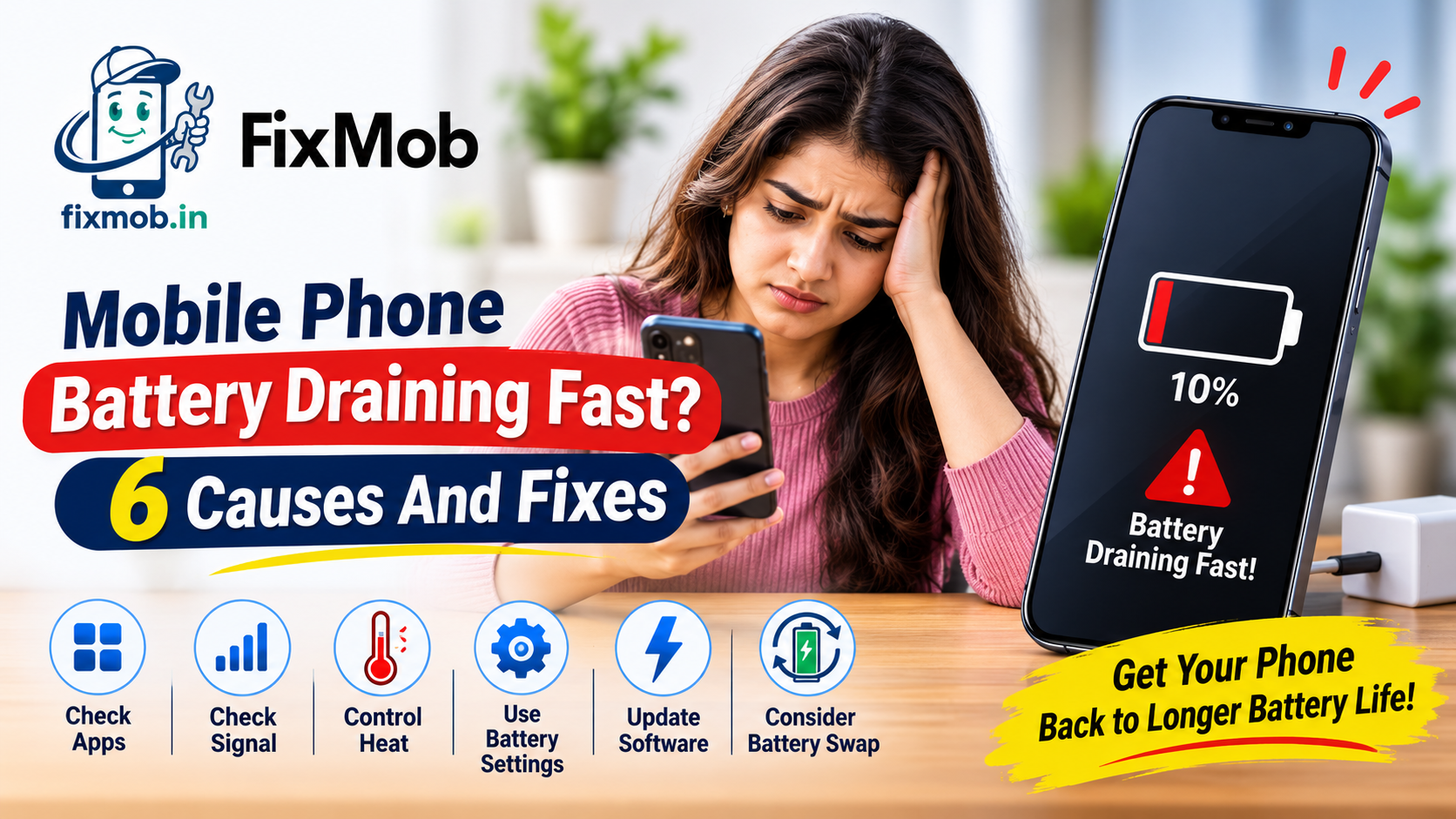
Fast drain, early shutdowns and a bulging back panel point to the battery. Our battery drain guide shows how to tell a software drain from a worn cell before you buy a new one.
If the back panel lifts at one edge, switch the phone off and keep it cool. Do not plug it in to test it.
What Should You Do First If Your Phone Gets Wet?
Switch it off, leave it off and keep it unplugged. Wipe the outside, hold the ports facing down, and get the phone opened and dried by a technician the same day. Rice will not dry a sealed phone, and plugging in a wet one risks a short.
Warranty matters here as well. Apple states that liquid damage is outside its one-year limited warranty, and other makers set their own terms, so read yours before anyone opens the phone.
1. Power the phone off and leave it off.
2. Do not plug it in, even to check whether it still charges.
3. Wipe the surface and hold the ports facing down.
4. Book a repair the same day, because corrosion keeps spreading.
Water damage often shows up days later as a dead speaker, a hot battery or a port that will not charge. Our water damaged phone guide explains why a quick clean and dry beats any home remedy.
How Do You Fix Your Phone Step By Step?
Here is how to fix your phone in order, from free to paid: restart, update, free some storage, test the charger, then book a repair if the fault is still there. Change one thing at a time so you know what worked.
1. Restart the phone and install any pending updates.
2. Free up storage and remove the app that started the trouble.
3. Try another cable and charger, one at a time, then clean the port with a wooden toothpick while the phone is switched off.
4. Take the case off and let a warm phone cool down.
5. Back up your photos and chats while touch still works.
6. Book a repair if the fault is still there, and describe the symptom in one sentence.
When the technician arrives, the phone gets inspected, the job is agreed with you, and the part is fitted while you watch. Payment comes after the repair, not before.
Which Smartphone Repair Solutions Can FixMob Do At Your Door?
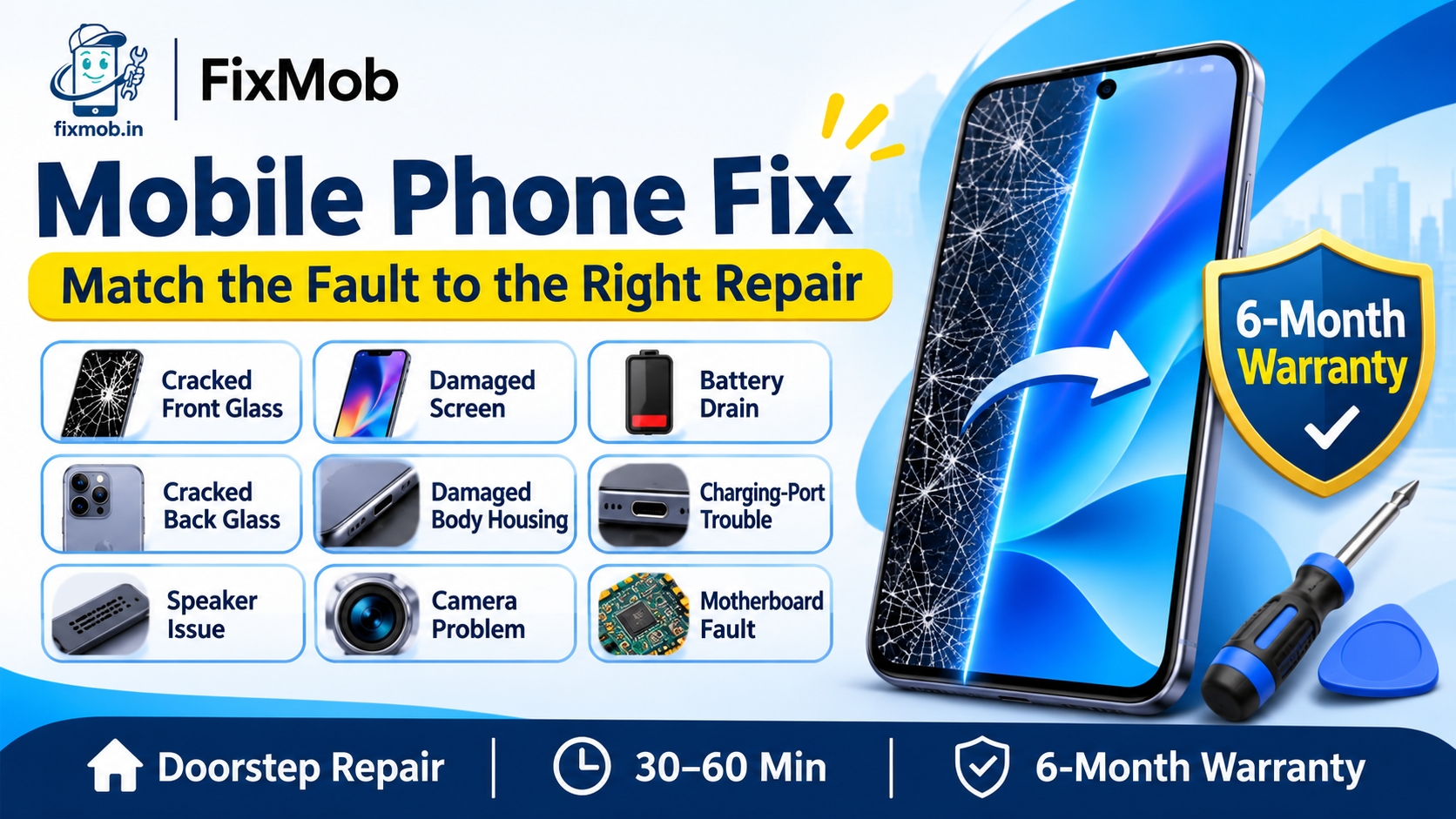
FixMob’s smartphone repair solutions cover glass, screen, battery, charging port, back glass, body housing, speaker, camera and motherboard work. Most jobs finish at your door in 30 to 60 minutes, while board faults go to the workshop through free pickup and delivery.
|
Route |
What happens |
Best for |
|
Doorstep repair |
A technician repairs the phone in front of you |
Screens, glass, batteries and charging ports |
|
Pickup and delivery |
The phone is collected, repaired at the workshop and returned |
Complicated faults that need bench time |
FixMob reports 10,000+ devices repaired, and the booking page lists 18 brands, from Samsung and Apple to OnePlus, Vivo and Nothing. You choose the brand, the model and the service, and the form takes about two minutes.
Every eligible repair carries a 6-month repair warranty. It applies to problems linked to the replaced part. A fresh crack, rough handling or a spill after the repair is not included.
You agree the quote before work begins and pay once it is done, after FixMob sends photos and videos of the finished phone. FixMob is an independent repairer, not an arm of Apple, Samsung or any other phone brand.
Frequently Asked Questions
Can I repair my phone myself without special tools?
For software faults, yes: restarts, updates, storage and a careful port clean. Opening the phone is different, because adhesive, ribbon cables and a swollen battery turn a small slip into a bigger repair.
Is it worth repairing an older phone?
Often, when the fault is a battery, port, glass or screen. You can fix your phone and keep your data, apps and setup, and a quote for your exact model shows whether it makes sense.
How long does a repair take?
Screens, glass, batteries and charging ports usually take 30 to 60 minutes at your door. Board-level faults can run to 2 to 4 hours at the workshop.
Do I pay before the technician starts?
No. You agree the quote first, and payment comes after the repair, once you have seen photos and videos of the finished phone.
Does the warranty cover a new crack?
No. The 6-month warranty covers eligible faults tied to the repaired part, while new cracks, misuse and liquid damage after the repair fall outside it.
Which phone brands can FixMob repair?
Apple, Samsung, Xiaomi, Redmi, OnePlus, Vivo, Oppo, Realme, Motorola, Nokia and Google Pixel, among 18 brands on the booking page.
Where Do You Go From Here?
Run the free checks first, and if the fault is still there, book a FixMob repair online. Pick your brand, model and service, approve the quote and fix your phone without leaving home.
Expert advice
|
Learn which faults you can fix your phone for at home, which need a technician, and how a 30 to 60 minute doorstep repair works in Bangalore, from cracked glass to a dead battery. |
Serving Bengaluru, Karnataka.