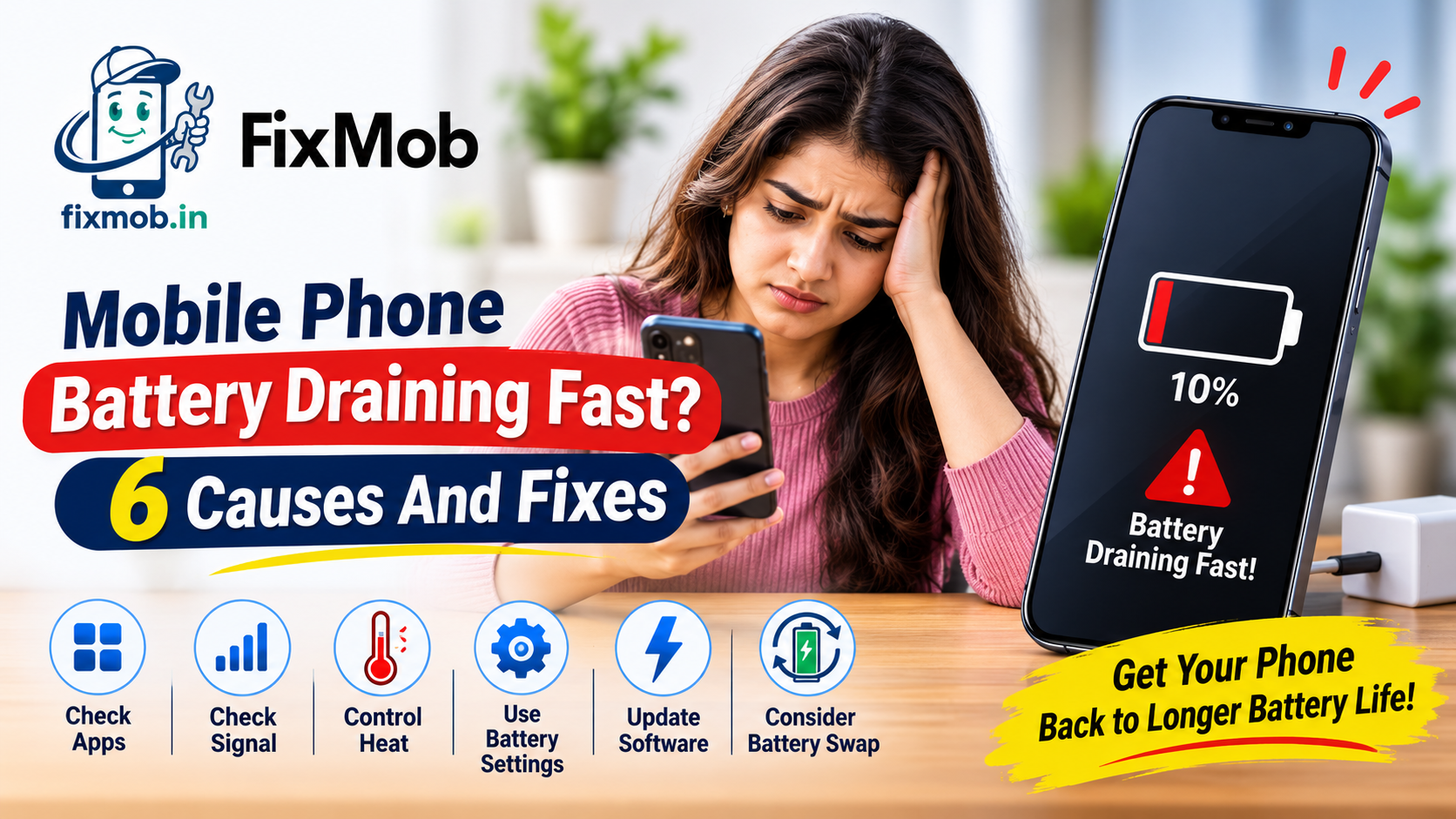
Mobile Phone Battery Draining Fast? 6 Fixes
Mobile phone battery draining fast usually traces to one of six causes, from a runaway app to a worn cell. Check Battery Health first, because below 80 percent a 30 to 60 minute swap restores a full day.
Most people jump straight to buying a new battery. Hold off for ten minutes, take a battery health reading, and work through the causes below in order. Often the fix costs nothing.
At A Glance
• Price: 1,200 to 4,500 rupees for Android, 2,900 to 5,000 rupees for iPhone 13 to 15
• Duration: 30 to 60 minutes
• Warranty: 6 months
• Payment: After the repair is done
• Areas covered: Bangalore, with free pickup and delivery
• Replace the cell when Battery Health falls below 80 percent
What Causes A Mobile Phone Battery Draining Fast?
Six culprits cover almost every mobile phone battery draining fast complaint: a heavy or stuck app, a weak signal, heat, screen settings, an update still running, and a worn cell. Only the last one needs a repair.
• A heavy or stuck app: one app keeping the processor awake can empty a charge by evening.
• A weak signal: the radio works harder in lifts, basements and crowded places.
• Heat: a warm cell loses charge faster and ages sooner.
• Screen settings: high brightness and a long timeout cost more than most people expect.
• An update still running: background tasks carry on for days after a new version installs.
• A worn battery: capacity falls with every charge cycle, and no setting brings it back.
The first five are habits and settings. The sixth is hardware. Telling them apart before you spend anything is the whole job, and the next section shows how.
Age matters too. A mobile battery draining quickly on a phone bought this year deserves a hunt for a stuck app first. On a phone that is three or four years old, the cell goes on the suspect list straight away.
How Do You Tell A Software Drain From A Worn Battery?
Look at when the charge disappears. A mobile phone battery draining fast while the phone sits idle, or right after an update, points to software. Steady daily loss with early shutdowns points to the cell.
Overnight is the cleanest test. Charge to 100 percent, leave the phone untouched on Wi-Fi for eight hours, and see where it lands. A mobile battery draining fast overnight usually means an app, because a healthy idle phone barely moves.
|
What you notice |
Likely cause |
First move |
|
Big drop overnight while idle |
A stuck app or background task |
Check per-app usage, then restart |
|
Drain began after an update |
Update tasks still finishing |
Wait a few days, then recheck |
|
Warm while doing nothing |
An app, weak signal or a failing cell |
Cool it down, restart, watch usage |
|
Shuts off at 20 to 30 percent |
Worn battery |
Read Battery Health |
|
Battery Health under 80 percent |
Worn battery |
Plan a replacement |
|
Drains only in lifts or basements |
Weak signal |
Switch to Wi-Fi or Airplane mode |
One caution on the percentage itself. Phones estimate capacity rather than measure it, so the figure can trail the real state of the cell. When what you see and what the number says disagree, believe what you see.
Can Heat And A Weak Signal Drain A Phone Faster Than You Expect?
Yes. A phone hunting for signal drives its radio harder, and a hot phone loses charge faster while slowing its own charging to protect itself. Lifts, parked cars and Bangalore traffic can trigger both without any fault in the battery.
Phones are designed to run between 0 and 35 degrees Celsius. Past that, the screen dims and charging slows. Our guide to why heat and drain travel together explains when warmth is normal and when it points to a failing cell.
A few habits keep both under control:
• Keep the phone off the car dashboard and out of direct sun.
• Take the case off during fast charging and long gaming sessions.
• Switch on Airplane mode in lifts, basements and other dead zones.
• Use Wi-Fi where you can, since it takes less power than mobile data.
None of this repairs a worn cell. It does stop heat from ageing a healthy one, and heat is the fastest way to age it.
Which Apps And Settings Drain A Smartphone Battery Fastest?
The usual suspects are the screen, background activity, and notifications that keep waking the phone. A smartphone battery draining fast almost always shows its cause on the battery page, which ranks every app, so finding the culprit takes about a minute.
That minute is the cheapest way to deal with a mobile phone battery draining fast: open the battery page, note the top three apps, and ask whether the ranking makes sense. A video app at the top is normal. A shopping app you barely open is not.
Apple’s own battery guidance for iPhone and iPad shows the labels to look for in that list: background activity, low signal, and notifications that wake the device. Android phones show a similar per-app list under Settings, then Battery.
Here is how to act on what you find:
• Background activity: an app playing audio or tracking location while closed. Restrict it or remove it.
• Low signal: the phone spent hours searching for coverage. Use Wi-Fi or Airplane mode.
• Notifications: an app waking the screen all day. Turn its alerts down.
• Screen: lower the brightness and shorten the timeout.
On iPhone 12 and later, 5G Auto lets the phone drop to LTE when 5G adds nothing, which saves power. Low Power Mode is a decent stopgap too, and it switches itself off once you charge past 80 percent.
If nothing stands out and the phone still empties fast, the evidence points back at the cell.
Is It The Battery Or The Charging Port?
A mobile phone battery draining fast is a different fault from a phone that will not charge. Drain means power leaves too quickly. A charging fault means power never gets in properly, and slow or on and off charging usually points at the cable or port.
If charging is the real problem, our phone not charging diagnosis tests the cable, adapter and port in the right order. Swap one part at a time, otherwise you cannot tell which one made the difference.
A quick rule helps while you sort it out:
• The percentage climbs normally but falls fast: suspect the cell.
• The percentage crawls, stalls, or needs the cable held at an angle: suspect the cable or port.
• Nothing charges on any cable or socket: suspect the port or the board.
Do Charging Habits Change How Fast A Battery Ages?
Yes, though less than heat does. Keeping the charge between about 20 and 80 percent where practical, using optimised or adaptive charging overnight, and avoiding repeated runs to zero all slow the wear on a lithium cell.
Small changes add up:
• Turn on optimised charging so an overnight top up finishes near your alarm.
• Use a certified charger and cable, because cheap adapters tend to run hot.
• Save fast charging for the days you need it, and take the case off when you do.
• Never charge the phone under a pillow or blanket.
Habits slow the decline. They do not reverse it. Once capacity falls below roughly 80 percent, a fresh cell is the only real fix, and that stays true whatever charger you buy.
How Much Does A Battery Replacement Cost In Bangalore?
Typical Android replacements run 1,200 to 4,500 rupees, and an iPhone 13, 14 or 15 costs about 2,900 to 5,000 rupees at an independent repairer. Your exact model and the grade of the cell set the final figure.
Model by model figures sit in our iPhone new battery price guide, and the table below gives the short version.
|
Phone |
Typical price at an independent repairer |
What moves the price |
|
Android handsets |
1,200 to 4,500 rupees |
Brand, model and cell grade |
|
iPhone 13 |
2,900 to 4,200 rupees |
Adhesive-sealed cell, more bench time |
|
iPhone 14 and 15 |
3,800 to 5,000 rupees |
Recent model, tighter supply |
These are ballparks, not a price list. Ask which cell grade is going in, get it in writing, and be suspicious of a quote far under the rest. Copy cells fade fast and can bulge.
FixMob fits genuine or high quality compatible cells. The swap takes 30 to 60 minutes at your door, you pay after the repair, and the work carries a 6 month warranty.
A replacement is worth it when:
• Battery Health is below 80 percent
• The phone shuts down while it still shows 20 percent or more
• It runs warm while idle
• The back panel or screen lifts at one edge, which is urgent: stop charging, switch it off, and keep it cool
Sitting at 85 percent or above? A new cell would barely change your day, so spend the money elsewhere.
How Do You Stop The Drain Step By Step?
Work in this order and stop the moment the drain stops. To fix a mobile phone battery draining fast, change one thing at a time so you know what worked, and finish by reading Battery Health.
1. Restart the phone, then install any pending system and app updates.
2. Open the battery page and note the top three apps by usage.
3. Restrict or uninstall any app that owns most of the day.
4. Lower brightness, shorten the screen timeout, and use Wi-Fi where you can.
5. Run the overnight test: full charge, Wi-Fi on, phone untouched for eight hours.
6. Read Battery Health. Below 80 percent, book a replacement.
If step five loses only a few percent, the problem was usage and you are done. If the phone still falls hard overnight with everything trimmed, a factory reset is the last software option. Back up first, because a reset wipes the phone.
Booking online takes about two minutes. On the day, the technician first confirms the cell is really the problem, settles the price before the back panel comes off, and fits the new battery while you watch.
Frequently Asked Questions
Why is my mobile battery draining quickly after an update?
The update’s follow-up tasks are probably still running, and Apple suggests waiting a few days before judging. If a mobile battery draining quickly continues past that, check app usage and Battery Health.
Does fast charging wear the battery out?
Fast charging adds heat, and heat ages a cell. If you already have a mobile phone battery draining fast, switch to slower overnight charging and keep the phone out of hot spots.
Can a factory reset fix battery drain?
Sometimes, when software is the cause, but back up first. If the drain returns within days, the cell is worn and the reset only delayed the swap.
Is it safe to keep using a swollen battery?
No, stop charging it, switch it off, and keep it somewhere cool until a technician can replace the cell. A swollen battery can leak and, in rare cases, catch fire.
Will a new battery erase my data?
No, a battery swap is a hardware job and does not touch your storage. Back up before any repair anyway.
How long does a battery replacement take?
Usually 30 to 60 minutes at your door. You pay only after the repair, and the work carries a 6 month warranty.
Ready To Get Your Battery Checked At Home?
Run the overnight test tonight and read Battery Health in the morning. If the number is under 80 percent, or the phone still cannot last a day, book a doorstep battery check with FixMob. Tell the technician you have a mobile phone battery draining fast, and the cell gets tested before anything is quoted.
Expert advice
|
Mobile phone battery draining fast? Work through six common causes in order, from stuck apps and weak signal to a worn cell, run a simple overnight test, and learn when a 30 to 60 minute battery swap in Bangalore is worth it. |
Serving Bengaluru, Karnataka.