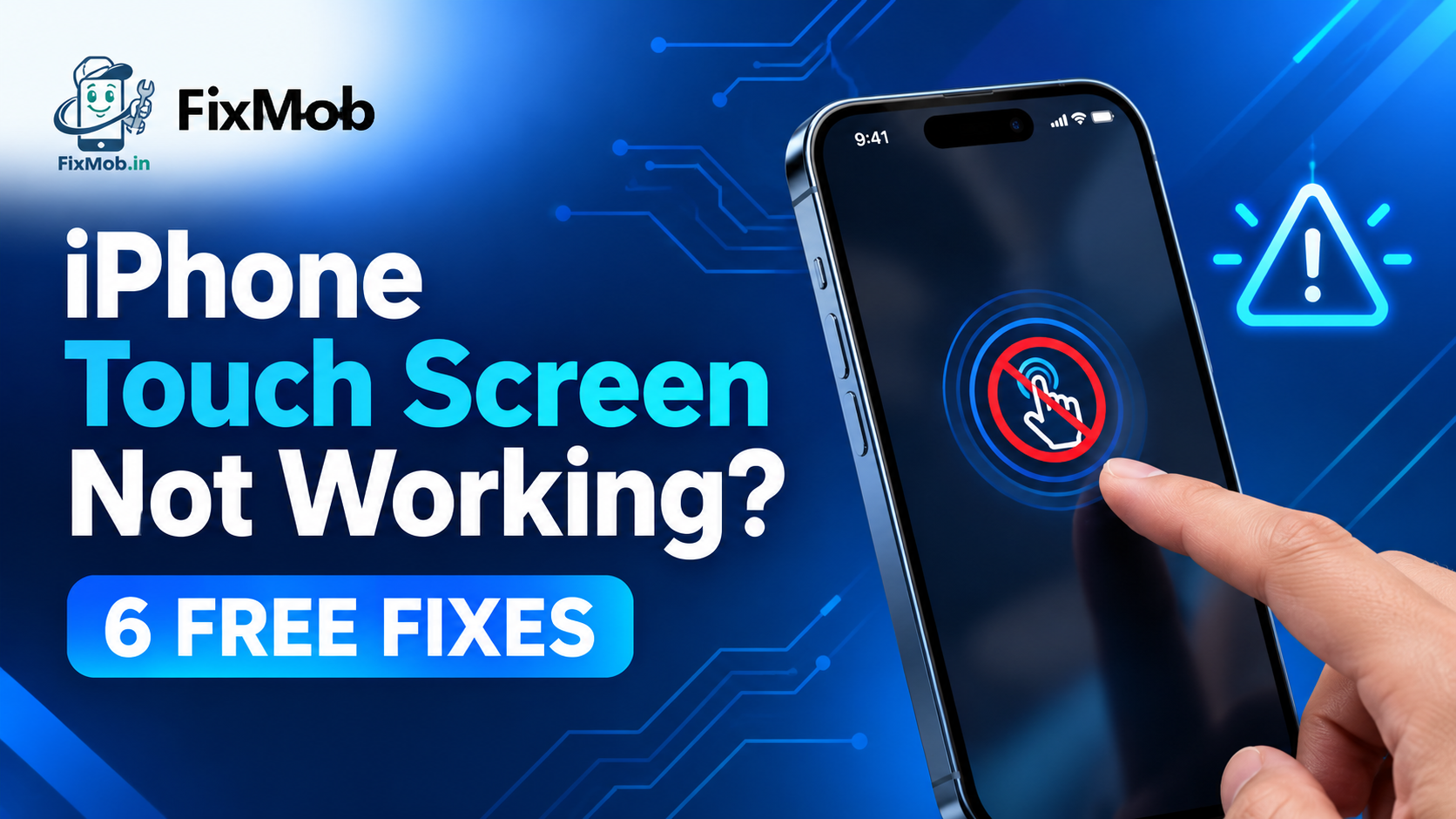
iPhone Touch Screen Not Working? 6 Free Fixes
Why Is Your iPhone Touch Screen Not Working? Fix It Fast
An iPhone touch screen not working is usually caused by a software freeze, a dirty screen, a bad accessory or a damaged display. Run the free checks below first, and if they fail, a doorstep display swap takes 30 to 60 minutes.
An iPhone touch screen not working is usually caused by a software freeze, a dirty screen, a bad accessory or a damaged display. Run the free checks below first, and if they fail, a doorstep display swap takes 30 to 60 minutes.
Your iPhone buzzes with a call, the screen glows, and nothing you tap responds. This guide sorts causes by symptom, lists the free checks to run first, and explains how a screen that taps by itself differs from one that ignores you.
At A Glance
• Duration: 30 to 60 minutes for a common doorstep display swap
• Warranty: 6 months on the repair
• Payment: Pay after service, once the phone passes your test
• Coverage: Doorstep across Bengaluru, with pickup and delivery
• Six free checks fix most cases before any repair is needed
What Makes A Screen Stop Responding To Touch?
An iPhone touch screen not working usually comes down to five causes: a software freeze, a dirty or wet screen, a bad charger or accessory, a thick protector or case, or a damaged display. The first four cost nothing to rule out.
Your screen senses a fingertip by reading tiny changes in an electrical field across a grid under the glass. Anything that disturbs that field can confuse it, which is why moisture and cheap chargers cause so many false alarms.
• Software freeze: a glitch after an update or a stuck app locks out input
• Moisture or grime: sweat, sunscreen and water droplets read as phantom touches
• Charger noise: a cheap adapter pushes electrical interference into the touch layer
• Protector or case: a thick, lifted or misaligned layer blocks light taps
• Damaged display: a drop or pressure breaks tracks in the touch grid
Where the problem shows up is a useful clue. A phone that ignores you in one app points to that app, while an iPhone screen not responding to touch everywhere points to the system or the panel.
Which Free Checks Should You Try First?
Six free checks fix most cases of an iPhone touch screen not working: force restart, clean and dry the glass, unplug accessories, strip the case and protector, cool the phone, then update from a computer. Each takes under five minutes.
Apple’s own support page lists four of these steps before it points you to service, and Apple’s guidance for a screen that isn’t working is short enough to read in a minute.
1. Force restart. On an iPhone 8 or later, press and release Volume Up, press and release Volume Down, then hold the Side button until the Apple logo appears. No touch needed.
2. Clean and dry. Wipe the glass with a dry microfibre cloth and dry your fingers. Damp skin gives erratic input on any phone.
3. Unplug everything. Remove cables, battery packs and headphones, then try a different charger and wall socket.
4. Remove the case and protector. Test the bare glass for ten minutes, because a lifted protector traps moisture and blocks taps.
5. Cool the phone. A handset left in sun or a hot car can misread touches. Let it rest in shade, then retry.
6. Update from a computer. Connect to a Mac or PC and check for an iOS update. Skip this if you cannot tap the Trust prompt.
If the screen responds after any step, stop there. You have found the cause and saved a repair.
What Does Your Symptom Tell You?
Match the symptom to the likely cause before you spend anything. An iPhone touch screen not working only in one corner usually points to a damaged panel, while a screen that fails only on charge points to the adapter. The table pairs six symptoms with a first test.
|
Symptom |
Likely cause |
First test |
Usual route |
|
Whole screen ignores you |
Freeze, moisture or failing panel |
Force restart, then dry the glass |
Display check if it persists |
|
One strip or corner is dead |
Damaged touch grid |
Draw a line along every edge in Notes |
Display replacement |
|
Fails only while charging |
Noisy charger or cable |
Try another adapter and socket |
New charger, no repair |
|
Taps land in the wrong place |
Warped protector or damaged digitizer |
Remove the protector and retest |
Display replacement if it continues |
|
Stopped after water or a drop |
Moisture or impact damage |
Power off and do not charge |
Diagnosis, possibly board work |
|
Fails in one app only |
App bug |
Update or delete the app |
No repair needed |
Before you book anything, FixMob’s guide to display faults and quick home tests adds a screenshot test and an eight-point handover checklist that work on any phone.
Why Is Your Screen Not Working But The Phone Is On?
When an iPhone screen not working but phone is on is the complaint, the phone is alive but the picture or the touch is not reaching you. Sound, vibration and calls prove the board is running, which narrows the fault to the display, its cable or a stuck software state.
Four quick signs show the phone is awake behind a dead screen:
• It rings or vibrates when someone calls you
• A paired Apple Watch still shows notifications
• Siri answers when you say “Hey Siri”
• A computer detects the phone when you plug it in
A black display with a faint glow is the classic version of an iPhone display not working but phone is on.
Hold the phone in a dark room and look for a faint picture. On LCD models that often means a backlight or cable fault, while an OLED that stays black points to the panel or its connector.
Repeated force restarts will not repair a failed panel, so do not loop them. Two attempts are enough. After that, the fault is in hardware, and a technician needs to open the phone to confirm which part has failed.
To rescue photos before a repair, say “Hey Siri, turn on Voice Control”. You can then open Settings and start an iCloud backup by voice, provided the display still shows an image.
Should You Repair Or Replace A Failing Display?
Repair makes sense for most out-of-warranty iPhones, because a new display restores touch without touching your data and a doorstep job takes 30 to 60 minutes. Replace the phone only when the board is damaged or the repair costs more than the phone is worth.
Diagnosis decides everything. A good technician confirms whether an iPhone touch screen not working traces to the panel, the cable or the board before quoting. A touch controller chip fault is a board-level job, and FixMob says complex board repairs can take two to four hours.
Part grade matters too. Our comparison of original and compatible mobile screens explains the trade-offs in touch response and brightness. On newer iPhones, a non-Apple display can trigger a note in Settings and may lose True Tone.
FixMob is an independent repairer and is not affiliated with Apple. It has repaired more than 10,000 devices, backs each job with a 6-month warranty, and asks you to pay only after the repair.
Prices vary by model and part grade, so ask for a written quote that names the grade before the phone is opened.
Apple, Walk-In Or Doorstep: Which Repair Route Fits?
Choose Apple while the phone is under warranty or AppleCare, a walk-in counter for quick jobs near home, and a doorstep technician when you want to watch the swap. The right route depends on warranty status and the fault, not on which listing appears first.
|
Route |
Best for |
Watch out for |
|
Apple or an authorised provider |
Phones under warranty or AppleCare |
Appointments and whole-part quotes |
|
Walk-in counter |
Simple jobs close to home |
Phone left overnight, vague invoices |
|
Doorstep technician |
Display swaps you want to watch |
Faults that need bench time |
Our guide to choosing an iPhone service centre in Bangalore compares costs and lists the questions to ask before anyone opens your phone.
How Do You Book A Doorstep Repair In Bangalore?
When free checks cannot fix an iPhone touch screen not working at home, book a doorstep repair in five steps and expect the swap to take 30 to 60 minutes on most models.
1. Note the model and symptom. Check Settings, General, About, and record a short video of the fault.
2. Back up if you can. If iCloud Backup was already on, a recent copy may exist. A display swap does not touch storage.
3. Pick the service. Choose screen replacement on the FixMob booking page and add your area.
4. Watch the swap. The technician confirms the fault, names the part grade and replaces the display in front of you.
5. Test before paying. Draw along every edge, pinch to zoom, rotate the phone and open the camera. Pay once everything passes.
Frequently Asked Questions
Why Is My iPhone Screen Not Working But Phone Is On?
The board is running, but the display, its cable or a software state is failing. Try a force restart, then ask for a display check if the screen stays black.
Is A Dead Screen The Same As A Dead Phone?
No. In most cases of an iPhone touch screen not working, the board is fine and only the display or a software state has failed, so calls and vibration usually still work.
Will A Display Replacement Erase My Photos And Data?
No. Swapping the display leaves storage untouched and FixMob promises full data privacy, though a backup beforehand is still sensible.
How Long Does An iPhone Display Replacement Take?
Most doorstep display swaps finish in 30 to 60 minutes. Board-level faults can take two to four hours because diagnosis comes first.
Can A Screen Protector Stop My iPhone From Responding?
Yes, a thick, lifted or badly fitted protector can block touch input. Peel it off and test the bare glass for ten minutes before booking anything.
Is FixMob Affiliated With Apple?
No. FixMob is an independent repairer, not affiliated with or endorsed by Apple, and you pay only after the work, which carries a 6-month warranty.
Where Do You Go From Here?
If the free checks fail, stop tapping and book a doorstep display repair with FixMob. Tell the technician your model and symptom, then pay only after the new screen passes your own touch test. The sooner an iPhone touch screen not working problem is checked, the less likely a hairline crack is to spread.
- checks Apple lists before it points you to service source
- typical on-the-spot repair time for common faults source
- warranty on every FixMob repair source
Serving Bengaluru, Karnataka and nearby: JP Nagar, Bangalore, BTM Layout, Bengaluru, Jayanagar, Bengaluru, HSR Layout, Bengaluru, Koramangala, Bengaluru.