Display Repair Near Me: Doorstep Fixes In Bangalore
It usually starts with one thin green line. Maybe the phone slid off the sofa last week, or maybe it just woke up like that after an update. You restart it. Nothing changes. So you open a browser and type display repair near me on the same glass that’s now misbehaving.
Then you scroll through twenty listings that all say the same thing. Here’s the catch: “display problem” isn’t one problem. A line, a black blot and a dead patch of touch come from different parts of the screen, and they don’t cost the same to fix.
This guide will help you work out which one you’ve got, what you can test for free, and how to check the work before any money changes hands.
The Quick Answer
• Lines, ink blots and dead touch usually mean the panel itself needs replacing.
• If a screenshot shows no line, the fault is in the hardware.
• The panel type has to match your model, and the grade changes the result.
• Test touch, brightness and fingerprint in front of the technician before paying.
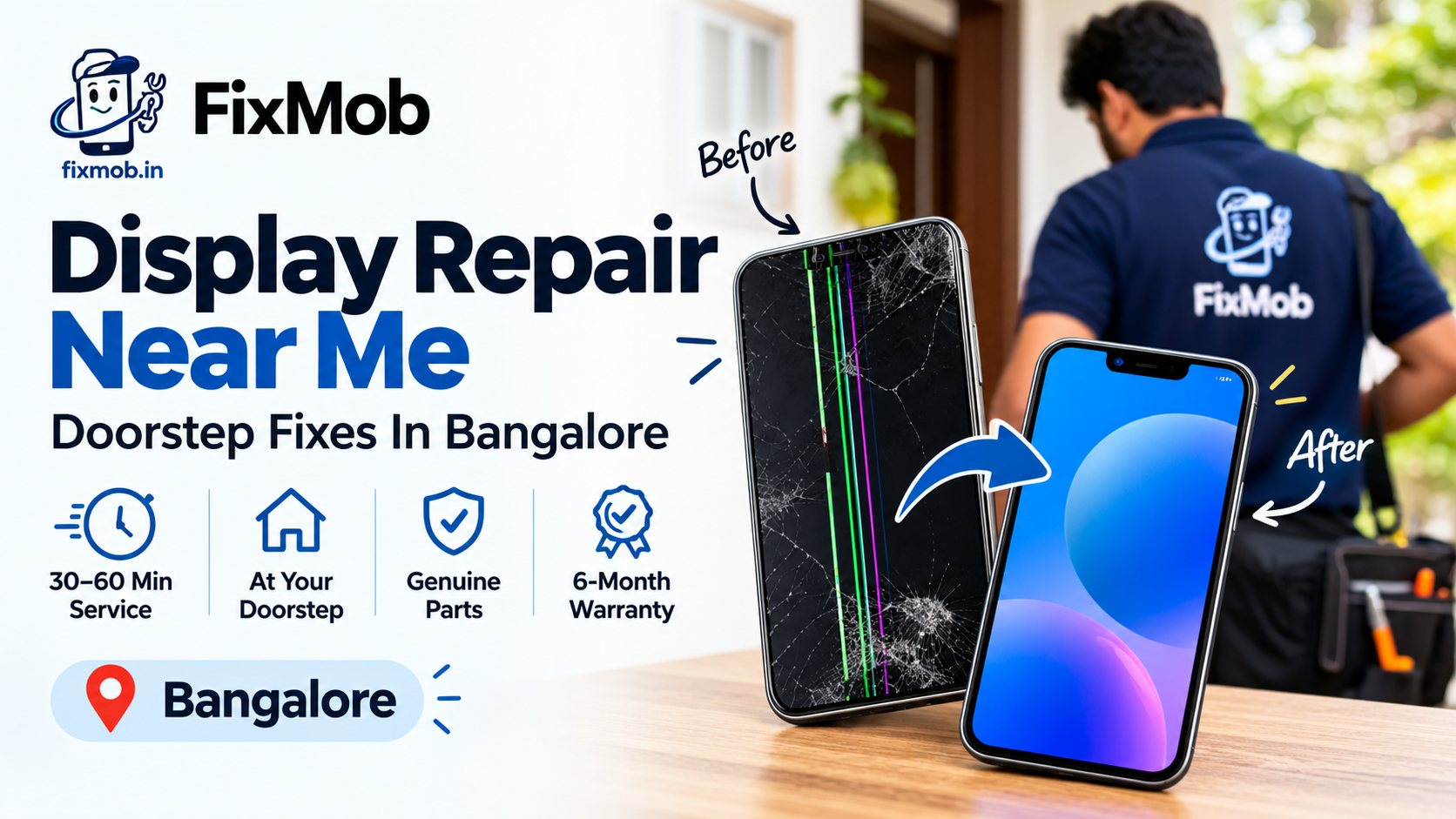
• Doorstep display repair usually takes 30 to 60 minutes on common models.
What Actually Fails Inside A Phone Display?
A phone screen is a sandwich: cover glass on top, a touch grid under it, the panel that makes the picture, and a thin flex cable that feeds it all to the board. Lines, blots and dead touch each come from a different layer, so a proper diagnosis has to come before any quote.
On most phones from the last few years, those layers are bonded together. If one fails, the whole assembly comes out. That’s why two shops can quote the same phone thousands of rupees apart, and why anyone offering mobile display repair near me needs to tell you which layer actually died.
|
Layer |
What it does |
What failure looks like |
|
Cover glass |
Takes the knocks |
Cracks and rough edges, picture and touch still fine |
|
Touch grid |
Senses your finger |
Dead zones, phantom taps, jumpy input |
|
Panel (LCD or OLED) |
Makes the picture |
Lines, ink blots, patches, flicker |
|
Flex cable |
Carries the signal to the board |
Black screen while the phone still rings |
Find your row and you already know what to ask. A phone with a cracked corner and a perfect picture is a very different job from one with a blot that’s slowly spreading, even if both turn up in the same plastic bag.
Which Display Faults Can You Test For Free At Home?
Before you book display repair near me, spend ten minutes on five free tests: take a screenshot, restart, try safe mode, peel off the screen protector and swap the charger. Together they tell you whether the fault is software or hardware, and they cost nothing.
1. Screenshot it. Capture the screen while the line or patch is showing. A screenshot only copies what the software drew, so if the line isn’t in the picture, the problem is in the panel or the cable.
2. Restart. A stuck display driver clears more often than you’d think.
3. Safe mode. If the fault vanishes there, an app is the culprit and you don’t need a repair.
4. Protector off. A lifted tempered glass can trap moisture and fake a fault.
5. Different charger. A cheap adapter can push electrical noise into the touch layer.
On a Samsung Galaxy, you can dial *#0*# in the phone app to open built-in colour test screens. If a line stays put on solid red, green and blue, it’s hardware.
If your problem is taps you never made, our guide to ghost touch on a phone screen covers the charger and safe mode checks properly. And take a short video of the fault before you talk to anyone. It saves diagnosis time and keeps everyone honest.
What Do Lines, Ink Blots And Flicker Mean?
Coloured lines and ink blots almost always mean the panel is damaged and has to be replaced. Flicker and half-black screens can come from a loose cable instead, so a decent technician checks the connector first, before quoting you for a whole new display.
iFixit’s troubleshooting guide says green or purple lines are common on damaged OLED screens and point to an electrical fault inside the panel. It also notes that lines tend to start at the spot where the damage happened.
Laser repair exists for some line faults, but it’s pricey and hard to find, so replacement is usually the better bet. You can read the details in iFixit’s guide to lines on a Samsung screen.
Anyone offering phone display repair near me should be able to point at a row in this table and say why they think it’s yours.
|
What you see |
Likely cause |
Usual route |
|
One coloured vertical line |
Damaged OLED columns or a loose cable |
Connector check, then new panel |
|
Dark ink blot that keeps growing |
Failed OLED area after a drop or pressure |
New panel |
|
Flicker at low brightness |
Panel or connector fault |
Connector check, then panel |
|
Washed-out or uneven patches |
Worn or damaged panel |
New panel |
|
Dead strip of touch |
Damaged touch grid |
Full display replacement |
|
Black screen, phone still rings |
Cable, connector or panel |
Diagnosis first |
Ink blots are the ones I’d rush. They start small and creep outward with heat and daily use, so the cheapest day to fix one is the day you spot it.
Which Replacement Panel Should You Ask For?
Ask for the panel by grade, not just by price. The panel type has to match your model, so an OLED phone needs an OLED panel, and the real choice is between original quality and compatible. Grade decides brightness, touch feel, refresh rate and how the in-display fingerprint reader behaves.
A suspiciously low price on display repair near me usually means a budget panel. So ask for the grade in plain words and get it written on the invoice.
Some shops also put a cheaper LCD into a phone that was built for OLED. It works, but blacks look greyer and the battery can drain a bit faster.
|
Grade |
Picture and brightness |
Touch and refresh rate |
Fingerprint sensor |
Best for |
|
Original quality |
Closest to the factory screen |
Matches the phone’s native rate |
Works as designed |
Daily drivers and flagships |
|
Premium compatible |
Slightly lower brightness is common |
Smooth for everyday use |
Usually works, so test it |
Mid-range phones |
|
Budget copy |
Dim or tinted colours |
May drop to a lower refresh rate |
Often fails |
Spare phones only |
Our comparison of original and compatible mobile screens goes deeper on the trade-offs. One thing from our own fingerprint guide is worth repeating here: a cheap panel is the top reason a fingerprint reader stops working after a repair. If you unlock with your thumb on the screen, spend a little more on the grade.
How Do You Test A New Display Before You Pay?
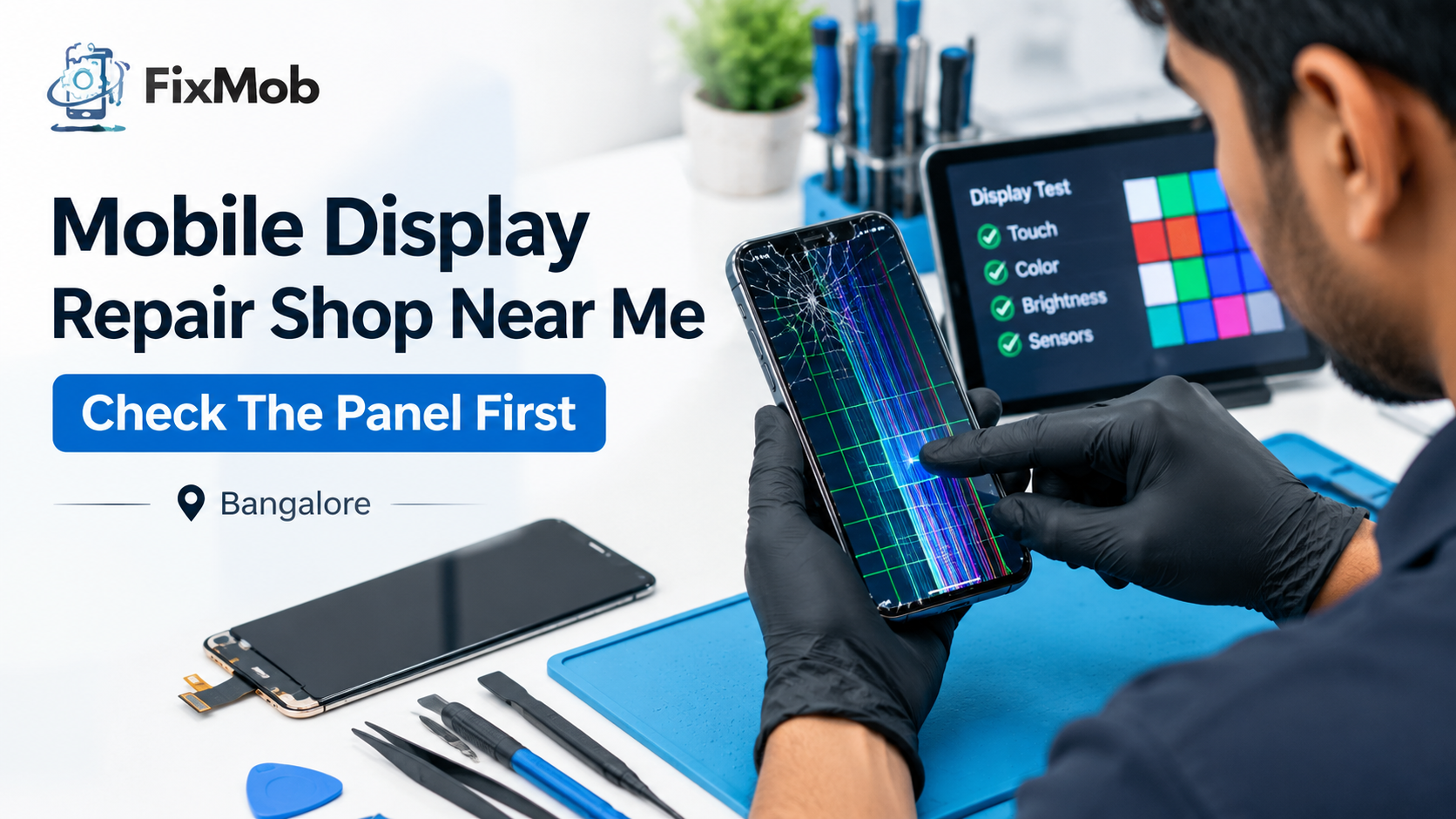
Run an eight-point check while the technician is still standing there: full white, full black, brightness, touch across the grid, multi-touch, rotation, front camera plus proximity, and fingerprint. It takes about five minutes and settles most arguments before they start.
1. Full white: open a blank white page. Look for a yellow tint, dark corners or dead pixels.
2. Full black: open a black image, ideally with the lights dimmed. Check for glow, blots or lines.
3. Brightness: slide it from lowest to highest and watch for flicker.
4. Touch grid: draw slowly in every corner and along every edge.
5. Multi-touch: pinch and zoom a photo with two fingers.
6. Rotation: turn the phone and see whether the picture follows without lag.
7. Front camera and proximity: take a selfie, then hold the phone to your ear on a call.
8. Fingerprint: delete the old print and enrol it again.
Any display repair near me visit should finish with all eight passed in front of you. “Looks fine to me” from the technician isn’t a test. If you’d like a wider checklist for choosing a shop in the first place, our phone screen repair guide covers quotes, warranty and payment too.
How Long Does Display Repair Take And What Affects The Price?
Most display replacements at your door take 30 to 60 minutes. The price depends on your exact model, the panel type, the panel grade and any extra damage, so a firm number only arrives once the technician has seen the fault and found the part.
|
Fault |
Typical route |
Time |
|
Cracked display, everything else normal |
Full display replacement |
30 to 60 minutes |
|
Coloured lines or ink blots |
Full display replacement |
30 to 60 minutes |
|
Flicker or black screen |
Connector check, then panel if needed |
Often the same visit |
|
Liquid damage or no power |
Board-level diagnosis first |
Longer, quoted after inspection |
Four things push a quote up: curved edges, an in-display fingerprint sensor, a newer or rarer model, and an original-quality panel. Our own guides show how wide the spread gets. Optical in-display panels run from roughly 4,000 to 15,000 rupees across Bangalore.
When you compare mobile screen repair near me quotes, line them up on the same grade and the same warranty. A lower number that hides a budget panel isn’t really lower.
When Does Doorstep Display Repair Make Sense?
For most cracked, lined or unresponsive screens on out-of-warranty phones, it makes a lot of sense, because you watch the swap and test it on the spot. It’s a poor fit for foldables, liquid damage and in-warranty manufacturing faults.
Quick disclosure: FixMob is an independent repairer. We’re not affiliated with or endorsed by Samsung, Apple or any other phone maker. We use genuine and high-quality compatible parts, give a 6-month warranty on the part we fit, and you pay after the repair, not before.
Skip the doorstep visit if:
• Your phone is under warranty and shows no sign of impact
• You own a foldable and the inner screen has failed
• The phone has been underwater
If a green line showed up with no drop behind it, call the brand first. Some manufacturers have run free or discounted screen replacement programmes for line faults on particular models, and one phone call is the cheapest way to find out.
We cover Koramangala, HSR Layout, Indiranagar, Whitefield, Electronic City and Rajajinagar, plus plenty more, from 9am to 10pm every day. Have a look at the full list of repair services to see what else we fix besides displays.
Frequently Asked Questions
Can a green line on my screen be fixed without a new display?
Rarely, because laser repair is costly and hard to find, so replacement is the usual fix. Check the connector first, since a loose cable can fake a panel fault.
Is display repair the same as screen replacement?
On most modern phones, yes, because the glass, touch grid and panel are bonded together and swapped as one. Glass-only jobs exist for a few models.
Why is my screen black when the phone still rings?
The phone is running but the picture isn’t reaching you. A loose display cable, a failed panel or a dead backlight is the usual cause, so ask for a connector test first.
Will display repair erase my photos and data?
No, because swapping the display leaves your storage untouched and the phone stays in front of you. A quick backup beforehand is still a sensible habit.
How do I know the new display is good quality?
Use the eight-point test at handover and ask which grade went in. Any display repair near me that names the grade, tests with you present and gives a written warranty is behaving properly.
What does the 6-month warranty cover?
It covers eligible faults tied to the replaced display. It doesn’t cover a fresh crack, drops or liquid damage after the repair, so read the terms and keep your invoice.
Is It Time To Book Display Repair Near Me?
If your free tests point at the panel, yes. Note down your symptom, ask for the panel grade, and plan to run the eight-point check when the phone comes back. Do those three things and the repair stays honest and the price stays clear.
When you’re ready, book a doorstep display repair with FixMob, pick your brand and model, and pay once the job’s done. The best display repair near me is the one that ends with a phone you’ve tested yourself.