Phone Charging Port Repair In Bangalore: Clean, Fix Or Replace?
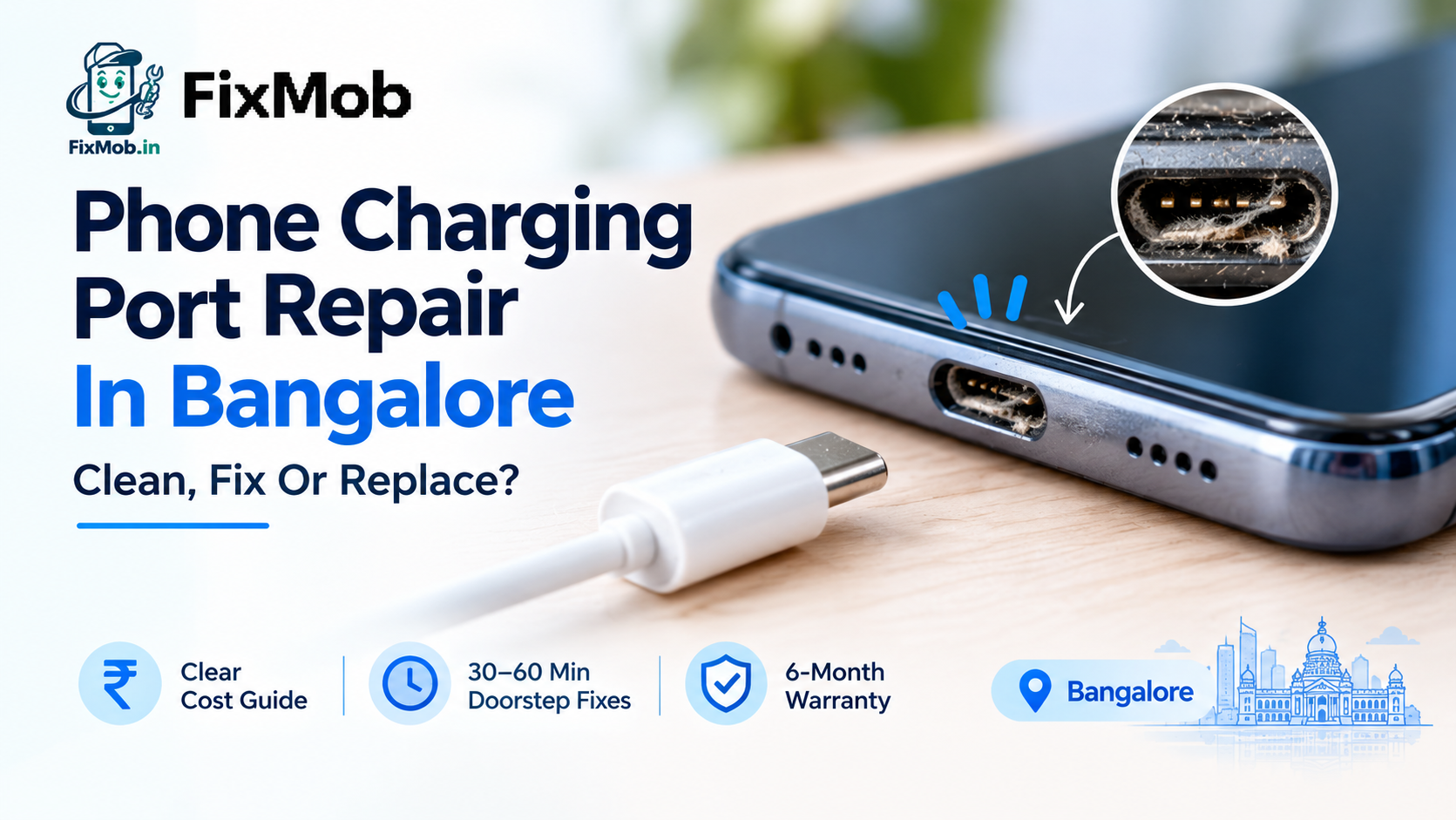
Your phone only charges when the cable sits at one odd angle. Or it charges for ten minutes, drops out, and you wake up to 14 percent. Either way, a worn or clogged port is the likely culprit, and phone charging port repair is one of the quicker jobs a technician handles.
This guide covers how to tell if the port is really the problem, what you can safely try at home, what the bill depends on, and how a repair works in Bangalore without your phone disappearing for a week.
Quick Answer
• Most fussy ports come down to lint, a tired cable, or a worn connector.
• A gentle clean with a wooden toothpick fixes more phones than you would expect.
• Price depends on your model, the damage, and how the port is attached.
• Common port jobs finish in 30 to 60 minutes at the doorstep.
• Get the estimate and the warranty terms before you approve the work.
How Do You Know You Need Phone Charging Port Repair?
You need phone charging port repair when a known good cable and charger still charge slowly, only at certain angles, or not at all, and the port looks clean. The same symptoms can also come from a worn cable or a tired battery, so test those first.
These are the signs that show up most often:
• The cable feels loose and slips out with a small nudge
• Charging starts and stops whenever you touch the phone
• The screen says “charging” but the percentage barely moves
• A moisture or liquid warning appears even though the phone is dry
• The metal contacts inside look bent, dark, or greenish
A charging port that doesn't work at all is the biggest complaint, but the silent symptoms are equally important. A phone that won't charge in any orientation is often the next step, and a port that only functions when you wedge the cord sideways is wearing out its pins.
Is it the battery, the cable, or the port?
Since a frayed cable is the most frequent cause of false alarms, run the cable and adapter through a second phone first. The chart below indicates where to go next if those work elsewhere and your phone continues to have issues.
|
What you notice |
Most likely cause |
What to try |
|
Works only at one angle |
Worn port pins or packed lint |
Gentle clean, then inspection |
|
Charges on one cable but not another |
Damaged cable or adapter |
Replace the cable |
|
Charges slowly with every cable |
Dirty port or ageing battery |
Clean, then a battery check |
|
Phone dies fast and charges fine |
Battery wear, not the port |
Battery replacement |
|
Nothing happens at all |
Dead port, board fault, or liquid damage |
Book an inspection |
Observe how frequently the port is not at fault. Even if that means selling you a smaller work than you anticipated, a good technician will tell you so. Before every part is ordered, a thorough inspection is conducted since honesty is more valuable than a hasty upsell.
Is It Possible to Clean the Charging Port on Your Own?
Sure, if you're kind. After turning off the phone, remove the packed lint from the port using a wooden toothpick or a gentle brush. Metal pins, needles, and liquids should never be used since they can shorten or deform the contacts.
Before you grab the toothpick, rule out the cheap suspects:
• Try a different cable, ideally one you know works on another phone
• Try a different adapter and a different wall socket
• Plug into a laptop to see if the phone responds at all
• Restart the phone, since a software hiccup can stall charging
Pocket lint is the usual villain. It packs into the port a little more every day until the cable cannot reach the contacts. If a clean brings nothing back, move on to phone charging port repair instead of poking around harder, because every extra scrape risks bending a pin.
A few small habits keep the problem from coming back:
• Pull the cable out straight, holding the plug and not the wire
• Keep loose coins, keys, and sand out of the pocket your phone lives in
• Avoid charging while the phone is being used for long video calls or games
• Swap out any cable that has a bent or wobbly connector
Cheap, loose-fitting cables deserve a special mention. A plug that wiggles inside the port wears the contacts faster than any pocket ever will, so a decent cable is a small price for a longer-lasting port.
How Much Does Charging Port Repair Cost In Bangalore?
Charging port repair cost depends mostly on your phone model and what is actually wrong. A cleaning is the cheapest outcome, a port or sub-board swap costs more, and a port soldered to the main board costs the most. A written estimate before work starts removes the guesswork.
|
Type of fix |
What happens |
Relative cost |
Usual time |
|
Cleaning and pin check |
Lint removed, light pin straightening |
Lowest |
Under an hour |
|
Port or sub-board swap |
New port assembly fitted |
Moderate |
30 to 60 minutes |
|
Soldered port on the main board |
Micro-soldering at board level |
Highest |
Often 2 to 4 hours |
We have not printed a single rupee figure here on purpose. Phones differ too much for a flat number to mean anything, and a shop that quotes one price for phone charging port repair before it has seen your handset is guessing.
FixMob works the other way round. The technician inspects the phone, gives you the estimate, and starts only after you say yes. Their transparent pricing policy explains how that works.
What Affects Mobile Charging Port Replacement Cost?
Mobile charging port replacement cost moves with four things: your phone model, the part itself, how the port is attached, and any damage found underneath. Sealed flagship bodies take longer to open, and rare models can mean waiting on a part.
Here is what pushes the price up or down:
• Model and age. Popular models have plenty of parts in stock. Older or less common ones may need ordering.
• Port design. A port on a small sub-board swaps almost like a plug. One soldered to the main board needs a steady hand and proper equipment.
• Liquid or corrosion. Green residue means the damage may reach past the port itself.
• Part quality. A bargain port can loosen within months. Ask which grade is going in.
A new port will not help if the battery is the real problem. That is why diagnosis comes before any part is ordered, and FixMob’s charging port repair service starts with it: the technician cleans, repairs, or replaces the port depending on what the inspection shows.
Should You Choose Doorstep Repair Or A Walk-In Shop?
Doorstep service suits you if you cannot spare half a day in Bangalore traffic, because most phone charging port repair jobs wrap up in 30 to 60 minutes at home. A walk-in shop works if one sits nearby and you are happy to wait.
|
Option |
Where it happens |
Wait |
Worth knowing |
|
Doorstep technician |
At your home or office |
Same day, usually under an hour |
You pay after the service is done |
|
Pickup and delivery |
Workshop, then back to you |
Longer than on the spot |
Suits tougher jobs that need a controlled setup |
|
Walk-in shop |
Their counter |
Depends on stock |
Ask for the part grade in writing |
Whichever route you pick, ask the same three questions: what part is going in, what the warranty covers, and what the final price will be. Our checklist for choosing a mobile repair shop walks through each one in plain terms.
Will Repair Affect Your Warranty And Data?
If your phone is still inside the manufacturer’s warranty, a third-party repair can affect that cover on some brands, so check the terms first. Your data is normally untouched by a port repair, but back up before anyone opens the phone.
The government’s Right to Repair India portal lists customer care contacts and warranty details for major brands, which is a quick way to confirm where your phone stands.
Before you hand the phone over:
• Back up photos, contacts, and chats
• Take a quick photo of any existing scratches or cracks
• Remove the case and note whether the phone has been near water recently
• Ask to see photos or video of the finished work before you pay
After the repair, FixMob backs eligible work with a 6-month warranty. New physical or liquid damage after the service is generally not covered, so read the repair warranty terms before you book.
How Does A Charging Port Repair Visit Work?
A typical phone charging port repair visit has four steps: you book, the technician inspects and quotes, the repair happens, and you pay once you are satisfied. Nothing gets billed before the work is finished.
1. Pick your brand, model, and the Charging Port Repair service on the booking page.
2. The technician checks the port, the cable path, and the battery, then shares the estimate.
3. Once you approve, the repair is done on the spot. Most port jobs take 30 to 60 minutes.
4. The technician tests charging, shows you photos or video of the result, and you pay.
If the inspection finds something deeper, such as a board-level fault, you hear about it before any extra work begins. That is the difference between a quote and a surprise.
Frequently Asked Questions
How much time does it take to fix a charging port?
The majority of charging port tasks are completed in 30 to 60 minutes. After examining the phone, the technician will determine which of the deeper board-level issues applies, which can take two to four hours.
Is it worthwhile to fix an older phone's port?
In most cases, the answer is yes, as fixing a phone's charging port is far less expensive than buying a new phone. Get an estimate first and make a decision whether the remainder of the phone is still functional.
Is it possible to repair a charging port without having to replace it?
Occasionally, when a bent pin or lint causes the problem. Replacing the contacts is a reliable solution if they are rusted or damaged.
Why is my phone not charging even with a new cable?
The port may be packed with lint, its pins may be worn, or the battery may have stopped accepting charge. A technician can test all three in one short inspection.
Does a charging port repair delete my data?
No, a port repair does not touch your storage. Back up anyway, since it is cheap insurance before any repair.
Does FixMob’s warranty cover charging port work?
Eligible repairs carry a 6-month warranty. It covers issues linked to the repaired part, not new physical or liquid damage after the repair.
What Is The Fastest Way To Start?
Start with the five-minute checks: another cable, another adapter, a gentle clean. If the phone still will not charge reliably, book phone charging port repair for your model and get the estimate before you commit. Book your repair on FixMob, choose Charging Port Repair, and a technician will confirm the details with you.