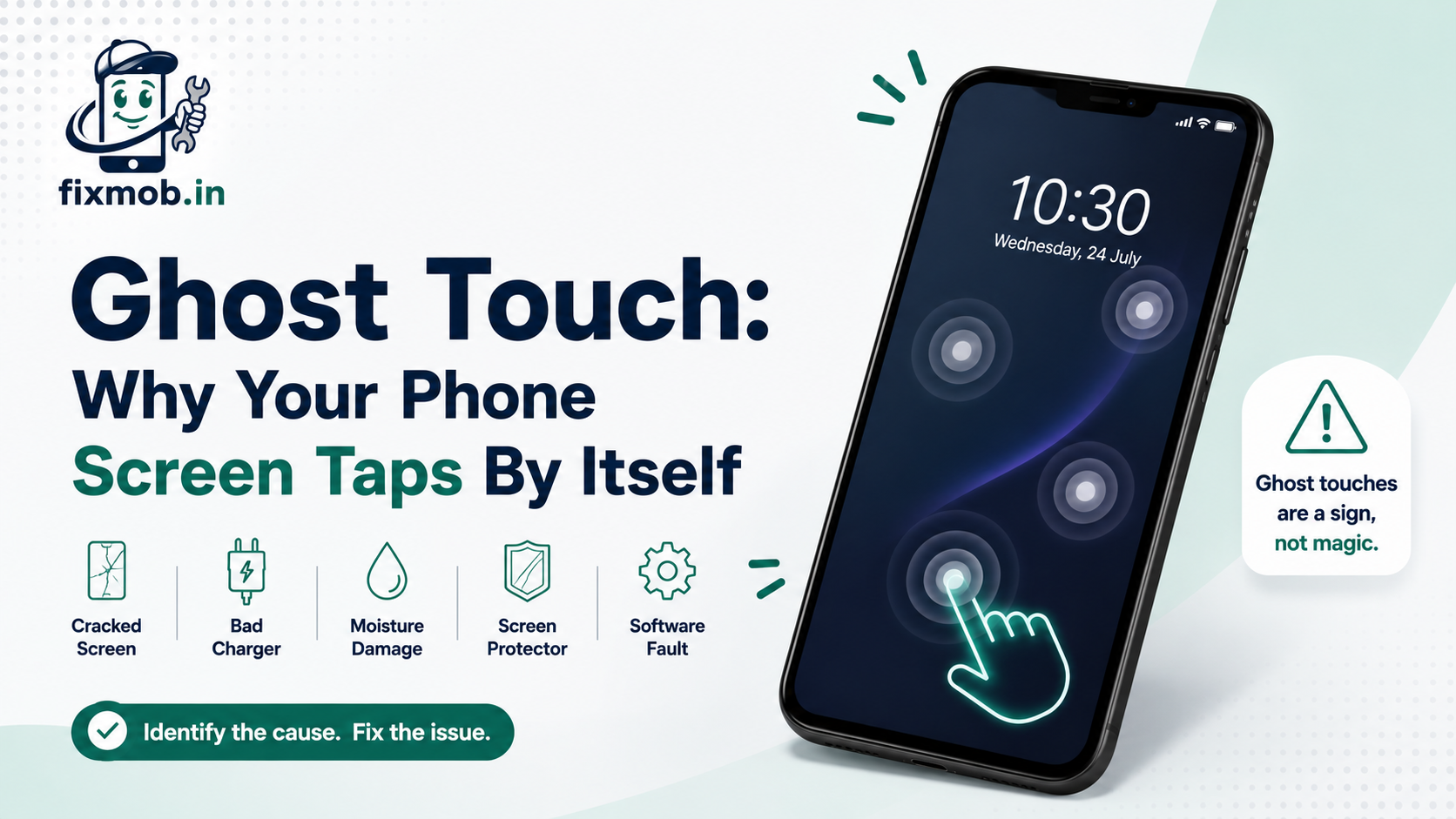
Ghost Touch: Why Your Phone Screen Taps By Itself
Ghost touch is when a phone screen registers taps you never made, and it is usually caused by a cracked digitizer, a poor quality charger, moisture, a screen protector, or a software fault.
It looks like a haunted phone. It is almost always one of five things, and four of them cost nothing to rule out.
Key Takeaways
• Unplug the charger first, since a bad adapter is the easiest cause to test
• Phantom taps that stop in safe mode point to an app, not hardware
• Moisture and a lifted screen protector both mimic hardware failure
• A spidered display almost always needs the panel replaced
• Ignoring it spreads the fault, because cracks grow with every flex
|
Fact |
Detail |
|
First test |
Unplug the charger and watch whether the taps stop |
|
Free fixes |
Restart, safe mode, remove protector, clean and dry the screen |
|
Turnaround |
30 to 60 minutes for most display replacements |
|
Warranty |
6 months on parts and workmanship |
|
Coverage |
Doorstep and pickup across Bengaluru |
What Causes Ghost Touch On A Phone Screen?
Five things account for nearly every case. Ghost touch happens when the layer that senses your finger reports a contact that is not there, and that false reading comes from physical damage, electrical interference, moisture, a bad protector, or buggy software.
|
Cause |
What you notice |
Cost to rule out |
|
Damaged digitizer |
Taps cluster in one area, often near a crack |
Free to check, paid to fix |
|
Poor quality charger |
Only happens while plugged in |
Free |
|
Moisture inside the panel |
Random swipes, sometimes a faint haze |
Free |
|
Screen protector |
Edges lift, bubbles trap dirt or air |
Free |
|
Software or app fault |
Started right after an update or install |
Free |
Your screen works by sensing tiny changes in an electrical field across a grid. Anything that disturbs that field, whether it is a stray current or a drop of water, can read as a fingertip.
That is why the cheap fixes are worth trying first. Three of the five causes above need no parts at all.
The pattern of the taps is a clue in itself. Interference and moisture tend to produce wandering, random input across the whole screen, while a damaged panel repeats the same behaviour in the same place every time.
Is It The Charger Or The Screen?
Unplug it and watch. If ghost touch only appears while the phone is charging and stops within seconds of pulling the cable out, the adapter is injecting electrical noise into the touch layer, and the screen itself is fine.
This is the single most common cause people miss, and it is almost always a low cost adapter bought to replace a lost original.
Test it properly in this order:
• Use the phone unplugged for ten minutes and note whether taps still appear
• Plug in again with the original charger, if you still have it
• Try a different wall socket, since poor earthing can matter
• Try charging from a laptop USB port, which is a different power path
If the taps only ever happen on one particular charger, replace the charger. That is the whole repair.
How Do You Test Whether It Is Software Or Hardware?
Boot into safe mode. Safe mode loads the system without any apps you installed, so if ghost touch disappears there, the cause is an app or a setting rather than the panel, and no repair is needed.
Work through these in order, stopping as soon as the problem goes away:
1. Restart the phone, which clears a surprising number of touch driver glitches
2. Boot into safe mode by holding the power button, then long pressing Power Off
3. Use the phone for ten minutes and watch for phantom input
4. If it is clean in safe mode, uninstall recently added apps one at a time
5. Check for a pending system update, since touch firmware ships in updates
6. As a last software step, back up and perform a factory reset
Android’s developer options also include a pointer location toggle that draws every touch on screen. Turn it on and you can watch exactly where the phantom taps land, which tells a technician which part of the panel is failing.
Record a short video of that screen before you book anything. A clip showing taps repeating in one corner saves diagnostic time and makes it much harder for anyone to talk you into replacing more than the phone actually needs.
What Should You Try Before Booking A Repair?
Clean and dry the screen, then remove the protector. Sweat, sunscreen, and humidity all conduct, and a lifted tempered glass protector traps moisture against the panel, so ghost touch often disappears the moment the protector comes off.
None of this costs anything, and it resolves a decent share of cases:
• Wipe the screen with a dry microfibre cloth, not a wet wipe
• Peel off the screen protector and test the bare glass for ten minutes
• Dry your hands, since damp fingers cause erratic input on any phone
• Let the phone cool down if it has been in direct sun or charging hard
• Remove any thick case that presses against the display edges
If the phantom taps survive all of that, the fault is inside the phone, and the next section explains why.
Why Does A Cracked Screen Cause An Unresponsive Touchscreen?
Because the touch layer is a separate grid bonded to the glass. A crack severs some of the conductive tracks in that grid, so the controller receives broken signals, which show up as dead zones, an unresponsive touchscreen, or taps landing where you never pressed.
The damage does not stay still either. Every flex of the phone in a pocket extends the crack a little further, so a small dead patch grows into a strip and then into a whole edge.
This is the practical reason a cracked screen is worth repairing immediately rather than living with it. Ghost touch usually arrives weeks after the drop, not on the day it happened.
Hairline cracks matter here too. Glass that looks almost intact can still have a severed track underneath, which is why a phone with barely visible damage can have badly behaved touch.
When Do You Need A Digitizer Replacement?
When the fault survives a restart, safe mode, a charger swap, and protector removal. At that point the touch grid itself is damaged, and a digitizer replacement is the only fix, which on nearly every modern phone means replacing the bonded display assembly as one part.
On older handsets the touch layer could be swapped separately from the display. On current models the glass, digitizer, and panel are laminated together, so the price you are quoted is for the whole assembly.
That makes part quality the thing to ask about. Our comparison of original versus compatible mobile screens covers what actually changes between the grades, including touch responsiveness, which matters more here than on a purely cosmetic repair.
FixMob handles screen and glass replacement services at your door for common models, with the swap done in front of you and tested before payment.
Is A Faulty Touchscreen Covered By Warranty?
Sometimes. A panel that fails on its own inside the warranty period is usually covered, but physical damage and liquid damage are excluded by almost every brand, and a cracked screen puts the fault firmly in the second category.
Before you pay for anything, it is worth checking what your brand publishes. The Department of Consumer Affairs runs the Right to Repair Portal India, which covers mobiles and electronics and lists spare part, warranty, and service information by brand.
If ghost touch began with no drop and no spill behind it, raise it with the brand before you pay anyone for a new panel. Two things decide most claims:
• Whether the glass shows any impact damage, however small
• Whether the internal liquid indicators have changed colour
Frequently Asked Questions
How To Fix Ghost Touch On Android?
Restart, then test in safe mode, then unplug the charger and remove the screen protector. If the phantom taps survive all four, the digitizer is damaged and needs replacing.
Can A Software Update Cause Phantom Taps?
Yes, touch firmware ships inside system updates, so a bad build can cause it and a later update often fixes it. Check for a pending update before paying anyone.
Does A Screen Protector Really Cause This?
It can. A lifted or poorly fitted tempered glass protector traps air, dust, and moisture against the panel, which the touch grid reads as contact.
Will A Factory Reset Fix It?
Only if the cause is software. A reset clears app and setting problems but does nothing for a cracked or wet digitizer, so try safe mode first to find out which you have.
Is It Safe To Keep Using The Phone Like This?
Not really. Phantom taps can open apps, send messages, and approve prompts on their own, and a spreading crack turns a small repair into a full display replacement.
Can The Problem Return After A Screen Replacement?
It can if the part is poor or the connector is not seated properly. A repair with a written warranty covers exactly this, which is why the invoice matters.
What Should You Do Next?
Run the free checks first: restart, safe mode, unplug the charger, remove the protector. If ghost touch survives that list, the panel is the problem and no amount of software fiddling will change it.
At that point book a doorstep or pickup repair and have the display swapped and tested in front of you. It takes under an hour on most models, and it stops the crack spreading any further.