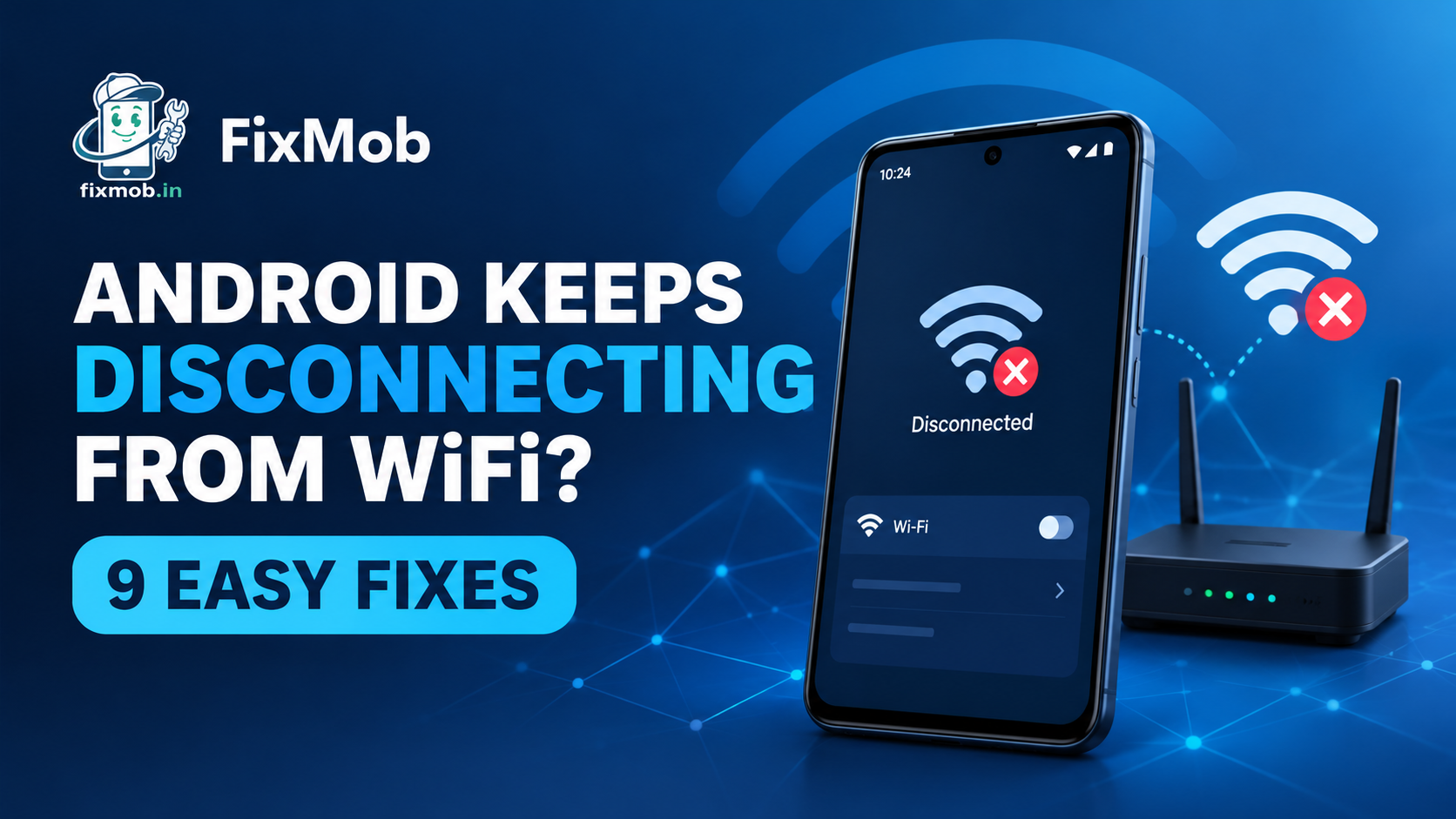
Android Keeps Disconnecting From WiFi: 9 Fixes
Android Keeps Disconnecting From WiFi? Fix It In 9 Steps
Android keeps disconnecting from wifi most often because of weak range, a power saving setting or a stale saved network. Work through 9 free checks, starting with a 30 second router unplug, before you spend anything on a repair.
Full bars, then a buffering video, then the wifi icon vanishes. Annoying, and rarely a broken phone. If your mobile data is the one failing instead, our android mobile data not working guide covers that side.
At A Glance
• Price: Quoted per model after inspection, before any work starts
• Duration: 30 to 60 minutes for most repairs, 2 to 4 hours for board work
• Areas covered: Bangalore doorstep or pickup and delivery
• Warranty: 6 months
• Payment: Pay after the repair is done
• Nine free checks come first, and most wifi drops end there.
Why Does My Phone Keep Disconnecting From WiFi?
In most homes, android keeps disconnecting from wifi because of one of five things: weak signal at the router, a power saving feature, a stale saved network, a crowded channel, or a faulty wifi chip. The first four cost nothing to fix.
Does your phone keep disconnecting from wifi at the same spot every day? That points at range, not a fault. Drops that follow you from room to room, or from one network to the next, point somewhere else.
Here is how each cause tends to show itself:
• Weak range: the icon thins out as you walk away from the router, then the phone gives up
• Power saving: drops bunch up after the screen has been off for a while
• Stale saved network: one network misbehaves while every other one is fine
• Crowded channel: evenings are worst, when the whole building is streaming
• Hardware: drops everywhere, often starting after a fall or a spill
A software update can also reset a setting overnight. So a phone that behaved last week is no proof that its settings are untouched.
Is The Problem Your Phone Or Your Router?
Test a second device before you touch a setting. If android keeps disconnecting from wifi on your phone alone, the fault is in the phone. If a laptop or another handset drops at the same moment, the router or the broadband line is to blame.
|
What you see |
Points to |
First move |
|
Every device drops at the same time |
Router, modem or the broadband line |
Restart the router, then call your provider |
|
Only your phone drops |
Phone settings, saved network or hardware |
Forget the network and rejoin |
|
Drops in one room only |
Weak range or a thick wall |
Move closer or add an extender |
|
Drops once the screen is off |
Power saving or sleep rules |
Exempt wifi from battery limits |
|
Connected, but nothing loads |
Router or DNS trouble, not a true drop |
Restart the router and test another device |
|
Drops began after an update |
A setting the update reset |
Restart, then reset network settings |
When wifi keeps disconnecting on phone and laptop alike, restart the router first. Google’s Android Help guide says to unplug it, wait 30 seconds, plug it back in and give the lights another 30 seconds to return.
If the lights never settle, or every device drops all week, that is a call to your internet provider. No phone repair will fix a faulty line.
Which Phone Settings Make WiFi Drop?
A handful of settings cause most software drops: power saving, automatic switching to mobile data, a corrupted saved network, a random MAC address and an old VPN. Menu names change between brands, but all of them sit under the wifi, battery or network pages.
A stale saved network is a classic reason android keeps disconnecting from wifi, and the cure takes under a minute. Forget the network, then join again with the password. The other four deserve a look too:
• Power saving: Battery saver and sleeping apps can cut network use once the screen turns off. Test with it switched off for a day.
• Adaptive switching: Many phones hop to mobile data when wifi looks weak. Handy on the road, confusing at home. Turn it off to test.
• Random MAC address: Android 10 and newer shows a random address to each network by default. If your router filters devices, open the network’s Privacy option and choose the device MAC.
• VPN and Private DNS: An old VPN profile or a custom Private DNS can look exactly like a drop. Set Private DNS to Automatic and delete VPNs you no longer use.
If wifi on phone keeps disconnecting only after the phone sits idle, suspect power saving first. On a Galaxy you will find it under Battery and device care.
A hot phone can also restrict some features to protect itself. If yours runs warm as well, run the checks in our phone overheating guide first.
How Do You Fix An Android That Keeps Dropping WiFi?
When android keeps disconnecting from wifi, run nine checks in order and load a web page after each one. Restart, Airplane mode, forget the network, range, power saving, switching, router channel, updates, then a network reset. Stop the moment the drops stop.
1. Restart the phone. It clears stuck processes and takes a minute. Do it before anything else.
2. Toggle Airplane mode. Switch it on, wait 10 seconds, switch it off. The phone then makes a fresh approach to the router.
3. Forget the network and rejoin. Open Settings, then Network and internet or Connections, then Wi-Fi. Tap your network, choose Forget, and type the password again.
4. Test close to the router. Stand in the same room, a few metres away. If the drops stop, you have a range problem, not a phone problem.
5. Switch off power saving for a day. Turn off Battery saver and lift the sleep limits on your apps. Watch whether the evening drops disappear.
6. Turn off adaptive switching and old VPNs. Disable the option that jumps to mobile data, remove VPN profiles you do not use, and set Private DNS to Automatic.
7. Change the router band or channel. If your router allows it, set the channel to Auto, or try 1, 6 or 11 on 2.4 GHz. That band reaches further than 5 GHz.
8. Update the phone and the router. Install pending system updates, then check the router’s firmware page. Old router firmware is a common source of random drops.
9. Reset network settings. Look under System or General management. It clears saved wifi passwords, Bluetooth pairings and mobile network settings, not your photos or apps.
Two of these need care. A network reset wipes every saved wifi password, so write yours down first. A router channel change affects the whole household, so change one thing at a time.
If all nine checks change nothing, the phone itself is the next suspect. Our repair services page lists what a technician can look at, and the hardware section below shows the usual faults.
When Does A WiFi Drop Point To Hardware?
Hardware is the last suspect when android keeps disconnecting from wifi. Suspect it if every network fails, if the drops began after a fall or a spill, or if the wifi switch refuses to stay on. A technician checks the antenna connection first.
Before you blame the phone, join a friend’s wifi or a mobile hotspot for an evening. A phone that holds steady there but drops at home is a router story. One that drops everywhere is a phone story.
|
Fault |
Typical sign |
Usual fix |
Cost note |
|
Loose or damaged antenna connection |
Weak wifi everywhere, worse after a drop |
Reseat or replace the connection |
Quoted per model after inspection |
|
Moisture or corrosion |
Drops began after rain or a spill |
Clean the contacts, check the board |
Depends on how far the damage spread |
|
Failed wifi chip or board fault |
The switch will not stay on, every network fails |
Component-level board repair |
1,500 to 8,000 rupees |
Board-level work sits at the rare end of that table. Our phone motherboard repair guide explains where the 1,500 to 8,000 rupee range comes from and when a board fix beats buying a new phone.
Take a backup first if the phone still works. Board repair rarely touches your storage, but ten minutes of backing up removes the worry.
How Does A Doorstep WiFi Check Work?
You book online, choose Other Service and describe the drops. A technician tests the phone on your wifi and on a second network, checks for liquid damage, and quotes before touching anything. You pay only once the repair is finished.
1. Open the booking page, pick your brand and model, choose Other Service and say when the drops happen.
2. Take the confirmation call, which settles the time and your area.
3. The technician tests the phone on your wifi and on a second network, then looks for signs of liquid damage.
4. You approve the quote, and the repair happens in front of you.
5. You pay after the work is done, and it carries a 6-month warranty.
Jobs that need a workshop go through pickup and delivery, and the areas include HSR Layout, Marathahalli and Hebbal. Ask for pickup when you book if you would rather not have the phone opened at home.
Frequently Asked Questions
Why does my phone keep disconnecting from wifi at night?
Usually a power saving setting puts wifi to sleep once the screen is off, or the router shifts channels overnight. Exempt wifi from battery limits, then set the router channel to Auto.
Will resetting network settings delete my photos or apps?
No. It clears saved wifi passwords, Bluetooth pairings and mobile network settings only, so note your wifi password first.
Can a damaged phone cause constant wifi drops?
Yes. After a fall or a spill, a loose antenna connection or a faulty wifi chip is a real cause when android keeps disconnecting from wifi, though settings should be checked first.
Does wifi keep dropping because my router is old?
Often, yes. Older routers struggle with many devices and crowded channels, so update the firmware, try the 2.4 GHz band for range, and consider a newer router if every device drops.
Why does my phone drop wifi on just one network?
If wifi on phone keeps disconnecting on one network only, forget that network and rejoin. If it still drops, the router is probably at fault, so restart it and update its firmware.
When do I pay for a FixMob repair?
After it is done. You get a quote following inspection, approve it, and pay only once the repair is finished and you are happy with it.
Ready To Stop The Drops?
Run the nine checks tonight and note which one helped. If android keeps disconnecting from wifi after all nine, book a repair with FixMob and describe the symptom under Other Service. You get a quote before any work starts.
Serving Bengaluru, Karnataka.