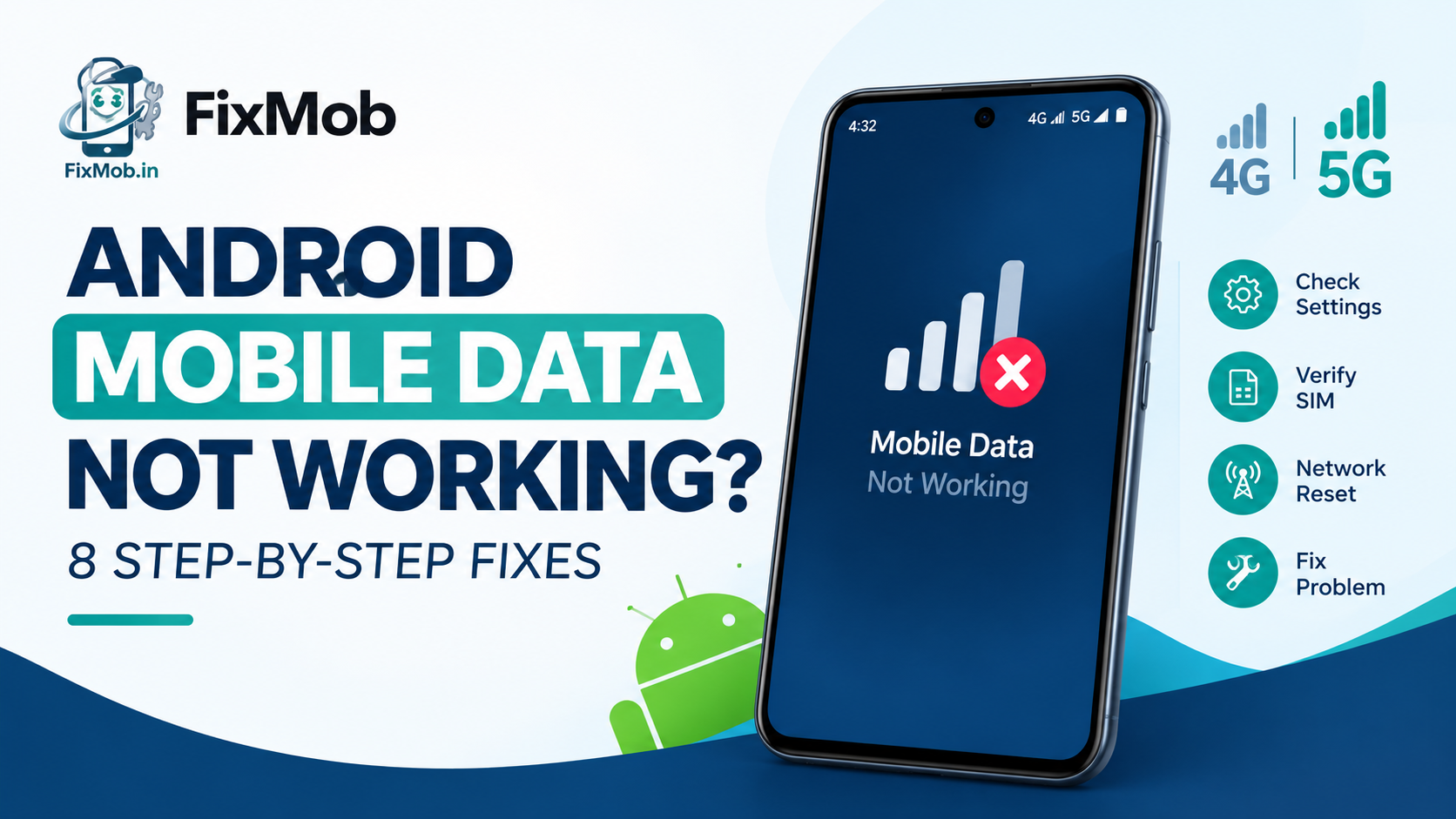
Android Mobile Data Not Working? Fix It Step By Step
Short answer: Most cases of android mobile data not working come down to a setting, the SIM or the carrier, and eight free checks cover them. Start with Airplane mode for 10 seconds, confirm data is on for the right SIM, then reset network settings.
Most cases of android mobile data not working come down to a setting, the SIM or the carrier, and eight free checks cover them. Start with Airplane mode for 10 seconds, confirm data is on for the right SIM, then reset network settings.
Bars full, pages blank. It is maddening, and the phone is rarely the first thing at fault. We use the same settings-first order as our phone vibration troubleshooting guide, then show when it is hardware and what a repair costs in Bangalore.
At A Glance
• Warranty: 6 months
• Payment: Pay after the repair is done
• Diagnosis: Quote after inspection, before any work starts
• Board-level repair cost: 1,500 to 8,000 rupees
• Eight free checks come first, and most data faults end there.
What Causes A Data Connection Problem In Android Mobile?
A data connection problem in android mobile phones almost always starts in one of five places: a setting that got switched off, the wrong SIM chosen for data, a plan or carrier limit, a damaged network configuration, or a hardware fault. The first four cost nothing to fix.
That order matters. When android mobile data not working hits you mid-day, the instinct is a factory reset, which is the most disruptive fix and rarely the right one. Work from the cheapest cause to the costliest.
• Settings: mobile data switched off, Data Saver on, or a data limit reached
• SIM: the wrong SIM set for data on a dual-SIM phone, or a loose, dirty or worn card
• Carrier: an expired pack, a daily quota used up, or a local network outage
• Configuration: a wrong APN, a stale network mode, Private DNS or an old VPN profile
• Hardware: a damaged SIM tray, a loose antenna connection, or a board fault after a drop
A software update can nudge any of these. If data worked last night and failed after an overnight update, suspect configuration before you suspect a broken part.
Why Is Internet On Mobile Not Working Even With Full Signal Bars?
Internet on mobile not working despite strong signal usually means the phone sees a tower but data is not flowing. The break sits in permissions, the APN, Private DNS, a VPN or your plan, not in the radio. Test in a browser, not in one app.
Full bars only prove the phone can hear the network. They say nothing about whether your SIM is allowed to use data on it.
|
What you see |
Likely cause |
First move |
|
Bars full, no page loads |
Wrong APN or Private DNS |
Reset APN to default, set Private DNS to Automatic |
|
One app fails, browser works |
App data restriction or Data Saver |
Allow unrestricted data for that app |
|
Works on Wi-Fi, dead on mobile |
Data off, wrong SIM or plan limit |
Check the data switch, data SIM and balance |
|
Data icon missing or stuck |
Coverage gap or a stale network mode |
Move outdoors, set network mode to automatic |
|
Died after an update |
Configuration reset by the update |
Restart, then reset network settings |
Nothing in that table needs a tool. Try the cheap rows first, because each one rules out a whole family of causes.
One quick test settles most arguments. Switch Wi-Fi off and load any website in a browser over mobile data. If pages load, your android mobile data not working complaint belongs to a single app, and the fix is that app’s data permission.
How Do You Fix Android Mobile Data Not Working Step By Step?
Work through eight checks in order for android mobile data not working, loading a website after each one: restart and Airplane mode, SIM and data switch, Wi-Fi off, limits, SIM reseat, network mode, APN and DNS, then a network reset.
1. Restart, then toggle Airplane mode. Switch it on, wait 10 seconds, switch it off. Google’s Android Help guide lists that 10 second wait as a first fix, alongside turning mobile data off and on.
2. Confirm data is on for the right SIM. Open Settings, then Connections or Network and internet, and check the mobile data switch. On a dual-SIM phone only one SIM can be the default for data.
3. Turn Wi-Fi off and read the indicator. A 4G or 5G marker should sit beside the signal bars. No marker can mean no coverage, so step outdoors and look again.
4. Check Data Saver, limits and your pack. Open Data usage, switch off Data Saver and look for a data limit. Then ask your carrier about an expired pack or a daily quota.
5. Reseat the SIM. Power off, ease the tray out, wipe the SIM with a dry cloth and slide it back. Try the same SIM in a friend’s phone. If data works there, your phone is the problem.
6. Reset the network mode. Choose the automatic option, such as 5G/LTE/3G/2G, and let the phone pick the network operator itself.
7. Fix APN, Private DNS and VPN. Set Access point names to default, set Private DNS to Automatic, and delete any VPN profile you no longer use.
8. Reset network settings, then update. Find Reset network settings under System or General management. It clears saved Wi-Fi passwords and Bluetooth pairings, not your photos or apps. Install pending updates afterwards.
Two of these deserve respect. A SIM reseat can clean a dull contact in seconds, and a network reset wipes saved Wi-Fi passwords, so note your home network key first.
Why Is Mobile Data Not Working On Samsung?
Mobile data not working on samsung phones usually has the same causes as any Android, plus a few One UI menus to know: Connections, Mobile networks, SIM manager and General management. Samsung’s support page tells owners to check the toggle, force restart, then reset network settings.
Here is the Galaxy route, in the order we would try it:
• Toggle and SIM: Settings, Connections, SIM manager, and confirm the right SIM is set for mobile data
• Mobile networks: Settings, Connections, Mobile networks, then check Network mode, Network operators and Access point names
• Force restart: hold the Volume down and Side keys until the Samsung logo appears. Your files stay put
• Network reset: Settings, General management, Reset, Reset network settings
• Samsung Members: run the built-in diagnostics, or send Samsung a question from inside the app
If the fault survives all five on a Galaxy, test the SIM in another phone before you blame the software. A SIM that works elsewhere points at your handset, and android mobile data not working on a healthy SIM is a diagnosis job.
Under warranty? Start with Samsung. Our Samsung repair guide for Bangalore compares authorised and doorstep options. FixMob is an independent repairer, not a Samsung service centre.
When Does A Data Failure Point To Hardware?
Suspect hardware when the SIM works in another phone but not yours, when signal vanished after a drop or a spill, or when all eight checks change nothing. The usual culprits are the SIM tray, the antenna connection and the board’s network circuit.
|
Fault |
Typical sign |
Usual fix |
Cost note |
|
Damaged SIM tray or reader |
“No SIM” that comes and goes |
Clean contacts or replace the tray |
Quoted per model after inspection |
|
Loose antenna connection |
Weak signal everywhere, worse after a drop |
Reseat or replace the connection |
Quoted per model after inspection |
|
Moisture or corrosion |
Failed after rain or a spill |
Clean contacts, check the board |
Depends on how far the damage spread |
|
Board network circuit |
Healthy SIM, no signal, no fix works |
Component-level board repair |
1,500 to 8,000 rupees |
Treat android mobile data not working as a hardware problem only after the SIM test passes elsewhere and the eight checks have failed. Until then, every row above is a guess.
Board faults sit at the rare end of that list. Our phone motherboard repair guide explains where the 1,500 to 8,000 rupee range comes from, and when a board fix beats buying a new phone.
Back up before anyone opens your handset. Board work usually leaves your storage untouched, but a backup costs ten minutes and removes the worry.
How Does A Doorstep Repair Work For A Data Problem?
You book online, choose Other Service, and confirm by phone. A technician tests the SIM, tray and signal at your door, you approve the quote before any work starts, and you pay only once the repair is finished.
1. Open the booking page, pick your brand and model, and choose Other Service, then describe the symptom.
2. Take the confirmation call, which settles the time and your area.
3. The technician tests with your SIM and a known-good one, checks for liquid damage, and quotes before touching the phone.
4. You approve, the repair happens in front of you, and signal is tested again before handover.
5. You pay once you are satisfied. Repairs carry a 6 months warranty.
Anything that needs a bench can go through pickup and delivery. Coverage runs from Koramangala and Indiranagar to Whitefield, and the full list of FixMob repair services shows what else we can look at in the same visit.
Frequently Asked Questions
Why does my phone show 4G or 5G but nothing loads?
The phone is attached to a tower, but data is not routing. Check the APN, Private DNS, any VPN profile and your plan balance, then reset network settings.
Will resetting network settings delete my photos or apps?
No. It clears saved Wi-Fi passwords, Bluetooth pairings and mobile network configuration only, so note your Wi-Fi password first.
Can a bad SIM card stop mobile data?
Yes, a dirty, worn or badly cut SIM can fail to register. Test it in another phone, then ask your carrier about a replacement.
How long should I troubleshoot before booking a repair?
If android mobile data not working persists after all eight checks and a SIM test in another phone, stop. More resets rarely help once the SIM works elsewhere, and the fault points to hardware.
Can water damage cause mobile data to fail?
Yes. Moisture can eat at the SIM contacts, antenna connection or board, and symptoms may appear days later, so power down and get it inspected.
When do I pay for a FixMob repair?
After it is done. You get a quote following inspection, approve it, and pay only once the repair is finished and you are happy with it.
Where Do You Go From Here?
Run the eight checks tonight, in order, and test the SIM in another phone. If android mobile data not working is still your daily reality after that, stop resetting things and book a repair with FixMob. You get a quote before any work starts.
- Warranty
- 6 months
- Payment
- Pay after the repair is done
- Diagnosis
- Quote after inspection, before any work starts
- Board-level repair cost
- 1,500 to 8,000 rupees
- 10 seconds Google Android Help
- typical board-level repair cost in Bangalore
- 1,500 to 8,000 rupees FixMob motherboard repair guide
- warranty on FixMob repairs
- 6 months FixMob
Sources
- Fix internet connection problems on Android devices — Google
- Phone motherboard repair guide — FixMob
- FixMob repair services — FixMob
Areas we cover around Bengaluru,Karnataka
- Bengaluru
- Koramangala
- HSR Layout
- Indiranagar
- Whitefield
- Electronic City
- Rajajinagar