Phone Vibration Not Working? Fix It Or Get It Repaired
You reach for the buzz in your pocket and get nothing. A missed call, a late cab, a message that sat unread for an hour, and that tiny motor suddenly matters.
With phone vibration not working, the cause is often a setting or a glitch you can fix in ten minutes. Sometimes it is a worn motor that needs a technician. Here is how to tell which, and what to do in Bangalore.
The Short Version
• Most silent phones have a settings or software cause, not a dead motor.
• Check ringer mode, vibration intensity and Do Not Disturb before anything else.
• Samsung Members has a built-in vibration test that takes under a minute.
• If that test fails, the motor or its connection needs a technician.
• Never accept a repair quote that skips a proper diagnosis.
Why Is Your Phone Vibration Not Working?
Phone vibration not working usually comes down to three things: a setting that silenced it, a software glitch after an update, or a hardware fault such as a worn motor, a loose connector or moisture. Settings and glitches are far more common, so rule those out first.
If you typed “my phone vibrate is not working” into search late at night, here is the good news. The first few causes below cost nothing to check.
• Ringer set to Mute, or a Do Not Disturb schedule you forgot about
• Vibration intensity dragged down to zero for calls, notifications or touch
• A recent update, or a third-party theme, that reset your sound settings
• One app with its own notification rules overriding the phone defaults
• A fall that loosened the motor connector
• Moisture creeping onto the motor contacts over a few weeks
• A motor that simply wore out after years of daily buzzing
Notice that the first four are free to fix. That is why the order of your checks matters more than any tool you own.
Under the hood, the buzz comes from a small motor that shakes a weight when the phone sends it current. Because it moves, it wears. Because it hangs off a thin flex cable, one hard drop can knock it loose.
Is It A Software Glitch Or A Dead Motor?
If vibration works sometimes, or only for touch and not for calls, the cause is almost always software or settings. If it never works anywhere, including in a hardware test, the motor or its connection has failed. A buzz that fails every test points to hardware.
|
What you notice |
Likely cause |
First move |
|
Buzzes for touch, silent for calls |
Call intensity or ringer mode |
Raise the call vibration slider |
|
Works after a restart, then stops |
Software glitch or a rogue app |
Update, then test in Safe Mode |
|
Weak, rattly buzz |
Worn motor or loose mounting |
Run the diagnostic test |
|
Stopped after a drop |
Loose connector or damaged flex |
Technician inspection |
|
Stopped after rain or a spill |
Moisture on the contacts |
Switch off, get it inspected soon |
|
Nothing at all, even in tests |
Dead motor or board fault |
Technician inspection |
Read the last column before you pick up a screwdriver. Opening a phone to chase a settings problem is how a ten minute fix turns into a repair bill.
How Do You Fix Vibration Problems At Home?
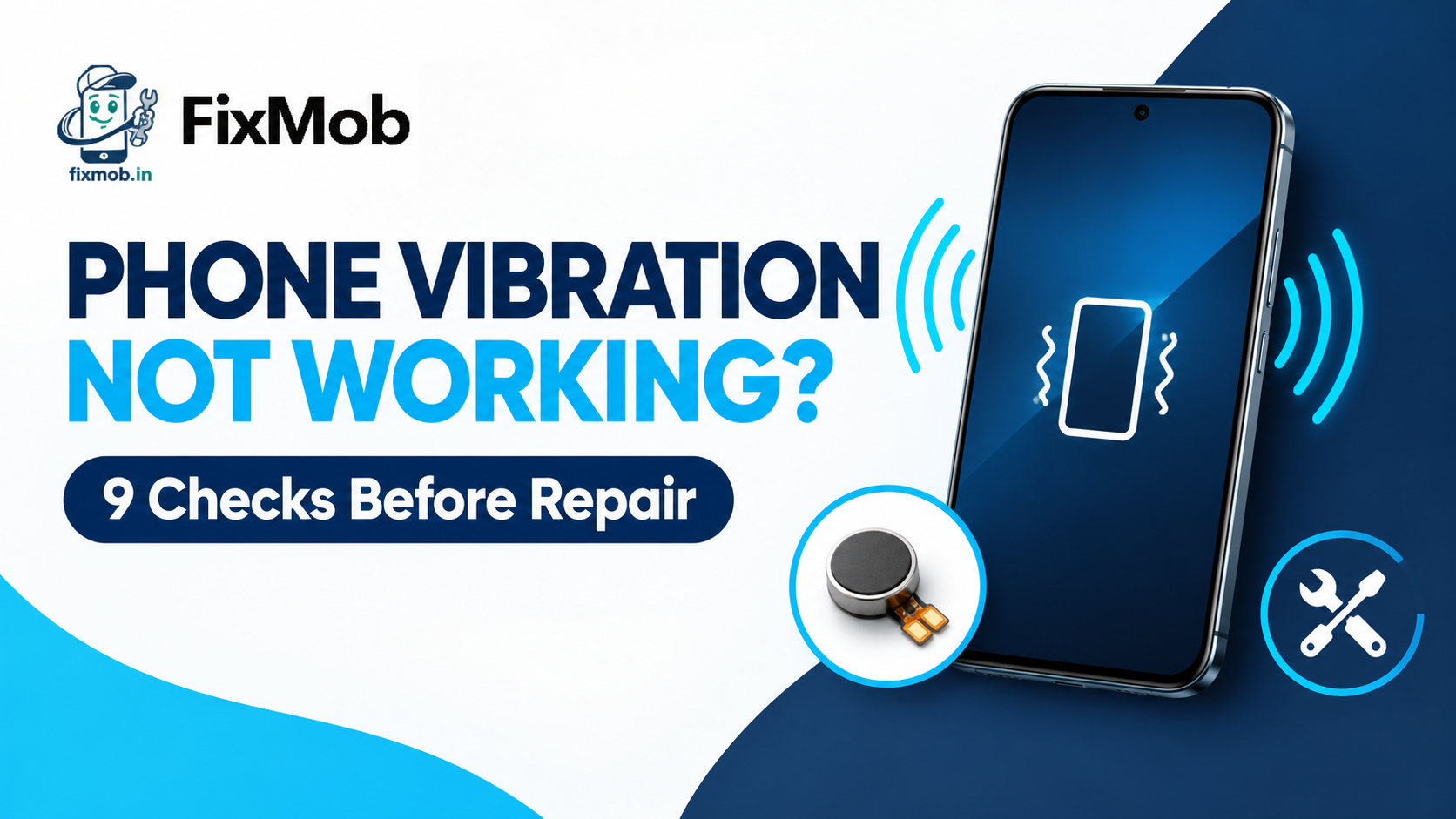
Work through nine checks in order for phone vibration not working, starting with the free ones: restart, ringer mode, intensity and Do Not Disturb. Test after every change so you know what actually fixed it.
1. Restart the phone. It clears stuck processes and fixes more than you would expect.
2. Set the ringer to Vibrate. On a Galaxy, Mute means no buzz at all.
3. Raise the intensity. Open Settings, then Sounds and vibration, then Vibration intensity.
4. Switch off Do Not Disturb, along with any scheduled modes or routines.
5. Check the app’s own notification settings. One app can mute its alerts while everything else buzzes.
6. Install pending updates, then restart again.
7. Boot into Safe Mode. If the buzz returns there, a recent app is the culprit, so remove them one by one.
8. Reset settings only. On a Galaxy that is Settings, General management, Reset, Reset all settings. Your data stays put, but back up anyway.
9. Run the hardware test described in the next section.
Samsung’s own help page confirms the details behind steps two and three: it explains that the Mute option switches vibration off completely and that calls, notifications and touch each get their own intensity slider.
How Do You Test The Vibration Motor Properly?
On a Samsung Galaxy, open Samsung Members, tap Get help, start Diagnostics and choose Vibration. The phone counts down ten seconds while you tap Vibrate. If it stays silent, phone vibration not working is a hardware question and no longer a settings one.
On many older Galaxy phones you can also dial *#0*# to open a hidden test menu with a vibration tile. Newer models often block it, so treat Samsung Members as your main route. It is already installed on most Galaxy phones.
Plenty of people searching “vibration is not working in my phone” download a random tester app instead. They end up with a pile of ads and no answer. A built-in diagnostic or your phone’s own care app is safer and just as quick.
Here is how to read the result:
• Passes the test, silent in daily life: a setting, an app, or Do Not Disturb
• Fails, then works after a knock: a loose connection inside
• Fails every single time: the motor, its flex cable, or the board driver circuit
A few things to avoid while you test. Do not press hard on the back panel to hunt for a loose part, because you can crack the display. Do not leave a wet phone in rice or near a heater. And skip any cleaner app that promises to fix vibration.
Why Is Samsung A20 Vibration Not Working?
The Galaxy A20 launched in 2019, so many are still running their original motor. Samsung A20 vibration not working is usually a setting, an old update glitch or plain motor wear, and the Samsung Members test tells you which of the three you have.
A sensible order for an A20 is simple: restart, check Sounds and vibration, run the Samsung Members test, then decide. Older software can also be misleading. Samsung notes that on older devices only the touch intensity slider may be available, so a missing call slider on your A20 is not a fault by itself.
If the phone took a fall or a splash before the buzz stopped, skip the long troubleshooting. Have the connector and contacts checked instead, because moisture does its damage quietly.
One honest note: FixMob is an independent repairer, not a Samsung service centre. If your phone is somehow still under warranty, start with Samsung. Otherwise our Samsung repair guide for Bangalore compares authorised and doorstep options.
When Does A Technician Need To Step In?
Step in when the diagnostic test fails, the buzz stopped after a drop or a spill, or the nine checks changed nothing. At that point the motor, its connector or the board circuit needs a proper inspection. Phone vibration not working after all that is a hardware job.
|
Fault |
Typical sign |
Usual fix |
Cost note |
|
Worn or dead motor |
Weak buzz that fades to nothing |
Replace the vibration motor |
Quoted per model after inspection |
|
Loose or damaged flex |
Works after a knock, then stops |
Reseat or replace the flex |
Quoted per model after inspection |
|
Moisture or corrosion |
Stopped after rain or a spill |
Clean contacts, check the board |
Depends on how far the damage spread |
|
Board driver fault |
Even a new motor stays silent |
Component-level board repair |
1,500 to 8,000 rupees, per our motherboard guide |
Your photos and chats sit on the storage chip, which a motor job never touches, but back up before anyone opens the phone.
We do not print a flat price for a motor swap, because the part differs from one model to the next. You get a quote after inspection and before any work starts.
Board faults sit at the rare end of this list. Our phone motherboard repair guide explains the costs and when a board fix beats buying a new phone.
How Does A Doorstep Vibration Repair Work?
A doorstep repair for phone vibration not working runs in five short steps: you book online, we confirm by phone, a technician inspects the phone at your door, you approve the quote, and you pay only after the work is done.
1. Open the booking page, pick your brand and model, and choose Other Service.
2. Take the confirmation call, which settles the time and your area.
3. The technician tests the buzz, checks for liquid damage and quotes you before touching the phone.
4. You approve, the repair happens in front of you, and the phone is tested again before handover.
5. You pay once you are satisfied. Repairs carry a 6-month warranty.
If the fault needs a workbench, pickup and delivery covers it. Areas run from Koramangala and Indiranagar to Whitefield, and you can browse the full list of FixMob repair services if the phone has more than one complaint.
Frequently Asked Questions
Can a software update stop my phone from vibrating?
Yes. An update can reset sound settings or clash with a theme, so restart, check Sounds and vibration, and test in Safe Mode before you blame the motor.
Why does my phone vibrate for calls but not for notifications?
Notifications have their own intensity slider and per-app settings. Raise the notification slider, then open the app’s notification settings and switch vibration on.
Can water damage stop a phone from vibrating?
Yes. Moisture corrodes the motor contacts, sometimes days after the spill, so switch the phone off, skip the rice, and get it inspected quickly.
Is repair worth it if vibration is the only fault?
When phone vibration not working is the only complaint, repair usually costs less than a new handset. Get the quote first, then decide.
How long does a vibration repair take?
After inspection, a simple part swap is quick, while board-level work can take anywhere from a few hours to a few days. The technician gives you an estimate with the quote.
Does FixMob charge before the repair is done?
No. You get a quote after inspection and pay only once the repair is finished and you are happy with it.
Where Do You Go From Here?
Run the nine checks and the Samsung Members test tonight. If the motor stays silent, do not spend another week missing calls.
A confirmed case of phone vibration not working after those checks deserves a real diagnosis, so book a repair with FixMob and get a quote before you commit.