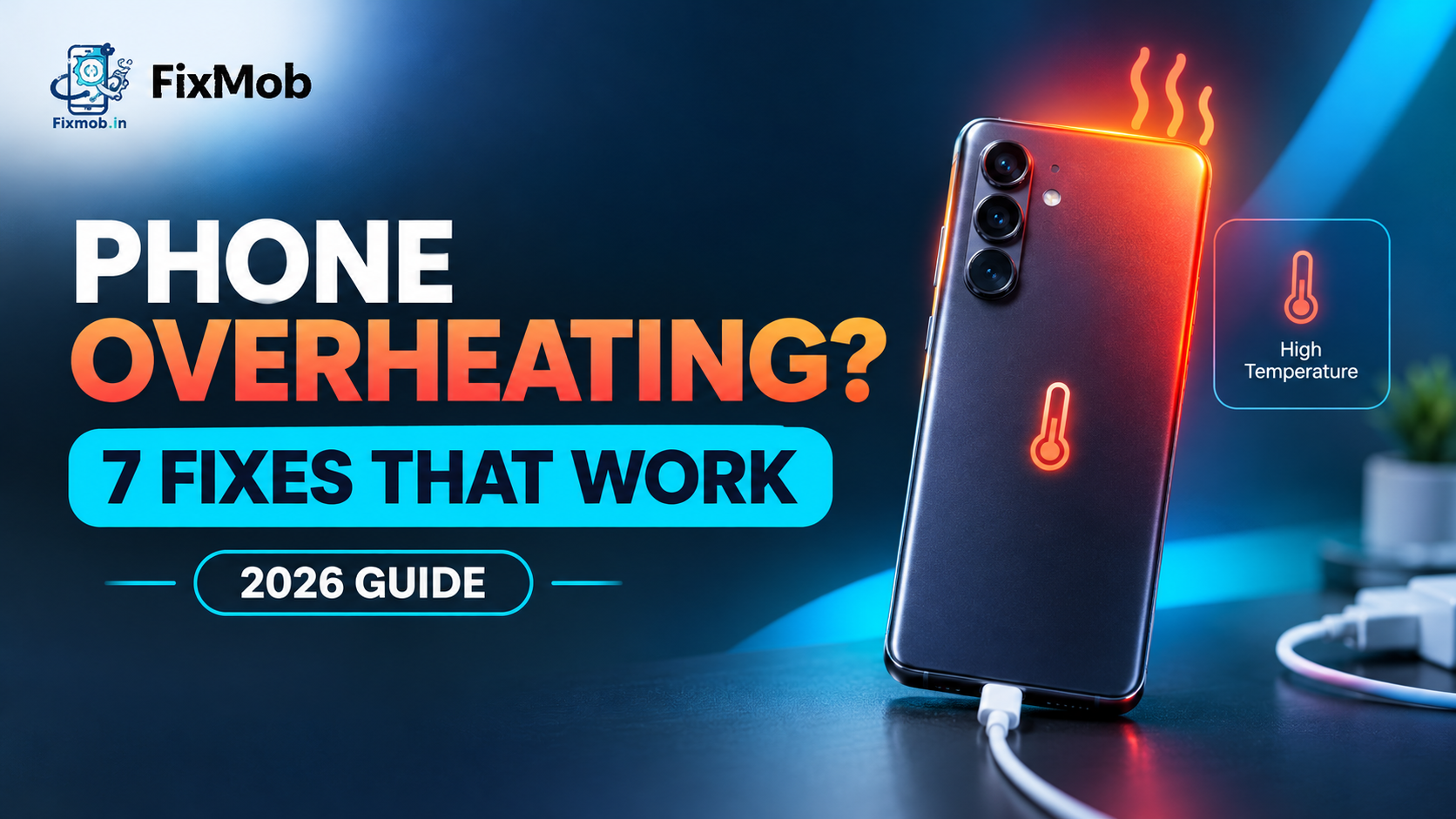
Phone Overheating Problem? Causes, Fixes And When To Repair
Short answer: A phone overheating problem usually comes from heavy apps, a poor charger, hot surroundings or a worn battery. Try the seven checks below first, and if the heat keeps returning, a technician can test and replace the battery in about 30 to 45 minutes.
A phone overheating problem usually comes from heavy apps, a poor charger, hot surroundings or a worn battery. Try the seven checks below first, and if the heat keeps returning, a technician can test and replace the battery in about 30 to 45 minutes.
Warm is normal. A phone too hot to hold, or one that dims the screen and flashes a warning, is not. This guide covers the causes, the fixes worth trying first, and the signs of a tired cell, which our guide to battery wear and replacement explains in detail.
At A Glance
• Price: Quoted per model after inspection
• Duration: 30 to 45 minutes for a battery swap
• Warranty: 6-month warranty on repairs
• Payment: Pay after the service is done
• Areas covered: Bangalore doorstep or pickup and delivery
• Home checks: seven steps, no tools needed
What Causes A Phone To Overheat?
Every phone warms up when its chip, screen or battery works harder than the body can shed heat. A phone overheating problem builds when heavy apps, weak signal, fast charging, a bright screen and hot weather pile up, or when an ageing battery runs warm by itself.
Most of the heat sources are habits, not faults:
• Sun and hot cars. A phone left on a dashboard or in direct sunlight heats from outside as well as inside.
• Long games and video. The chip runs near its limit while the screen stays bright.
• Weak signal. A phone hunting for a network in a lift or a basement works harder than usual.
• Charging while using it. Charging makes heat, and using the phone at the same moment adds more.
• Setup day. A new phone copies data and prepares apps, so it runs warm for a while.
• Outdated software. Old builds can leave apps misbehaving in the background.
If none of these fit your day, suspect the battery. A cell that has lost capacity warms quickly during use and charging, and the heat often arrives alongside fast drain and sudden shutdowns.
Is Samsung Phone Overheating Normal Or A Warning Sign?
Some Samsung phone overheating is normal. A Galaxy runs warm while charging, during first setup and in long games. It turns into a warning sign when the heat shows up at idle, comes with a temperature alert, or returns daily after you have tried the basic fixes.
Samsung India’s overheating guidance says charging warmth does not affect a Galaxy’s lifespan or performance. It also says the phone may restrict some features for a while to protect itself when it heats up.
|
What you notice
|
Usually normal?
|
What to do
|
|
Warm while charging
|
Yes, if mild
|
Unplug if it gets too hot to hold
|
|
Warm during first setup or data transfer
|
Yes
|
Let it finish and keep it in the shade
|
|
Warm after a long game
|
Yes
|
Rest the phone and lower the brightness
|
|
Hot while idle
|
No
|
Restart, then check apps and battery
|
|
Temperature alert, features limited
|
Warning
|
Cool it down, then run the seven checks
|
|
Hot most days and drains by lunch
|
No
|
Get the battery tested
|
A phone overheating problem that survives every basic fix deserves a proper inspection, because heat shortens battery life and can hide a charging or board fault.
Samsung lists a one year warranty on the phone battery, covering manufacturing faults but not damage caused by the user. If your Galaxy is still inside that period, read our comparison of authorised and independent Samsung repair before anyone opens the phone.
How Do You Fix A Phone Overheating Problem At Home?
You can usually ease a phone overheating problem at home by cooling the phone, closing heavy apps and taking the case off. The seven steps below run from free to slightly more involved, and Galaxy owners get the exact menu names.
1. Cool it down. Move the phone into shade, take the case off and stop using it for a few minutes. Skip the fridge or freezer, because sudden cold can cause condensation inside.
2. Close heavy apps. On a Galaxy, open Settings, then Battery and device care, and tap Optimize now.
3. Cut the extras. Switch off Wi-Fi, Bluetooth and location when you are not using them, and lower the brightness.
4. Limit background apps. Turn on Power saving, then open Background usage limits and put unused apps to sleep.
5. Update and tidy. Install pending software and app updates, and uninstall apps you no longer use.
6. Check the charger. Use the original adapter and a cable with an undamaged cover, and do not use the phone while it charges.
7. Restart and watch. A restart clears stuck processes. If the heat returns within a day, book an inspection.
Anyone who searches for device overheating samsung fixes lands on this same Device care route, and it works because it closes the background apps that keep the chip busy. Menu names vary slightly by model and software version. Give each step a few minutes before moving on, so you know which one helped.
Why Does A Phone Overheat While Charging?
Charging makes heat on its own, because the charger, the cable and the battery all warm up as power flows in. Fast chargers and wireless pads add more. Heat that climbs quickly, or a phone that charges slowly and hot, points to the cable, the port or the cell.
A phone overheating problem that appears only on the charger has a short list of suspects. Test them cheapest first:
• Swap in another certified cable and adapter, and try a different wall socket
• Unplug, close running apps, wait for the phone to cool, then charge again
• Check the port for packed lint and clear it gently with a wooden toothpick
• Charge on a hard surface, not a bed, and remove a thick case
Phone overheating Samsung owners notice on super fast or wireless chargers is often extra warmth rather than a fault, since Samsung says those chargers feel warmer than a standard one. Stop when the phone is too hot to hold.
If a second cable fails the same way, the port is the next suspect. Our charging port repair guide shows how to tell a dirty port from a worn one before you spend anything.
Which Repair Fixes The Heat For Each Symptom?
A technician sorts a phone overheating problem into three groups: battery, charging path and board. Match your symptom below, remembering that only an inspection confirms the cause, and that a new part will not help if the fault sits somewhere else.
|
Symptom
|
Likely cause
|
Usual repair
|
Typical time
|
|
Hot on the charger, charges slowly
|
Dirty or worn port, poor cable
|
Clean, new cable or port repair
|
30 to 60 minutes
|
|
Hot most of the day, drains fast
|
Worn battery
|
Battery replacement
|
30 to 45 minutes
|
|
Hot only during long games
|
Heavy load, trapped heat
|
No repair, change habits
|
None
|
|
Hot after a drop or spill, restarts
|
Fault on the motherboard
|
Motherboard repair
|
After diagnosis
|
|
Swollen back or lifting screen
|
Failing battery
|
Stop use, replace the battery
|
Same day if the part is in stock
|
Heat together with random restarts, a phone that will not boot, or a recent spill points at the board, and board faults need diagnosis before any part is ordered. Our phone motherboard repair guide explains what that work involves.
FixMob quotes each repair for your exact model after inspection, so there is no flat price to compare here. Phones differ too much in parts and design for one number to mean anything, and the quote comes before any work starts.
How Does A Doorstep Overheating Check Work?
A technician visits your home or office, tests the battery, the charger path and the port, then quotes the repair. Work starts only after you agree, and you pay once the service is done. A common battery swap takes 30 to 45 minutes.
1. Book your brand, model and service on the booking page.
2. The technician checks the battery, the cable path and the port, and tells you what is wrong.
3. You approve the estimate before any part is ordered or fitted.
4. The repair happens in front of you, then charging and heat are tested.
5. You pay after the service is done, with a 6-month warranty on the work.
FixMob offers battery replacement, charging port repair and motherboard repair on its repair services page, with pickup and delivery for jobs that need a workshop.
We are an independent repairer in Bangalore, not a Samsung service centre, so a phone still inside a manufacturer warranty should go to the brand first.
Frequently Asked Questions
Is it safe to keep using a phone that overheats?
Occasional warmth is fine. If a phone overheating problem comes with a swollen back panel, stop using and charging it, keep it cool, and get the battery checked quickly.
How do I stop my Samsung phone from heating up?
Open Settings, Battery and device care, and tap Optimize now. Turn on Power saving, limit background apps, use the original charger, and avoid heavy games while charging.
Does repeated overheating damage the battery?
Yes, over time, because heat speeds up the chemical wear inside a lithium cell. One hot afternoon will not ruin it, but a daily habit shortens battery life.
Will a new battery stop my phone getting hot?
It will if a worn cell is the cause. If the charging port or the board is at fault, a new battery will not help, which is why the technician diagnoses first.
Can a phone case make overheating worse?
A thick case traps heat, especially during charging and long games. Take it off when the phone feels warm and see whether it cools faster.
Will an overheating repair erase my data?
A battery or charging port repair does not touch your storage, though a backup beforehand is sensible. Board work is also done on the circuit, not on your files.
Where Do You Go From Here?
Run the seven checks today and note whether the heat comes back within a day. If it does, book a doorstep repair and let a technician test the battery, port and charger path before you approve anything. Tell them about your phone overheating problem and ask for the cause in plain words.
Yes, over time, because heat speeds up the chemical wear inside a lithium cell. One hot afternoon will not ruin it, but a daily habit shortens battery life.
- Price
- Quoted per model after inspection
- Duration
- 30 to 45 minutes for a battery swap
- Warranty
- 6-month warranty on repairs
- Payment
- Pay after the service is done
- Areas covered
- Bangalore doorstep or pickup and delivery
Areas we cover around Bengaluru,Karnataka
- Bengaluru
- Koramangala
- HSR Layout
- Indiranagar
- Whitefield
- Electronic City
- Rajajinagar