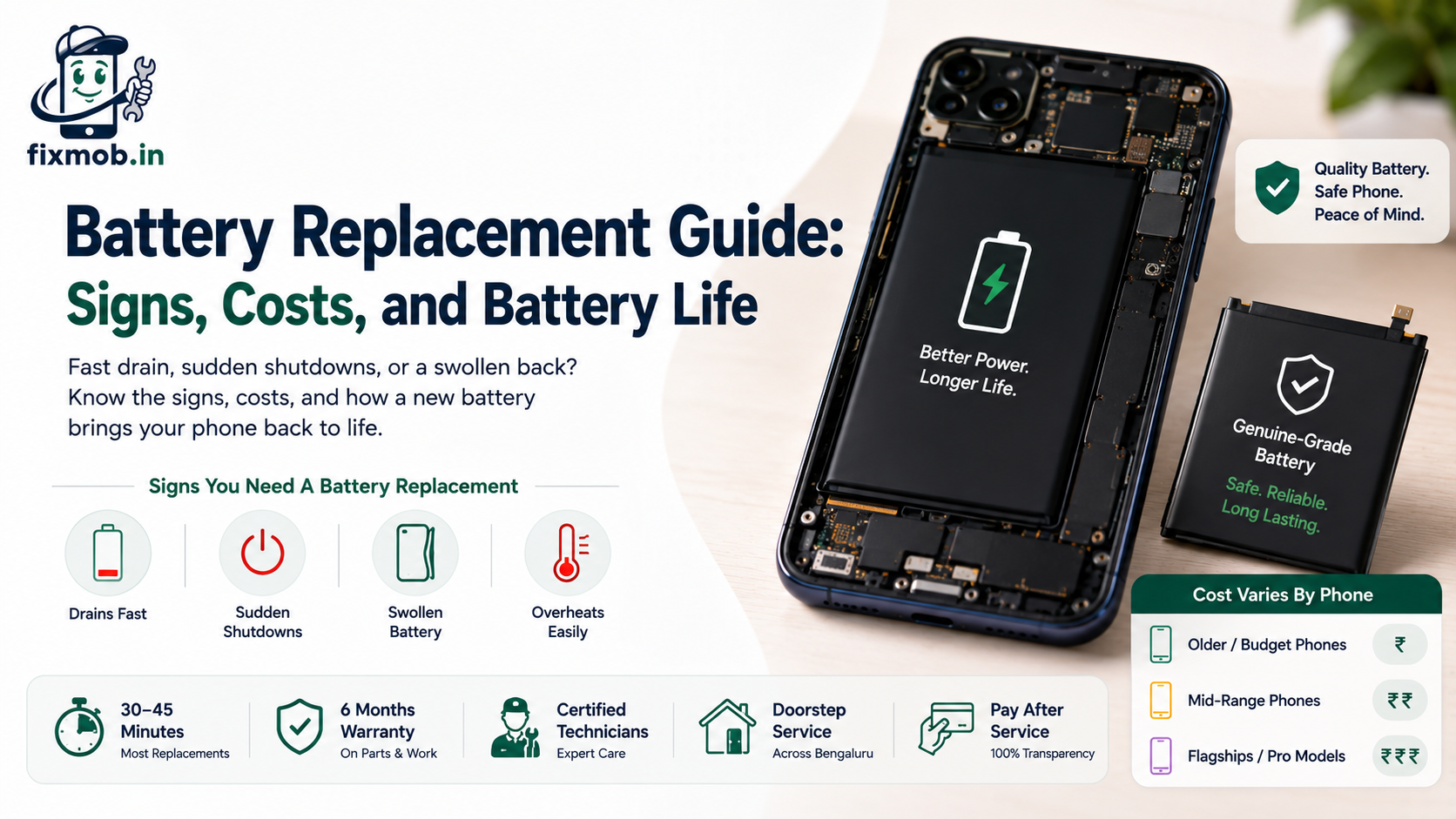
Battery Replacement Guide: Signs, Costs, and Battery Life
A phone that dies by mid-afternoon is not just annoying, it is a warning. Lithium batteries wear out with use, and no amount of careful charging will fully reverse that decline once it sets in.
This guide covers battery replacement in plain terms: the signs you need one, what battery health really means, what a fair price looks like, and why cheap cells are a false economy. If your phone drains fast or shuts down early, you will know exactly what to do.
Key Takeaways
• Fast drain, sudden shutdowns, and swelling all point to a worn battery
• Lithium cells degrade with charge cycles, not just age
• Battery health below roughly 80 percent usually means a replacement
• Cheap or duplicate batteries can swell and are a safety risk
What Are The Signs You Need a Battery Replacement?
You likely need a battery replacement when the phone drains fast, shuts down with charge still showing, or gets hot while idle. A battery that lasts only a few hours, or a case that feels swollen, is telling you the cell is worn or failing.
Common signs of a worn battery include:
• The phone dies long before the day ends
• Sudden shutdowns even at 30 or 40 percent
• The back or screen bulges from a swollen battery
• The phone runs hot while doing very little
Why Do Phone Batteries Wear Out Over Time?
Because lithium-ion cells age with every charge cycle. Apple explains that an iPhone battery is designed to keep 80 percent of capacity at 500 charge cycles, with newer models rated for 1000. After that, capacity keeps falling and a fresh cell is the only real fix.
A few things speed up that decline:
• Each full charge cycle wears the cell slightly
• Heat accelerates the chemical degradation
• Frequent fast charging adds stress over time
• Age alone slowly reduces maximum capacity
What Does Battery Health Percentage Tell You?
Battery health shows how much capacity your cell has left compared with new. At 100 percent it is fresh, and as the figure falls the phone runs for less time between charges. Most people notice real problems once battery health drops below about 80 percent.
You can check it on an iPhone under Settings, then Battery, then Battery Health and Charging. Many Android phones show similar data in settings or through a diagnostic app, which helps you confirm a fault before booking.
Which Phones and Brands Can Have The Battery Changed?
Almost all of them. Technicians fit new cells in Apple, Samsung, OnePlus, Xiaomi, Vivo, Oppo, Realme, Google, and Motorola phones, from older handsets to the newest flagships. The cell and price vary by model, but the process is similar across brands.
Devices that commonly get a new cell include:
• iPhones, from older models to the latest Pro versions
• Samsung Galaxy S, A, and Note series
• OnePlus, Xiaomi, Redmi, and Poco handsets
• Vivo, Oppo, Realme, and Google Pixel phones
Whatever the brand, the principle is the same: a quality cell, fitted correctly, restores a full day of use to a phone that had started fading.
How Much Does a New Battery Cost?
A battery replacement costs more for flagships and newer models than for older budget phones, because the cells and the labour differ. The model and the part grade set the price, so always ask for a genuine-grade quote against your exact phone.
|
Phone type |
Battery |
Relative cost |
|
Older budget phones |
Standard cell |
Lowest |
|
Recent mid-range |
Higher-capacity cell |
Mid |
|
Flagships and Pro models |
Premium cell |
Highest |
You can match your model to the right part in the list of repair services before you book.
Are Cheap or Duplicate Batteries Dangerous?
They can be. A cheap or fake cell may lack proper safety circuits, which raises the risk of overheating, a swollen battery, or in rare cases a fire. It also tends to lose capacity quickly, so the saving disappears within months.
Quality matters for batteries because:
• Genuine-grade cells include proper protection circuits
• They hold their rated capacity for far longer
• They are far less likely to swell or overheat
• You should insist on genuine and high-quality parts
Original, High-Grade, or Cheap: Which Battery Should You Choose?
Choose original or high-grade every time. The small saving on a cheap cell is wiped out by short life and safety risk. Original and high-grade batteries cost a little more but last longer and stay safe throughout their life.
|
Battery type |
Life and safety |
Best for |
|
Original |
Best, factory-grade |
Flagships and peace of mind |
|
High-grade compatible |
Very good value |
Everyday phones on a budget |
|
Cheap duplicate |
Poor and risky |
Not recommended |
How Can You Make Your Battery Last Longer?
Good habits slow the decline. Avoiding extreme heat, not sitting at 100 percent all day, and using moderate charging all help. But a phone with a battery draining fast every few hours usually needs a new cell, not just better habits.
Habits that protect battery life include:
• Keep the phone out of direct heat and hot cars
• Avoid charging to 100 percent and leaving it there
• Use moderate charging rather than constant fast charging
• Update software, which can improve power management
Does Fast Charging Damage Your Battery?
A little, but not as much as heat does. Fast charging generates warmth, and repeated heat is what ages a cell fastest. Occasional fast charging is fine, while charging in a hot car or under a pillow is far more harmful to battery life.
To keep charging gentle on the cell:
• Avoid charging in direct heat or on soft surfaces
• Use slower charging overnight when you can
• Remove heavy cases if the phone gets hot while charging
• Unplug once the phone reaches a full charge
None of this stops ageing entirely, but it can add months to the life of a cell before a swap is finally needed.
How Should You Prepare For a Battery Swap?
Preparation keeps the visit quick and safe. Back up your data, note your exact model, and keep your screen lock ready so the technician can test the phone afterwards. A little prep means the swap is done and verified in one short visit.
Before the technician arrives:
• Back up photos and data to the cloud
• Note the exact model and any existing faults
• Charge the phone enough to run post-repair tests
• Keep your screen lock or passcode handy
How Does a Doorstep Battery Swap Work?
A technician comes to you, opens the phone, removes the old cell, fits a genuine-grade battery, and tests charging and health before sealing it. A doorstep battery replacement usually takes about 30 to 45 minutes and is done while you watch.
1. Book your exact model and choose a doorstep slot
2. The technician removes the worn cell safely
3. A genuine-grade battery is fitted and sealed
4. Charging and health are tested before you pay
You can read more device-care guides on the FixMob blog if you want to prepare first.
Should You Replace The Battery or Buy a New Phone?
If the phone is otherwise fine, replace the battery. A new cell costs a fraction of a new phone and can add years of life. Replacing the whole phone only makes sense when several parts are failing at once.
Fitting a new cell makes sense when:
• The phone is otherwise working well
• Only the battery has clearly degraded
• The repair costs far less than a new device
• You want to keep a working phone out of the bin
In short, a battery is a wear item, much like tyres on a car. Replacing it on time is routine maintenance rather than a major repair.
Frequently Asked Questions
How long does a battery replacement take?
Most take about 30 to 45 minutes once the correct cell is ready. A doorstep battery replacement is usually done the same day when the part is in stock.
What battery health should I replace at?
Many people replace once battery health falls below about 80 percent, or sooner if the phone shuts down early or drains fast during normal use.
Will a new battery delete my data?
No. Swapping the battery is a hardware change and does not erase your data, though a backup before any repair is always wise.
Is a swollen battery an emergency?
Treat a swollen battery seriously. Stop using and charging the phone, keep it cool, and get the cell replaced quickly, as swelling can be a safety risk.
Do new batteries come with a warranty?
Reputable providers warranty the cell. FixMob backs a new battery with a 6-month warranty, subject to the warranty terms, so you are covered.
Can I replace the battery myself?
It is risky. Glued cells, delicate connectors, and the chance of swelling make DIY dangerous, so a trained technician with the right tools is safer.
Ready to give your phone a fresh battery?
A dying battery does not have to mean a dying phone. Book a battery replacement, pick a doorstep slot, and let a certified technician fit and test a genuine-grade cell in front of you. Safe parts, a 6-month warranty, and pay-after-service come as standard.