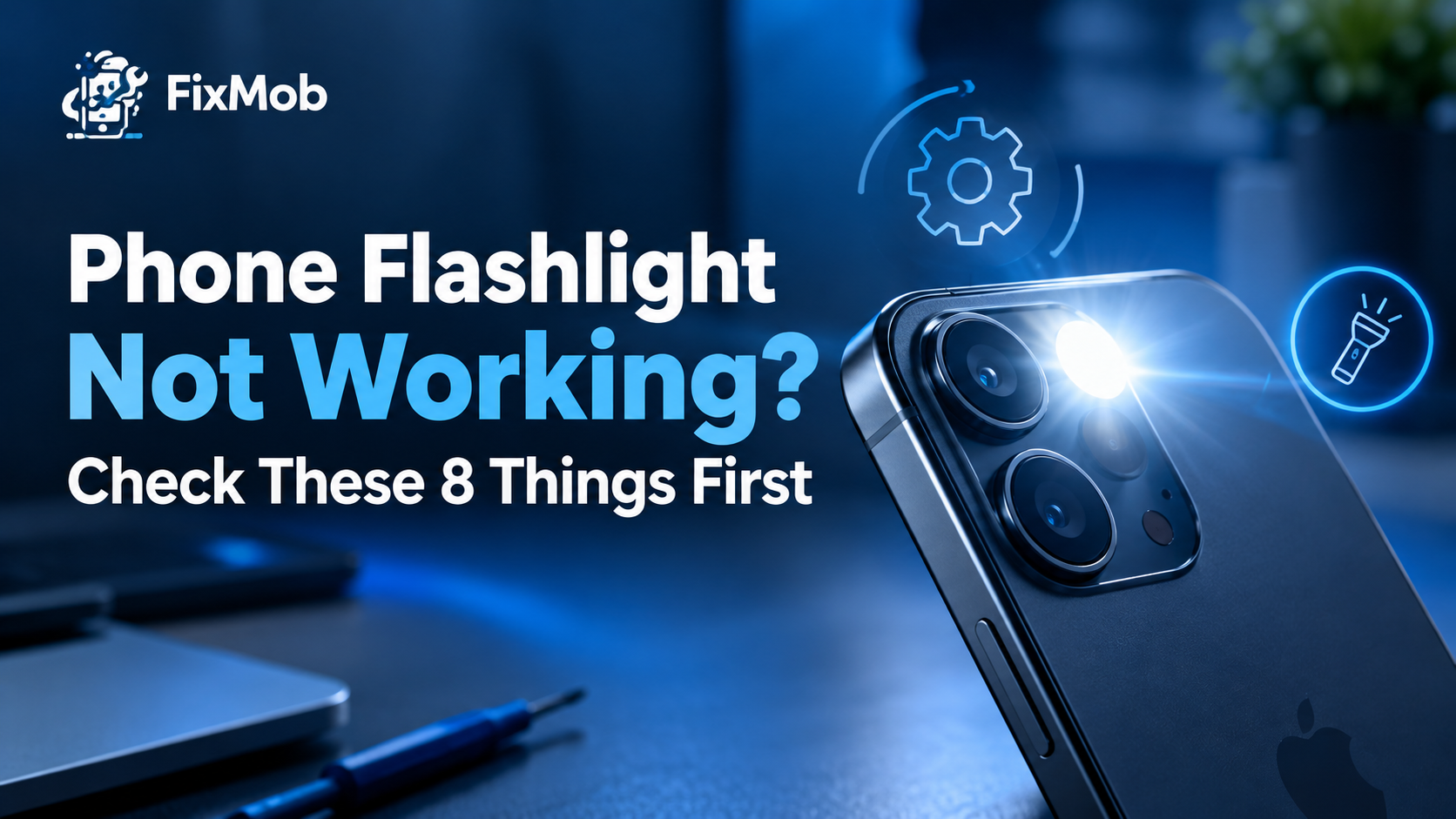
Short answer: Phone flashlight not working is usually a clash, a setting or heat, not a dead LED. Run the 8 free checks below in order, and if the camera flash fails too, book a technician for a proper diagnosis.
Phone flashlight not working is usually a clash, a setting or heat, not a dead LED. Run the 8 free checks below in order, and if the camera flash fails too, book a technician for a proper diagnosis.
Whether you call it a flashlight or a torch, a mobile torch not working is annoying during a Bangalore power cut. Most causes are cheap to rule out, and our guide to a phone that has stopped vibrating uses the same settings-first approach.
At A Glance
• Price: Quoted after inspection, before any work starts
• Duration: 30 to 60 minutes for common repairs, 2 to 4 hours for board-level work
• Warranty: 6 months on every repair
• Areas covered: Koramangala, Indiranagar, Whitefield, HSR Layout and more across Bangalore
• Fastest test: Switch the camera flash on and take one photo.
Why Does Your Flashlight Stop Working All Of A Sudden?
Phone flashlight not working after months of normal use usually traces to one of four causes: the camera is holding the LED, the phone is too hot, a case or dirt blocks the window, or a glitch has reset the toggle. A failed LED is the rarer cause.
On most phones the torch and the camera flash share one LED. When the Camera app, or any app that uses the flash, is active, the toggle can look dead. If you keep asking why is my flashlight not turning on, start with that overlap.
Here is the full list of suspects, roughly from most to least likely:
• The Camera app, or another app, is holding the LED
• Heat, or a very low battery, has triggered a protection mode
• A case, a sticker or dust is covering the flash window
• A recent update or a rogue app reset the flashlight toggle
• A drop loosened the LED connector or its flex cable
• Moisture has corroded the contacts over a few weeks
• The LED itself has failed after years of use
The first four are free to test. Leave the screwdriver for last, because a settings fix takes a minute and an opened phone can take a week to put right.
Is It A Software Glitch Or A Hardware Fault?
If the camera flash fires but the torch toggle does nothing, the cause is almost always software or a setting. If both stay dark after a restart and a cool-down, suspect the LED, its connector or the board, and treat phone flashlight not working as a repair job.
|
What you notice
|
Likely cause
|
First move
|
|
Torch dead, camera flash fires
|
Stuck toggle or software glitch
|
Re-add the toggle, then restart
|
|
Both dark, phone feels warm
|
Heat protection
|
Let it cool in shade, then retry
|
|
Dead only with the case on
|
Blocked flash window
|
Remove the case, wipe the window
|
|
Dim or flickering light
|
Loose connector or ageing LED
|
Run the camera flash test
|
|
Dead after a drop
|
Loose connector or damaged flex
|
Technician inspection
|
|
Dead after rain or a spill
|
Moisture on the contacts
|
Switch off, get it inspected soon
|
|
Dark everywhere, even after a reset
|
LED or board driver fault
|
Technician inspection
|
Board-level faults sit at the rare end of this table. Our
Phone Flashlight Not Working? Check These 8 Things First
Phone flashlight not working is usually a clash, a setting or heat, not a dead LED. Run the 8 free checks below in order, and if the camera flash fails too, book a technician for a proper diagnosis.
Whether you call it a flashlight or a torch, a mobile torch not working is annoying during a Bangalore power cut. Most causes are cheap to rule out, and our guide to a phone that has stopped vibrating uses the same settings-first approach.
At A Glance
• Price: Quoted after inspection, before any work starts
• Duration: 30 to 60 minutes for common repairs, 2 to 4 hours for board-level work
• Warranty: 6 months on every repair
• Areas covered: Koramangala, Indiranagar, Whitefield, HSR Layout and more across Bangalore
• Fastest test: Switch the camera flash on and take one photo.
The first four are free to test. Leave the screwdriver for last, because a settings fix takes a minute and an opened phone can take a week to put right.
Can Heat Or A Low Battery Switch The Flashlight Off?
Yes. Phones defend themselves against heat, and the camera flash is one of the first features to be paused. Apple designs iPhone and iPad for ambient temperatures of 0° to 35° C, and beyond that range the flash can be disabled until the phone cools.
A Bangalore afternoon, a scooter dashboard or a phone charging under a pillow can push a handset past that comfort zone. Apple’s support page says that when the interior temperature leaves the normal range, the camera flash or other camera features might be temporarily disabled.
If the problem appears only on hot days or during charging, phone flashlight not working is a heat symptom, not a fault. It usually clears once the phone cools down.
Android makers use similar protections, and some models also cut the flash when the battery is critically low. Thresholds differ by brand, so watch the pattern, not a number. To cool a phone safely:
• Unplug the charger and leave the phone idle
• Move it into shade, away from direct sun
• Take the case off so heat can escape
• Retest the torch once the phone feels normal to the touch
How Do You Fix Your Flashlight At Home?
Work through 8 checks in order and test after each, so you know which one fixed it. For phone flashlight not working, the free software checks come first, and the camera flash test then tells you whether hardware is involved.
1. Close the Camera app and any app that may use the flash, such as video calling or scanner apps.
2. Toggle it again. Switch the flashlight off and on, try the Lock Screen shortcut, or ask your voice assistant to turn it on.
3. Check the brightness. On an iPhone, press and hold the flashlight icon in Control Center, because a slider at its lowest level can pass for a dead torch.
4. Remove the case and wipe the flash window with a dry, soft cloth.
5. Restart the phone, then install any pending system update and restart once more.
6. Re-add the toggle. Remove the flashlight control from your quick settings or Control Center, then add it back.
7. Rule out apps and settings. On Android, boot into Safe Mode, since the steps differ by brand. On an iPhone, reset all settings. Neither erases data, but back up first.
8. Run the camera flash test. Open the camera, set the flash to On and take a photo.
That last check is the cleanest dividing line. If the flash fires in the photo, the LED is healthy and the fault sits in the toggle or an app. If it stays dark there too, hardware or heat is involved.
Why Is Your Phone Flashlight Not Working After A Drop Or Spill?
A hard fall can loosen the LED connector, and moisture can corrode its contacts quietly over days. Phone flashlight not working straight after a drop or a spill is a hardware clue, so skip the long checklist and get the phone inspected.
Liquid is the sneaky one, because a wet phone may behave for a week and then fail. If yours took a splash, switch it off and read our water-damaged phone guide before you plug in a charger.
Two habits make things worse. Do not charge a damp phone, since power on a wet board can turn a small fault into a dead one. And do not keep toggling the torch hoping it recovers, because a flickering LED on a loose connector can fail for good.
When Does A Technician Need To Look At It?
Book a technician when the camera flash fails too, the light died after a drop or a spill, or all 8 checks changed nothing. At that point the LED, its flex or the board’s driver circuit needs a proper inspection, and no app can repair any of them.
|
Fault
|
Typical sign
|
What the technician does
|
What it costs
|
|
Failed LED part
|
Torch and camera flash both dark
|
Replaces the LED part or its flex
|
Price confirmed after inspection
|
|
Loose connector
|
Works after a knock, then stops
|
Reseats the connector, checks the flex
|
Price confirmed after inspection
|
|
Moisture or corrosion
|
Stopped after rain or a spill
|
Cleans contacts, tests the board
|
Rises with the spread of corrosion
|
|
Board driver fault
|
A new LED stays dark
|
Component-level board repair
|
1,500 to 8,000 rupees for board-level work
|
FixMob does not print a flat price for this job, because the part differs by model. For camera flash repair in Bangalore, you get a quote after inspection and before any work starts.
The full list of FixMob repair services includes camera replacement and motherboard repair, which may apply if the fault traces back to the camera module or the board.
One honest note: FixMob is an independent repairer and is not affiliated with Apple or Samsung. If your phone is still inside the maker’s warranty, start there.
How Does A Doorstep Flashlight Repair Work In Bangalore?
You book online, choose Other Service, and a technician inspects the phone at your door and quotes before touching it. You pay only after the repair is finished, and every repair carries a warranty of 6 months.
1. Open the booking page, pick your brand and model, then choose Other Service.
2. Take the confirmation call, which settles the time and your area.
3. The technician runs the camera flash test and checks for liquid damage.
4. You approve the quote, and the repair happens in front of you where it can be done on site.
5. Test the torch together, then pay once you are satisfied.
If the fault needs a workbench, pickup and delivery covers it. Areas run from Koramangala and Indiranagar to HSR Layout and Whitefield, so the phone does not have to leave your sight until it must.
Frequently Asked Questions
Why is my flashlight not turning on but the camera flash works?
That pattern points to a software or toggle fault, not a dead LED. Re-add the control, restart, update, and on Android test in Safe Mode to catch a clashing app.
Can a phone case stop the flashlight from working?
A case that covers or half covers the flash window can make the light look dead. Remove it and wipe the window with a dry, soft cloth before you try anything else.
Can a software update break the flashlight?
Yes. An update can reset a toggle or clash with an app, so phone flashlight not working after an update deserves a restart and a fresh toggle before you suspect hardware.
Will a factory reset fix a dead flashlight?
Only if the cause is software. A reset cannot repair a failed LED or a loose connector, so run the camera flash test and a settings reset first, and back up before anything drastic.
Is it worth repairing a phone just for the flashlight?
If the flashlight is the only fault, repair usually costs less than a new phone. Get an inspection quote first, then decide, since you pay only after the work is done.
Why does my flashlight turn off by itself?
Heat, a very low battery or a flaky connector can cut the light. If it dies when the phone warms up or after a knock, note the pattern and book an inspection.
Ready To Get Your Torch Working Again?
Run the 8 checks tonight and start with the camera flash test. If the light stays dark, book a doorstep inspection and let a technician tell you whether it is a quick fix. For a stubborn phone flashlight not working, book your repair with FixMob and approve the quote only if it makes sense. explains how those jobs are diagnosed and priced.
Areas we cover
- Bengaluru
- Koramangala
- HSR Layout
- Indiranagar
- Whitefield
- Electronic City
- Rajajinagar
Sources
- If your iPhone or iPad gets too hot or too cold — Apple Support
- FixMob repair services — FixMob
- Phone motherboard repair — FixMob