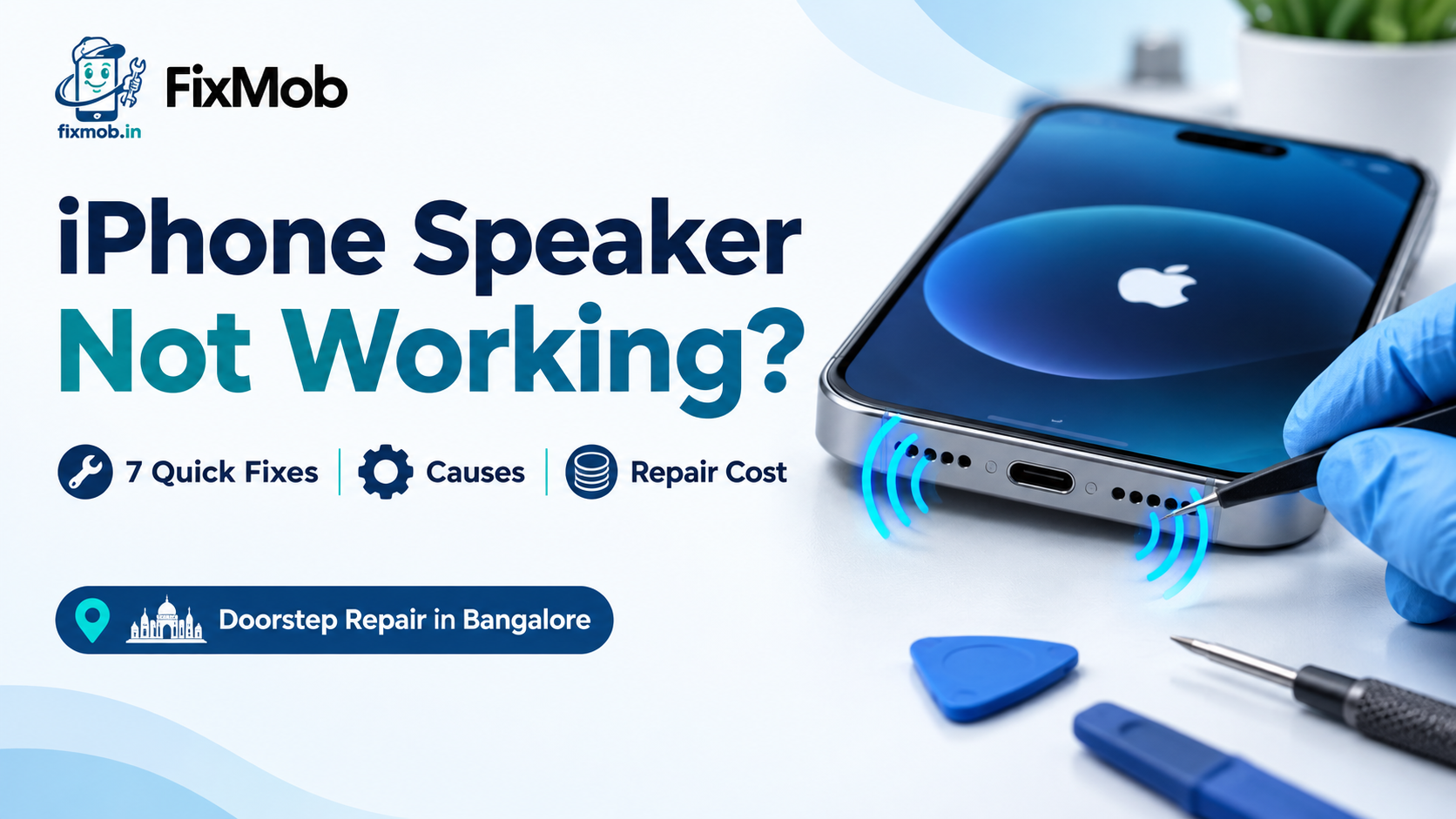
iPhone Speaker Not Working: Fixes, Causes And Repair Cost
Short answer: An iPhone speaker not working is usually a setting, a blocked grille or a stuck audio route, so seven free checks fix many cases in minutes. If the sound is still dead, a speaker replacement takes about 30 to 60 minutes at your doorstep in Bangalore.
An iPhone speaker not working is usually a setting, a blocked grille or a stuck audio route, so seven free checks fix many cases in minutes. If the sound is still dead, a speaker replacement takes about 30 to 60 minutes at your doorstep in Bangalore.
Seeing a headset icon with nothing plugged in? Read our guide to a phone stuck in earphone mode first, because that fault looks like a dead speaker but is not one. Everything below covers the faults that are real.
At A Glance
• Price: Quoted after inspection, pay only after the repair
• Duration: 30 to 60 minutes
• Included: 6-month warranty, doorstep service and a sound test
• Apple’s own speaker troubleshooting guide runs to seven steps.
• The bottom loudspeaker and the top call speaker are separate parts.
What Makes Your Phone Go Silent?
Most cases of an iPhone speaker not working start in one of five places: a silent setting, a stuck audio route, a clogged grille, a damaged speaker module, or liquid inside the phone. Settings and dirt are the cheapest to rule out, so test them before paying for a part.
The loudspeaker grille on the bottom edge is a tiny mesh, and it fills up. Pockets, bags and damp monsoon air push fine dust into those holes a little more each week.
Here is how each cause usually shows itself:
• A silent setting. Everything is quiet, but vibration still works.
• A stuck audio route. The sound is going to Bluetooth earbuds or a car, not to the phone.
• A blocked grille. Volume faded slowly over weeks and never came back.
• A damaged module. Crackle or buzz appears, often right after a drop.
• Liquid. Sound died after rain, a spill or a sweaty workout.
Is It The Loudspeaker Or The Call Speaker?
Your iPhone has two outputs. The loudspeaker at the bottom plays music, ringtones and speakerphone, while the call speaker at the top, which Apple calls the receiver, plays a caller’s voice at your ear. Knowing which one is silent narrows an iPhone speaker not working complaint to one part.
|
What you notice |
Likely part |
First thing to try |
|
Music and speakerphone silent, calls fine at your ear |
Loudspeaker |
Clean the bottom openings |
|
Calls silent at your ear, music fine |
Call speaker |
Clean the top slot, remove the screen guard |
|
Crackle or buzz above half volume |
Loudspeaker |
Expect a module swap |
|
Callers cannot hear you |
Microphone |
A different fault, not a speaker |
|
Everything silent, slider button dimmed |
Both outputs or board |
Restart, then book an inspection |
An iPhone call speaker not working and a dead loudspeaker get different repairs, so do not let anyone quote you before they know which is which. Our guide to telling speaker dust from real damage compares both side by side.
If your iPhone loudspeaker not working only shows up on speakerphone, check the bottom edge first. Dust packs into that mesh far faster than the top slot.
Which Settings Mute Sound Without Warning?
Silent mode, an Action button set to Silent, a Focus mode, and sound routed to Bluetooth or AirPlay can all mute an iPhone whose speaker is perfectly healthy. Check these before you decide an iPhone speaker not working means hardware, because the whole list takes under two minutes.
• Ring/Silent switch. If orange shows, the phone is silent.
• Action button. If it is set to Silent mode, press it once more.
• Focus. Open Settings, tap Focus, then Do Not Disturb, and switch it off.
• Audio output. In Control Center, tap the AirPlay icon and pick iPhone.
• Bluetooth. Turn it off to rule out earbuds in a bag or a car stereo nearby.
A badly cut screen protector or a thick case can also cover the grille. Take both off before you test anything else.
How Do You Fix A Silent Speaker At Home?
Work through the steps in order and stop the moment sound returns: silent mode, Do Not Disturb, case off, openings cleaned, slider test, then a speakerphone call. Fixing an iPhone speaker not working at home costs nothing but ten minutes, and it settles whether you need a technician.
1. Move the Ring/Silent switch until no orange shows, or press the Action button if it is set to Silent.
2. Open Settings, tap Focus, tap Do Not Disturb, and make sure it is off.
3. Remove the case and any screen protector.
4. Check the bottom openings and the top slot with a torch. Clean them with a dry, soft-bristled brush, never a pin or a SIM tool.
5. Open Settings, tap Sounds & Haptics, and drag the Ringtone and Alerts slider back and forth. Silence or a dimmed speaker button points to service.
6. If you hear sound, make a call and switch on speakerphone.
7. Restart the iPhone and repeat the slider test.
This order follows Apple’s speaker troubleshooting guide, which also warns that static during a speakerphone call can be a network problem rather than a speaker fault. Try that call again from another spot before blaming the phone.
When Does A Speaker Need Repair?
Book a repair when the slider test stays silent, the speaker button is dimmed, sound crackles at higher volume, or the trouble began after a drop or liquid. At that point an iPhone speaker not working is a hardware fault, and no setting will fix it.
Signs that the part itself has failed:
• Total silence from one speaker while the other still works
• Crackle, rattle or buzz that grows with volume
• A problem that started the day of a fall
• Sound that vanished after rain, a spill or a wet pocket
On an iPhone the display comes off first, so the swap needs care. The technician disconnects the battery, lifts out the old module, cleans the contacts, fits the new one with fresh sealing and tests it before closing, as our loudspeaker replacement walkthrough explains step by step.
Liquid is the cause worth acting on fast. Switch the phone off, skip the rice, and get it opened within a day or two before residue sets.
What Decides The Cost Of A Speaker Replacement?
Four things set iPhone speaker replacement cost: which speaker failed, your model, whether liquid reached the board, and the quality of the part. A grille clean costs least because nothing is replaced. The only reliable number is a written quote after the phone has been inspected.
|
Fault |
What gets done |
What moves the quote |
|
Blocked grille or slot |
Cleaning, no new part |
Usually the lightest job |
|
Loudspeaker failure |
Bottom speaker module swapped, fresh adhesive |
Your iPhone model and part quality |
|
Call speaker failure |
Top receiver replaced |
Display handling on your model |
|
Liquid damage |
Cleaning first, then a part if corroded |
How far the corrosion has spread |
|
Board-level audio fault |
Bench repair on the main board |
Hours of bench time, often 2 to 4 |
FixMob does not print one flat figure for this job, because the model and the fault change it. You hear the expected cost before any work starts, and you pay only after the repair is finished.
Ask three things before you agree: which part grade goes in, how long the warranty runs, and whether the quote covers parts and labour together. Get the answers in writing, not over a quick phone call, so the final invoice cannot drift.
Apple Service Or Doorstep Repair: Which Suits You?
Choose Apple while the iPhone is under warranty or AppleCare and the fault was not caused by a drop or liquid. Choose a doorstep technician when the phone is out of warranty and you want a quick repair you can watch, with the quote agreed first.
• Under warranty, no drop or spill: start with Apple or an authorised provider.
• Out of warranty: compare the repairer’s own warranty, since that is what protects you now.
• Liquid damage: generally excluded from manufacturer warranty, so a technician is often the realistic route.
FixMob is an independent repairer and is not affiliated with Apple. Our breakdown of an iPhone service centre, walk-in counter and doorstep technician shows which route fits which fault.
Frequently Asked Questions
Why do calls work but videos stay silent?
Media volume and ringer volume are separate, so raise the volume while audio plays and check silent mode and Bluetooth. If only the bottom speaker is dead, the grille or module is the cause.
Can dust really silence an iPhone speaker?
Yes, lint packed into the mesh can mute or muffle sound with no damage to the speaker. Clean it gently with a dry, soft brush, never a pin or SIM tool.
Will restarting the iPhone fix a dead speaker?
It can, when a stuck audio route or a software glitch is behind it. If sound returns and then vanishes again, move on to cleaning and the slider test.
Does a speaker replacement hurt water resistance?
A properly sealed repair keeps good everyday protection, but it will not match the factory rating. Ask for fresh adhesive and treat the phone as splash resistant, not swim proof.
How long does an iPhone speaker replacement take?
Most take 30 to 60 minutes at your doorstep. If your iPhone speaker not working problem came from liquid, cleaning the corrosion can add time, so some phones come back the same day.
Will a speaker replacement erase my data?
No, the speaker module never touches storage, so photos, apps and chats stay where they are. A backup before any repair is still sensible.
Ready To Get Your Sound Back?
Run the seven checks first, because ten quiet minutes with a brush and the Settings app solve plenty of cases. If your iPhone speaker not working problem survives them, book a FixMob doorstep repair. A technician confirms the fault, quotes before opening the phone, and you pay after you hear it work.
- 7 steps Apple Support, 2026
- typical loudspeaker replacement time
- 30 to 60 minutes FixMob loudspeaker replacement guide, 2026
- warranty on every FixMob repair
- 6 months FixMob, 2026
Sources
- If you hear no sound or distorted sound from your iPhone speaker — Apple Support
- Loudspeaker Replacement: What Happens and How Long It Takes — FixMob
- Pay After Service — FixMob
Areas we cover around Bengaluru,Karnataka
- Bengaluru
- Koramangala
- HSR Layout
- Indiranagar
- Whitefield
- Electronic City
- Rajajinagar
- Price
- Quoted after inspection, pay only after the repair
- Duration
- 30 to 60 minutes
- Included
- 6-month warranty, doorstep service and a sound test