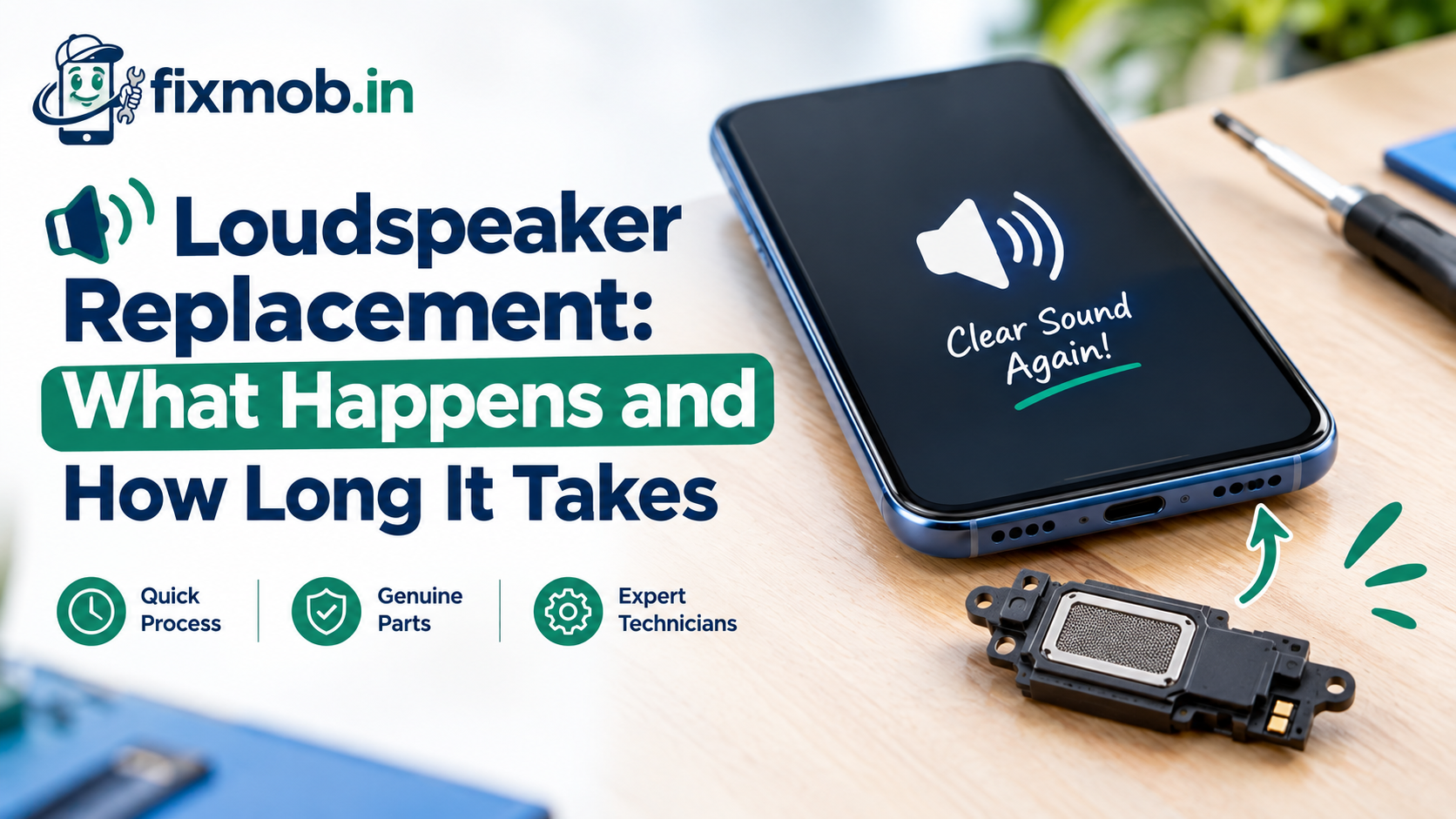
Loudspeaker Replacement: What Happens and How Long It Takes
Your ringtone has turned into a rattle, or videos play in total silence. Before you book anything, rule out a blocked grille with our guide to telling speaker dust from real damage, because a clean is often all it needs.
If the checks point to a dead part, a loudspeaker replacement is a short, predictable job. This guide walks you through what the technician does, how long each type of phone takes, and how to test the result.
The Short Version
• The loudspeaker is the bottom speaker for media, ringtones, and speakerphone.
• Most swaps finish in 30 to 60 minutes at your doorstep.
• Phones opened from the screen side take longer than screw-down designs.
• A fresh gasket and adhesive are part of a proper repair.
• Test calls, music, and alarms before you pay.
What Is A Loudspeaker Replacement?
A loudspeaker replacement swaps the bottom speaker module in your phone, the part that plays music, videos, ringtones, and speakerphone calls. The earpiece at the top is a separate part. The technician removes the old module and fits a new one with fresh sealing.
On most modern phones, the loudspeaker is a small sealed box. Inside sits a driver with a thin diaphragm and a voice coil. Around it you find a plastic enclosure, a fine dust mesh, and a rubber gasket that keeps air and water out.
The box connects to the main board in one of three ways:
• Spring contacts that press against gold pads on the board
• A short flex cable that clips into a connector
• Solder points, found on some older or budget models
This matters because a phone speaker replacement is only as good as that connection. A new module on a bent spring contact still sounds dead. A good technician checks and cleans the contact pads before blaming the part.
When Do You Actually Need A New Loudspeaker?
You need a new loudspeaker when sound stays distorted, crackly, or silent after cleaning the grille, restarting, and checking audio routing. If the earpiece works but media and speakerphone do not, a loudspeaker replacement usually solves it. Sound that faded slowly points to blockage instead.
A bottom speaker not working can have several causes, and only some need a new part. Use this table to read the symptom before you book.
|
Symptom |
Likely cause |
New module needed? |
|
Sound slowly got softer over months |
Lint and dust packed into the mesh |
Usually no, a clean fixes it |
|
Crackle or buzz at high volume |
Torn diaphragm or blown coil |
Yes |
|
Total silence, earpiece works fine |
Dead driver or lifted contact |
Often yes, contact checked first |
|
Silence after a spill |
Corrosion on module or contacts |
Often yes, plus board cleaning |
|
Sound only on calls, not media |
Software or routing fault |
No, settings or update |
|
No sound anywhere, including earpiece |
Audio chip on the board |
No, this is board level work |
Liquid is the cause that people underestimate. Water leaves mineral residue on the diaphragm and green corrosion on the contacts, sometimes days after the phone dried. Our post on why professional cleaning beats the rice trick for a wet phone explains how that damage spreads.
What Happens During The Swap, Step By Step?
A loudspeaker replacement follows seven steps: confirm the fault, power down, open the phone, disconnect the battery, remove the old module, fit the new one with fresh sealing, and test before closing. Skipping any step, especially the battery disconnect, risks a short on the board.
1. Confirm the fault. The technician plays a test tone, compares the loudspeaker with the earpiece on speakerphone, and checks that the phone is not stuck routing audio elsewhere.
2. Power down and prepare. The phone is switched off and the SIM tray comes out.
3. Open the phone. Depending on the model, this means heating and lifting the back glass, removing the display, or unscrewing a back cover.
4. Disconnect the battery. This comes before touching any other connector, every time.
5. Remove the old module. The technician unscrews the bracket, lifts the speaker out, and inspects the contacts for corrosion or bent springs.
6. Fit the new module. It goes in with a new gasket and a clean mesh, and the contacts get cleaned first.
7. Test, then seal. Sound is checked with the phone partly assembled, then the adhesive goes on and the phone is closed.
Your data stays on the phone throughout, since nothing touches storage. FixMob follows set safe handling practices during every repair, so the phone is never reset or wiped as part of a speaker job.
How Long Does Speaker Replacement Take On Your Phone?
A typical loudspeaker replacement takes 30 to 60 minutes. The main factor in speaker replacement time is how the phone opens. Screw-down designs are quickest, glued glass backs take longer because of heating and resealing, and phones that open from the screen side need the most care.
|
How the phone opens |
Common in |
Typical time |
Why |
|
Screw-down back or mid-frame |
Many budget Android models |
About 30 minutes |
No heating, few adhesive strips |
|
Glued glass back |
Most mid-range and flagship Android phones |
45 to 60 minutes |
Heating, lifting, and resealing the back |
|
Display comes off first |
iPhones |
45 to 60 minutes |
Display flex cables need careful handling |
|
Corrosion on contacts |
Any phone after a spill |
Longer, sometimes same day pickup |
Board cleaning before the new part goes in |
Two things add time that you might not expect. Fresh adhesive needs a short rest under light pressure before the phone is fully handled. And if the old speaker has corroded onto its bracket, freeing it without cracking the frame takes patience.
When a phone needs workshop cleaning, it comes back the same day in most cases, rather than sitting in a queue.
Will Your Phone Still Be Water Resistant Afterwards?
After a loudspeaker replacement, your phone keeps good everyday protection if the technician fits a new gasket and fresh adhesive. It will not match the factory rating exactly, because the original seal was applied and tested on a production line. Treat the phone as splash resistant, not swim proof.
Even without any repair, that rating is not permanent. Apple’s own guidance on iPhone water resistance states that resistance can drop through normal wear and that liquid damage falls outside its warranty. Every other brand works the same way.
What you should expect from a proper repair:
• A new gasket around the speaker, not the old one reused
• Fresh adhesive along the full edge of the back or display
• No gaps when you run a fingernail along the seam
• A clean dust mesh, since the old one is often clogged
What you should avoid after the repair:
• Swimming or showering with the phone
• Charging it while the port is still wet from rain
• Pressing the back panel hard for the first few hours
How Do You Test The New Speaker Before You Pay?
Test the new speaker by playing music at full volume, making a speakerphone call, letting an alarm ring, and recording then playing back a voice note. Clean, loud sound on all four means the part and the contact are good. Any crackle means it goes back on the bench.
Run these checks in front of the technician:
|
Test |
What good sounds like |
What to flag |
|
Music at full volume |
Loud, clear, no rattle |
Buzz on bass notes |
|
Speakerphone call |
The other person hears you and you hear them |
Echo or cut outs |
|
Alarm or ringtone |
Full volume from a locked screen |
Quiet or delayed sound |
|
Voice note playback |
Your voice sounds natural |
Muffled or tinny tone |
|
Earpiece call |
Unchanged from before |
Any new crackle up top |
The last test matters because the earpiece and loudspeaker often sit near the same cables. A careless repair can disturb one while fixing the other.
This is also why you should never pay upfront for a speaker job. With FixMob you pay only after the service is complete and you have heard the result for yourself.
How Do You Prepare For The Repair Visit?
Preparation takes about five minutes. Back up your photos and chats, note down your passcode or be ready to unlock the phone for testing, remove the case, and write down exactly when the sound problem started and what came before it.
That last detail saves real time. “It crackled after I dropped it” and “it went silent after the rain” point the technician in different directions from the first minute.
Here is a quick checklist:
• Back up to Google Drive or iCloud
• Charge the phone above 30 percent
• Remove the case and screen guard edge if it covers the grille
• Keep the original box nearby if you have it
• Mention any earlier repairs, since reused adhesive changes the opening process
Frequently Asked Questions
Can I replace a phone loudspeaker myself?
You can, but opening a glued phone without heat control often cracks the back glass or tears a display cable. That damage turns a simple swap into a much bigger repair.
Is the earpiece the same part as the loudspeaker?
No, the earpiece sits at the top for calls held to your ear, while the loudspeaker sits at the bottom for media and speakerphone. Each one fails and gets replaced separately.
Will a speaker swap delete my data?
No, a loudspeaker replacement never touches storage, so your photos, apps, and chats stay exactly where they are. A backup is still sensible before any repair.
Why does my new speaker sound slightly different?
Replacement modules can have a slightly different tone, especially in the bass, but volume and clarity should match the original. Distortion or rattling is a fault covered by warranty.
Does FixMob give a warranty on speaker repairs?
Yes, every FixMob repair carries a 6-month warranty on parts and service. If the new speaker develops a fault in that period, it is repaired again under that warranty.
Can a dropped phone need a new speaker even if the screen survived?
Yes, a hard drop can tear the diaphragm or shift a spring contact without leaving a mark outside. Crackling that starts right after a fall is the typical sign.
Ready To Get Your Sound Back?
If cleaning and a restart have not brought the sound back, a loudspeaker replacement is the fix, and it rarely takes more than an hour. Book your doorstep speaker repair in two minutes, and a FixMob technician will confirm the fault before touching a screw.