Phone Stuck In Earphone Mode? How To Get Your Speaker Back
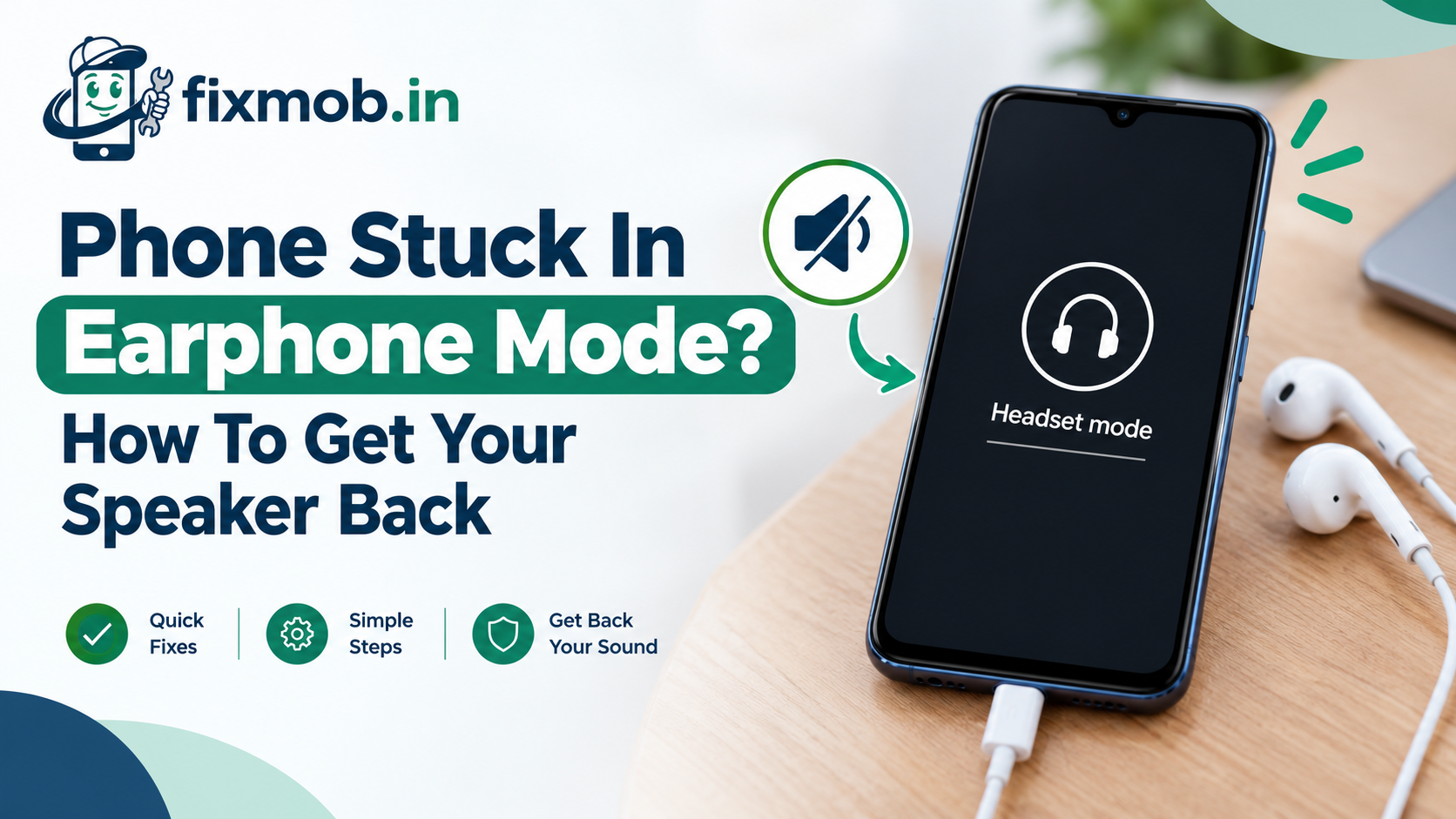
A headset icon sits in the status bar, videos play in silence, and callers cannot hear a word, yet nothing is plugged in. It looks exactly like a speaker fault, which is why so many people book a phone speaker repair they never needed.
A phone stuck in earphone mode is nearly always a fooled sensor rather than a broken part. This guide shows you how to clear it in minutes, and how to tell when the socket genuinely needs a repair.
The Essentials
• Lint or moisture in the jack or USB-C port causes most cases
• Plugging earphones in and pulling them out clears many phones instantly
• Calls fail too, because the phone listens for a headset mic that is absent
• Never clean a socket with a pin, needle, or SIM ejector tool
• A worn jack usually means a small board swap, not a new phone
Why Does Your Phone Think Earphones Are Still Plugged In?
Your phone knows earphones are connected because a tiny detection contact inside the socket tells it so. A phone stuck in earphone mode has usually been fooled by lint, moisture, or a bent contact holding that signal on, and less often by a software glitch that missed the plug coming out.
On a phone with a round 3.5mm jack, a small spring contact moves when a plug slides in. Pocket fluff compressed at the bottom of the socket can press that contact exactly the way a plug does, so the phone never registers the plug leaving.
Phones without a round jack take earphones through the USB-C port, so the charging socket does double duty. Xiaomi’s support page on earphone mode lists foreign matter in the socket as the first physical check, and notes that on Type-C phones the earphone hole is the charging port.
The usual culprits:
• Lint and dust packed into the jack or port from pockets and bags
• Moisture from rain, sweat, or humidity bridging the contacts
• A worn or bent contact after years of plugging in at an angle
• A software glitch after an update, or a crashed audio service
• A cheap adapter or damaged plug that bent the pins inside the socket
What Stops Working On A Phone Stuck In Earphone Mode?
Media sound goes first, then calls. Videos, music, reels, and game audio are sent to earphones that do not exist, and calls are routed the same way, so you may hear nothing from the earpiece while the person on the other end hears only silence.
The silence on calls has a simple cause. When a phone believes a headset is connected, it usually switches to the microphone on the headset cable, so a phantom headset leaves your voice with nowhere to go.
There is also a quick test that settles the speaker question. On many Android phones, ringtones and alarms still play through the loudspeaker while earphones are connected, but media does not. If your ringtone sounds normal and YouTube is silent, the speaker works and the socket is misreporting.
Signs you are dealing with earphone mode rather than a dead speaker:
• A headphone or headset icon in the status bar with nothing plugged in
• A volume panel labelled for headphones or earphones
• Voice notes that record nothing but silence
• Calls where the other person cannot hear you at all
Is It A Software Glitch Or A Faulty Jack?
Watch how the icon behaves after a restart. A phone stuck in earphone mode that restarts clean and stays clean had a software glitch. If the icon returns within minutes, flickers when you tap the phone, or first appeared after rain, the socket itself is holding the signal on.
|
Clue |
Likely cause |
What to do |
|
Icon clears after a restart and stays gone |
Software glitch |
Install pending updates and move on |
|
Icon returns within minutes of a restart |
Lint or a stuck contact |
Clean the jack or port |
|
Icon flickers when you tap or squeeze the phone |
Loose or worn socket |
Have the socket inspected |
|
Started after rain, a spill, or a sweaty workout |
Moisture or early corrosion |
Power off, dry it, then get it checked |
|
Sound works in Safe Mode but not normally |
A third-party audio app |
Remove recent equaliser or audio apps |
|
Only one app is silent |
That app’s own settings |
Check the app’s audio and permissions |
Lint and software between them explain most cases. When the icon survives every fix in the next section, the socket is the problem, and charging port repair covers it on most handsets, because the jack and the USB-C port often share one small board.
How Do You Turn Off Earphone Mode Step By Step?
Work through these nine fixes in order, because they run from instant and free to slightly more hands-on. Many cases of a phone stuck in earphone mode clear within the first four steps, and none of the steps put your photos or chats at risk.
If you only need to know how to turn off earphone mode right now, steps one and two take under a minute.
1. Plug earphones in and pull them out three or four times, straight and firm. Use the USB-C adapter if your phone has no round jack. This often frees a stuck detection contact.
2. Restart the phone from the power menu, which clears a crashed audio service.
3. Turn off Bluetooth to rule out earbuds in a bag, a smartwatch, or a car stereo holding the audio.
4. Send sound to the speaker yourself. On a Galaxy, tap Media output in the quick panel and pick the phone speaker. On an iPhone, tap the AirPlay icon in Control Center and choose iPhone.
5. Clean the socket with the phone switched off, using the method in the next section.
6. Dry it properly if the problem began after rain or a sweaty session, before plugging anything in.
7. Restart in Safe Mode to see whether a third-party equaliser or audio app is forcing the route. On Samsung and Pixel phones, long-press Power off in the power menu.
8. Install pending system updates, which can fix a buggy audio service.
9. Book a diagnosis if the icon survives all of this, because the socket or board needs hands-on work.
How Do You Clean The Jack Or USB-C Port Safely?
Power the phone off, shine a torch into the socket, and lift debris out with something soft. On a phone stuck in earphone mode, the culprit is often a compressed pad of lint at the very bottom of the socket, pressing on the detection contact.
What to use:
• A wooden toothpick or a soft interdental brush, worked gently along the walls
• Short bursts from an air blower, or a can of compressed air held upright
• For a round jack, a cotton bud barely dampened with 99 percent isopropyl alcohol
What to avoid:
• Pins, needles, and the SIM ejector tool, which scratch or short the contacts
• Blowing into the socket, because your breath adds moisture
• Plugging in or charging until the socket is completely dry
Give an alcohol-cleaned jack at least 30 minutes to dry before you test it. Then plug earphones in and out once more, so the contact settles against a clean surface.
Moisture needs drying, not scrubbing. If the icon appeared after a Bengaluru downpour or a sweaty gym session, leave the phone switched off with the port facing down in a dry, airy spot for a few hours.
Skip the bowl of rice, which sheds starch dust into the socket. Our guide on why a wet phone needs a technician rather than rice explains how corrosion keeps spreading after a phone looks dry.
Is A Samsung Or Apple Phone Stuck In Headphone Mode Any Different?
The cause is the same and only the wording changes. Samsung and Apple menus talk about headphones rather than earphones, so a Galaxy or iPhone owner usually searches for a phone stuck in headphone mode, and each brand offers one extra way to push sound back to the speaker.
• Samsung Galaxy: open the quick panel, tap Media output, and pick the phone speaker. Many budget Galaxy A and M models still carry a round jack, so lint is the usual suspect.
• iPhone: there has been no round jack since the iPhone 7, so the Lightning or USB-C port is the one to inspect. Lint packs tight there because every charge pushes it deeper.
• Redmi, Realme, Vivo, and Oppo: the same nine fixes apply. Xiaomi’s own checklist puts a system update just before a service visit, which matches the order above.
One pattern is worth knowing on any brand. If the icon appears only while one particular cable is plugged in, test with a different cable before blaming the socket.
What Does A Headphone Jack Replacement Cost In Bangalore?
Often nothing, because many cases end with a cleaning. In Bangalore, fixing a phone stuck in earphone mode costs about 500 to 1,500 rupees when a worn jack or port board needs replacing on a budget Android, with iPhone ports and board-level faults costing more.
|
Fault |
What gets done |
Indicative range |
Typical time |
|
Lint or debris in the socket |
Professional cleaning and a sound test |
Usually free with a diagnosis |
10 to 15 minutes |
|
Worn jack or port, budget Android |
Charging board with the jack replaced |
500 to 1,500 rupees |
30 to 45 minutes |
|
Worn port, mid-range or flagship Android |
Port board or flex replaced |
1,200 to 3,000 rupees |
30 to 60 minutes |
|
iPhone Lightning or USB-C port |
Port flex cable replaced |
1,800 to 3,500 rupees |
45 to 60 minutes |
|
Corrosion on the audio circuit |
Board-level cleaning and repair |
1,500 to 4,500 rupees |
1 to 3 days |
These are market ranges across Bangalore, not a fixed price list, and your exact model moves the number.
A headphone jack replacement stays affordable on most budget phones because the jack, the charging port, and the main microphone often sit on one small board that unplugs from the main board.
If liquid has reached the main board itself, our guide to phone motherboard repair explains when board-level work is worth paying for.
Frequently Asked Questions
Why does my phone show an earphone icon when nothing is plugged in?
Lint, moisture, or a worn contact in the jack or USB-C port is sending the same signal a plug would. A software glitch after an update explains most of the remaining cases.
Will a restart fix it?
Sometimes. A restart clears a phone stuck in earphone mode when software caused it, but if lint or moisture is holding the contact, the icon returns within minutes.
Can I still make calls in earphone mode?
Not reliably, because call audio and the microphone both switch to a headset that is not there. Bluetooth earbuds usually keep you reachable until the socket is fixed.
Is it safe to clean the port with a SIM tool?
No. Metal tools scratch or short the contacts, so switch the phone off and use a wooden toothpick, a soft brush, or short bursts of air instead.
Does a factory reset fix earphone mode?
Only when software is the cause, and it erases everything on the phone. Try the restart, the plug trick, cleaning, and a system update first, since none of them cost you data.
How much does a headphone jack replacement cost?
On most budget Android phones it runs about 500 to 1,500 rupees, because the jack sits on a small replaceable board. iPhone port repairs cost more, roughly 1,800 to 3,500 rupees.
Still Stuck After All Nine Fixes?
Then the socket or the board needs hands-on work, and a diagnosis costs less than guessing. Book a doorstep repair, choose Charging Port Repair or Other Service, and a technician will clear your phone stuck in earphone mode in front of you, with nothing to pay until the sound is back.