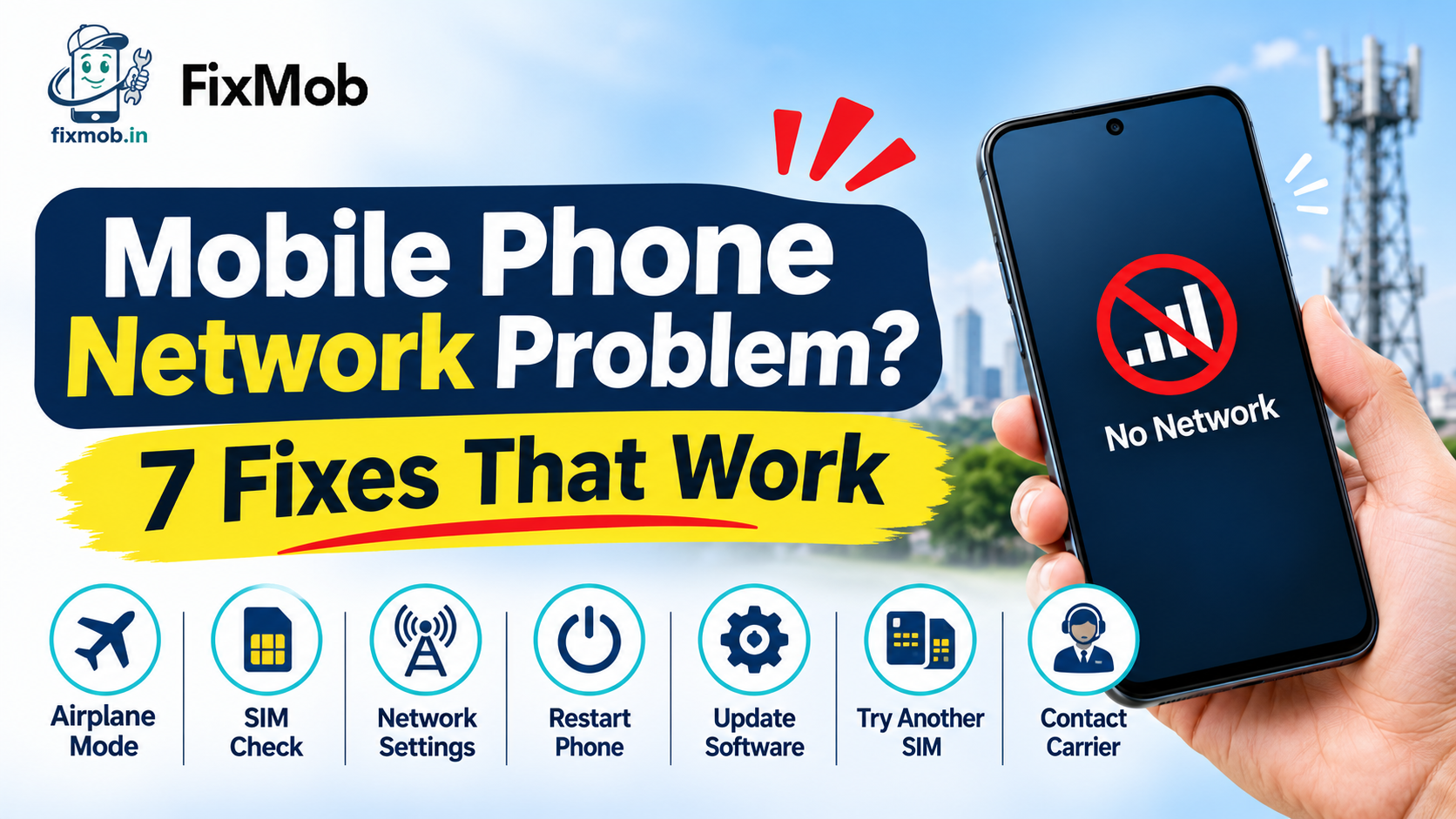
Mobile Phone Network Problem: 7 Fixes That Work
A mobile phone network problem usually traces to the SIM, a setting, the carrier or your building, and seven free checks show which one. Board-level signal repair is the rare outcome, quoted at 3,000 to 6,000 rupees in Bangalore.
Bars that vanish on the sofa, calls that die mid-sentence, a network name that flips to Emergency calls only. If pages also refuse to load, start with our guide to Android mobile data that will not load, then come back here for the signal side.
At A Glance
• Price: 3,000 to 6,000 rupees for board-level signal repair
• Duration: 30 to 60 minutes for common doorstep repairs
• Warranty: 6 months on every repair
• Areas covered: Koramangala, Indiranagar, HSR Layout, Whitefield and across Bangalore
• Seven free checks come first, and most signal faults end there.
What Causes A Mobile Network Problem On Your Phone?
A mobile phone network problem has five usual causes: weak signal where you stand, a setting that got changed, a SIM that is worn or badly seated, a carrier fault in your area, or damage inside the phone. The first four cost nothing to fix.
• Location: thick walls, a basement, a lift, or a spot far from the nearest tower
• Settings: Airplane mode stuck on, a wrong network mode, or manual operator selection left switched on
• SIM: a dirty, worn or badly seated card, or the wrong SIM chosen on a dual-SIM phone
• Carrier: an outage, a suspended connection or a tower down for maintenance
• Hardware: a loose antenna connection, a damaged tray or a board fault after a drop or spill
Order matters. People reach for a new SIM or a factory reset because it feels decisive, yet both are slow and neither tells you anything. Work from the cheapest cause to the costliest, and note what changed after each step, even if it only helped for a minute.
A quick pattern check helps too. A phone network problem that appears only at home points at the building. One that follows you across the city points at the phone or the SIM. One that began the morning after a drop points at hardware.
Why Is There A Mobile Network Problem In My Home?
If you keep searching for a mobile network problem in my home, the cause is usually the building rather than the phone. Concrete, metal-coated glass, lifts and basements soak up radio signal, so bars fall indoors while the same handset works fine on the street.
A mobile phone network problem that shows up in one room only is a coverage question, and no repair visit changes the walls. Walk the flat with a call running and note where it breaks. The pattern tells you more than any menu will.
A parliamentary standing committee that looked into call drops in 2017 noted that calls fail in lifts, basements and deep indoors, and when a phone runs on low battery. Its committee report on call drops also listed causes beyond any carrier’s control, such as poor tower sites and radio interference.
Try these before you blame the handset:
• Stand by a window or on an upper floor and watch the bars for a full minute
• Ask a neighbour on the same carrier whether their signal drops in the same spots
• Switch on Wi-Fi calling in the call settings, if your carrier and phone support it
• Take off any metal or magnetic case and test again
• If one carrier fails across your whole flat, consider porting your number to one that works there
Wi-Fi calling leans on a steady home connection, so our Wi-Fi troubleshooting guide is the next stop if that drops as well.
How Can You Tell A Phone Fault From A Tower Fault?
Test your SIM in another phone, and put a known good SIM in yours. If the problem stays with the phone, it is a device fault. If it stays with the SIM or the location, it is the card or the network.
A few minutes with a friend’s handset settles most arguments about a mobile phone network problem, and it stops you paying for the wrong fix. Use this table to read the result.
|
What you see |
Likely cause |
First move |
|
Your SIM works elsewhere, not in your phone |
The phone itself |
Settings reset, then a hardware check |
|
Another SIM fails in your phone too |
SIM reader or antenna fault |
Inspect the tray and antenna |
|
Your SIM fails in every phone |
The card or the account |
Ask your carrier for a replacement SIM |
|
Neighbours on your carrier lose signal too |
Outage or a weak tower |
Call the carrier, or consider porting |
|
Signal drops in one room only |
The building |
Move, or use Wi-Fi calling |
|
Signal vanished after a drop or spill |
Hardware |
Power down and get it inspected |
Write down which row matches before you speak to anyone. A technician or a carrier agent can act on “my SIM works in my brother’s phone” far faster than on “the network is bad”.
Which Phone Settings Cause A Phone Network Problem?
A phone network problem often comes from three settings: a stuck Airplane mode, a network mode that insists on 5G where coverage is thin, and manual operator selection left switched on. Each takes under a minute to check, and none needs a tool.
Check these first when a mobile phone network problem starts right after an update, because updates can nudge network preferences without telling you. Menu names differ by brand, so look under Mobile networks, Connections or Mobile Service.
• Airplane mode: switch it on for 15 seconds, then off, which forces a fresh sign-in to the tower
• Network mode: pick the automatic 5G, 4G, 3G, 2G option, or try 4G only indoors where 5G is patchy
• Operator selection: set Network operators to Automatic, since a manual pick locks you to one network
• Updates: install pending system updates, which often carry modem and carrier fixes
• Reset network settings: this wipes saved Wi-Fi passwords and Bluetooth pairings, not photos or apps
Save your Wi-Fi password before the reset. People forget, then spend an evening hunting for the router sticker.
When Does A Network Fault Point To Hardware?
Suspect hardware when your SIM works in another phone but not in yours, when signal vanished after a drop or spill, or when every setting check changes nothing. The usual culprits are the SIM tray, the antenna connection and the board’s signal circuit.
Bangalore’s wet season adds a slower cause. Humidity carries moisture into the SIM slot, and the contacts corrode over weeks, so the fault can show up long after the rain. FixMob’s SIM card not detected guide publishes these price ranges for the repairs behind a dead signal:
|
Fault |
Typical sign |
Usual fix |
Bangalore cost |
|
Dirty or badly seated SIM |
Network comes and goes |
Clean the slot and reseat |
300 to 600 rupees |
|
Damaged SIM tray |
Card sits loose, tray will not click |
Replacement tray |
400 to 900 rupees |
|
Corrosion in the slot |
Failed after rain or a spill |
Contact cleaning |
1,000 to 2,000 rupees |
|
Worn SIM reader |
Card read fails again and again |
Soldered reader replacement |
2,000 to 3,500 rupees |
|
Board signal circuit |
Healthy SIM, no signal, no fix works |
Board-level repair |
3,000 to 6,000 rupees |
A loose antenna connection is quoted per model after inspection, so there is no fixed figure for it. Copy your photos to the cloud before any repair visit. It is a precaution, not a warning sign.
How Do You Fix A Mobile Phone Network Problem Step By Step?
Work through seven checks in order for a mobile phone network problem, testing a call or a web page after each one: restart, Airplane mode, SIM reseat, network mode, operator selection, a carrier check, then a network reset.
1. Restart the phone. A hung modem process clears more often than you would expect.
2. Toggle Airplane mode. On for 15 seconds, then off, and watch the bars rebuild.
3. Reseat the SIM. Power off, ease the tray out, wipe the gold pads with a dry cloth and seat the card flat.
4. Set the network mode. Choose automatic, or try 4G only if 5G flickers where you sit.
5. Set operator selection to Automatic. A manual choice can strand you on a network that is not there.
6. Check the carrier. Ask a neighbour on the same network, or look for outage notices in your carrier’s app.
7. Reset network settings, then update. Install any pending update once the reset finishes.
Two things to avoid. Do not prise at the SIM tray with a pin, and do not squirt contact cleaner into the slot, because liquid pools under the reader where it cannot dry.
What Happens During A Doorstep Visit For A Signal Fault?
You book online, pick Other Service, and confirm by phone. A technician tests your SIM and a known good one at your door, checks the tray and the signal, quotes before touching anything, and you pay only after the repair is finished.
Cleaning, reseating and a tray swap are done on the spot, usually inside an hour. Soldered reader work and board repair need a workshop bench, so those go through pickup and delivery, and the phone comes back to your door.
The FixMob repair services page lists what a visit can cover, from SIM trays to motherboard repair. Every repair carries a 6 month warranty, and FixMob is an independent repairer, not a carrier or a manufacturer’s service centre.
Frequently Asked Questions
Why does my phone show full bars but calls still fail?
Bars measure signal strength, not quality, so congestion, interference or a carrier fault can still break calls. Try Wi-Fi calling and another network mode, then ask your carrier about the area.
Can a phone case cause a network problem?
Yes, metal or magnetic cases can weaken the antenna signal enough to drop bars. Take the case off, test in the same spot, and compare.
Does resetting network settings delete my photos?
No, it clears saved Wi-Fi passwords, Bluetooth pairings and mobile network settings only. Note your Wi-Fi password first so rejoining takes a minute.
How long should I troubleshoot before booking a repair?
If a mobile phone network problem survives all seven checks and a SIM test in another phone, stop resetting. The fault is probably hardware, and a technician can confirm it without further guesswork.
What does a mobile network problem in my home usually mean?
Searches for a mobile network problem in my home usually mean weak indoor signal. Try a window, Wi-Fi calling or a neighbour’s carrier before blaming the phone.
When do I pay for a FixMob repair?
After it is done. You get a quote following inspection, approve it, and pay once the repair is finished and you are happy with it.
Where Do You Go From Here?
Run the seven checks tonight, and test your SIM in a second phone before you spend anything. If a mobile phone network problem is still part of your day after that, book a FixMob repair. You get a quote before any work starts.
Expert advice
|
Bars vanishing or calls dropping? This FixMob guide helps you sort a mobile phone network problem into SIM, settings, carrier, building or hardware, with seven free checks, a home signal fix list and Bangalore repair costs. |
Serving Bengaluru, Karnataka.