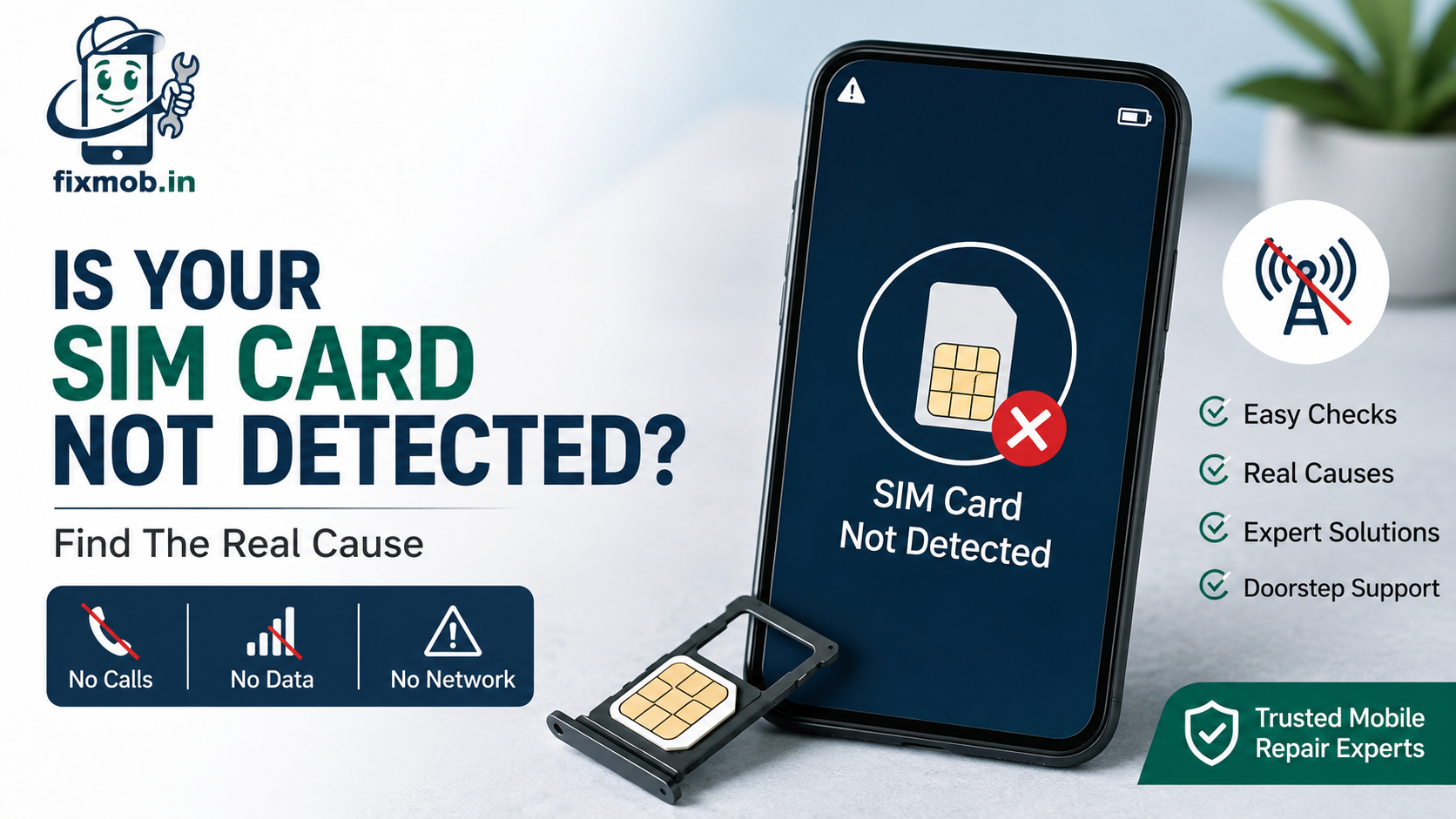
Is Your SIM Card Not Detected? Find The Real Cause
No calls, no data, and a small triangle where your network name should be. The cause is either trivial or expensive, and there is very little in between.
A SIM card not detected message means your phone cannot read the card, register on a network, or both. This guide gives you eight checks that separate a software glitch from a failed reader in about ten minutes, before anyone quotes you for a repair.
Quick Answer
• Swapping the card into a second phone answers the question in one minute
• Software causes roughly half of these faults and costs nothing to fix
• A tray that no longer clicks shut is a hardware problem, not a settings one
• Water and monsoon humidity corrode the reader contacts within days
• A blocked IMEI stops registration even when the card is perfectly healthy
Why Is Your SIM Card Not Detected?
A SIM card not detected error has four common causes: a card seated slightly off in its tray, worn or dirty gold contacts, a software fault in the network stack, or a damaged SIM reader on the board. The first three are cheap. The last one needs a technician.
Your SIM is a chip with eight gold pads that has to sit flat against eight sprung pins inside the phone. Anything that lifts the card a fraction of a millimetre breaks that contact.
• A misaligned tray. Dual SIM trays swallow a card at a slight angle very easily.
• Worn contacts. An old card that has moved between handsets gets scratched and dulled.
• A software or firmware fault. A bad update can reset carrier settings or corrupt the network cache.
• A damaged reader. Bent pins, a snapped connector, or corrosion under the reader.
• A network side problem. An unpaid bill, a suspended KYC, or a plain outage in your area.
The last one is worth a sixty second check before anything else. A neighbour’s phone on the same operator tells you instantly whether this is your handset or the tower.
How Do You Tell Software From Hardware?
Move the card to another phone, and move a known good card into yours. That single swap splits the problem in two. If your card works elsewhere but no card works in your phone, the reader is the fault. If your card fails everywhere, the card or the account is.
Run the swap before anything else, because it decides the whole diagnosis.
|
Test result |
What it means |
What it usually needs |
|
Your card works in another phone |
Your phone is the problem |
Software reset, then reader repair |
|
Another card fails in your phone |
Reader or board fault |
SIM reader inspection |
|
Your card fails in every phone |
Card or account fault |
A free replacement SIM |
|
Both phones fail on one network |
Operator outage or KYC block |
A call to your operator |
|
Works, then drops repeatedly |
Loose reader or worn contacts |
Reseating or a reader repair |
That fifth row matters more than people expect. A connection that appears, holds for an hour, then vanishes is a mechanical contact problem, not software, and no amount of resetting will settle it.
Temperature gives you one more tell. If a SIM card not detected error appears when the phone gets warm and clears when it cools, a solder joint under the reader is opening and closing as the board expands.
What Should You Check First When Your Phone Is Not Showing Network?
Eight checks, in order, take about ten minutes and cost nothing. Work through them before booking anything, because a phone not showing network is a settings problem often enough to be worth the time.
1. Toggle airplane mode. On for fifteen seconds, then off. This forces a fresh registration on the tower.
2. Restart the phone. A hung modem process clears more of these faults than any other single step.
3. Reseat the card. Power off, eject the tray, wipe the gold pads with a dry cloth, and seat the card until it sits flat.
4. Check the SIM is enabled. On dual SIM phones the second slot is often switched off in SIM manager without anyone noticing.
5. Switch to manual network selection. Pick your operator by name instead of letting the phone choose.
6. Change the network mode. Force 4G rather than 5G preferred, since a mismatched mode causes false SIM errors.
7. Reset network settings. This clears APN and carrier data without touching your photos or apps.
8. Test a second card. The swap described above, which tells you whether to stop here or book a technician.
Note which step changed anything, even briefly. A SIM card not detected error that clears on a restart and returns an hour later is a different fault from one that never budges, and telling a technician which you have saves a round of guesswork.
If all eight come back empty, stop. Prying at the tray with a pin or forcing a bent card back in is the fastest way to turn a reader clean into a board repair.
Two more things to avoid. Do not cut a card down to fit a smaller tray with scissors, because an uneven edge jams the slot. And do not use contact cleaner or alcohol inside the slot, since the liquid pools under the reader where it cannot dry.
When Is The Tray Or Reader The Real Problem?
Suspect hardware when the fault arrived with an event rather than an update. A SIM card not detected error that started the day after a drop, a spill, or a change of card is almost always physical, and no software step will move it.
Physical signs worth checking with the tray out:
• The tray no longer clicks flush and sits slightly proud of the frame
• The card shows a scratch line or a dull patch across the gold pads
• You can see a bent or flattened pin inside the slot with a torch
• Green or white residue near the slot, which is corrosion
• The tray goes in at an angle, or comes out with resistance
Bangalore’s monsoon does quiet damage here. Humidity carries salt into the slot and the pins corrode over weeks rather than hours, which is why so many of these faults appear long after the rain that caused them.
Our water damaged phone guide covers what to do in the first hour, because that hour decides how much cleaning is needed later.
SIM card reader repair is usually a clean and a reseat rather than a full replacement. Only a snapped connector or a corroded pad needs soldering, and a good technician tells you which one you have before quoting.
Could Your IMEI Be Blocked Instead?
If the phone reads the card but never registers, check the IMEI. India’s Department of Telecommunications runs the CEIR system, and its guidance is clear that once a handset’s IMEI is blocked it cannot be used on any network across India, even after the SIM is changed.
This catches out buyers of second hand phones far more often than it catches out thieves. A handset reported stolen by a previous owner reads every card you put in it and registers on none of them.
Dial star hash zero six hash to see your IMEI, then check its status on the government portal before you spend anything on a repair. It takes two minutes and rules out the one fault no technician can fix.
A related trap: a phone whose IMEI was tampered with during an earlier cheap repair may be rejected by the network permanently. This is one reason a SIM card not detected error on a recently repaired handset deserves a careful look at the repair history.
What Does SIM Reader Repair Cost In Bangalore?
Reader work in Bangalore typically runs 500 to 3,500 rupees, and most cases sit at the cheap end because the fix is cleaning rather than a part. A soldered reader replacement on a flagship is where the number climbs.
|
Job |
Typical Bangalore cost |
Turnaround |
|
Slot cleaning and reseating |
300 to 600 rupees |
Same visit |
|
Replacement tray |
400 to 900 rupees |
Same visit |
|
Corrosion cleaning inside the slot |
1,000 to 2,000 rupees |
1 day |
|
SIM reader replacement, soldered |
2,000 to 3,500 rupees |
1 to 2 days |
|
Board level signal circuit repair |
3,000 to 6,000 rupees |
2 to 4 days |
Ask for the diagnosis before the quote. A shop that reaches for the soldering iron before trying a clean is charging you for the expensive outcome of a cheap problem, and you are entitled to hear which one you actually have.
You can see the full range on the repair services page, or book a doorstep diagnosis and get a firm number before any work starts.
Frequently Asked Questions
Why is my phone not detecting SIM card after an update?
Because updates can reset carrier settings and corrupt the network cache. A network settings reset usually clears it without touching your photos, apps, or messages.
Can a SIM card just stop working on its own?
Yes. The gold contacts wear down over years of handling, so an old card moved between several phones eventually stops being read reliably.
Does a SIM card not detected error mean water damage?
Not always, though it is a common cause here. Corrosion builds for weeks after a spill, so a SIM card not detected error often appears long after the water did.
Will I lose my number if the reader is replaced?
No. Your number lives on the card and the operator’s network, not in the phone, so a reader repair leaves your number and contacts untouched.
Can a doorstep technician fix this at my home?
Cleaning, tray replacement, and reseating are done on site in under an hour. Soldered reader work needs a workshop bench, so that goes through pickup.
How do I know if the fault is my operator, not my phone?
Put your card in a friend’s phone. If it fails there too, the account or the network is the problem, and your handset is fine.
What Is The Fastest Way To Get Back On The Network?
Do the card swap first. One minute with a second handset tells you whether to call your operator or call a technician, and it stops you paying for the wrong fix.
If the phone is the problem, book a doorstep visit for a SIM card not detected fault and watch the slot get inspected in front of you. You get a firm price before any work and a six month warranty on the repair.
Talk to a FixMob technician if you would rather get a second opinion on a quote you have already been given.