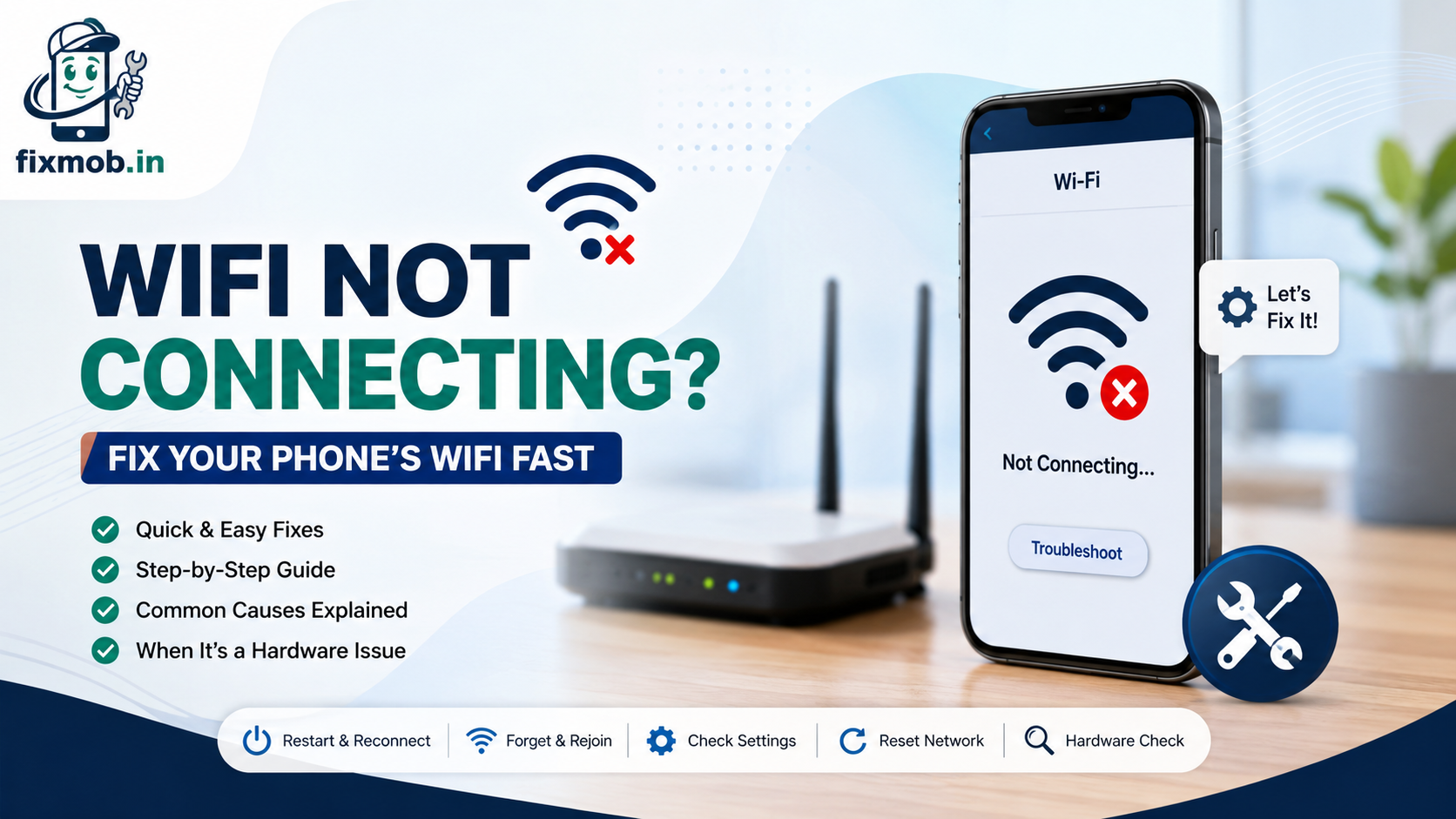
Wifi Not Connecting? Fix Your Phone’s Wifi Fast
Wifi not connecting usually comes down to one of five causes: a stuck router, a saved network with the wrong password, a software glitch, a full memory cache, or a damaged wifi antenna. Most of these clear up in under five minutes with the right steps.
This guide walks through each fix in order, from the quickest toggle to the deeper settings reset. If nothing works, the last section covers how to tell when the problem is actually a hardware issue your phone cannot fix on its own.
Quick Answer
• Restart the phone and the router first, this clears most temporary faults.
• Forget the network and rejoin it with the password typed fresh.
• Turn off any VPN or data saver app that could be blocking the signal.
• Reset network settings if the phone connects but has no internet.
• A hardware fault is likely if wifi fails on every network but mobile data works fine.
Why Is My Wifi Not Connecting On My Phone?
Wifi not connecting is usually a mismatch between your phone’s saved network settings and what the router is broadcasting right now, caused by a password change, a router restart, or a corrupted network profile. Software bugs and full system caches cause most of the rest.
A smaller share of cases trace back to the phone itself. Interference from a thick case, a crowded 2.4GHz channel, or a worn wifi antenna after a drop can all block a stable connection even when the router is fine.
Here is a quick way to separate the two:
• If every device in the house has the same problem, the fault is the router or the internet connection.
• If only your phone struggles while other devices connect fine, the fault sits with the phone.
• If your phone connects to some networks but not others, it is almost always a saved-network or password issue, not hardware.
How Do You Restart And Reconnect The Wifi?
Restarting the phone and the router clears the temporary bugs and stuck connections responsible for most cases of wifi not connecting. This is the first thing to try because it takes under two minutes and fixes the issue more often than any other single step.
Work through this order:
1. Turn the phone’s wifi off, wait 10 seconds, then turn it back on.
2. Restart the phone itself with a full power cycle, not just a screen lock.
3. Unplug the router and modem, wait 30 seconds, then plug them back in.
4. Wait for the router lights to settle before testing the connection again.
If the phone reconnects to the wifi network but still shows no internet access, the fault is more likely with the router or your internet provider than with the phone itself.
How Do You Forget And Rejoin A Wifi Network?
Forgetting a saved wifi network and rejoining it with a freshly typed password fixes wifi not connecting when the phone is holding on to an outdated or corrupted network profile. This is common after a router replacement or a password change at home or work.
On most Android phones, open Settings, go to Wi-Fi, long-press the network name, and tap Forget. On iPhone, go to Settings, Wi-Fi, tap the info icon next to the network, then Forget This Network. Then search for the network again and enter the password carefully, since it is case-sensitive.
|
Symptom |
Likely Cause |
Fix |
|
Wifi shows connected but pages will not load |
Wrong DNS or IP conflict |
Forget the network, rejoin, restart router |
|
Password rejected repeatedly |
Outdated saved credentials |
Forget network, retype password |
|
Connects then drops every few minutes |
Router power saving or weak signal |
Move closer, disable router sleep mode |
|
Wifi works on other phones but not yours |
Device-side software or hardware fault |
Reset network settings, check for a hardware issue |
What Software Settings Cause Wifi Not Connecting On Android Phone?
Software settings that commonly cause wifi not connecting on Android phone include an active VPN, aggressive battery saver or data saver modes, and a private MAC address setting the router does not recognise. Each one can silently block or restrict the connection.
Check these one at a time:
• Turn off any VPN app and test the connection again.
• Disable battery saver or data saver, since some phones cut background wifi scanning to save power.
• Open the wifi network’s advanced settings and switch the privacy or MAC address setting to the phone’s original address instead of a randomised one.
• Update the phone’s operating system, since outdated software often lacks fixes for newer router security standards.
• Clear the cache for the Settings or Wi-Fi system app if the wifi toggle itself feels stuck or frozen.
An outdated operating system is a frequent, overlooked reason wifi not connecting keeps happening even after a router restart, because the phone cannot negotiate newer WPA3 security handshakes properly.
The National Institute of Standards and Technology notes that outdated device software leaves known security gaps unpatched, which is one reason manufacturers push regular wifi and network stack updates to close connectivity and security flaws.
How Do You Reset Network Settings To Fix Wifi Not Connecting?
Resetting network settings clears every saved wifi network, paired Bluetooth device, and mobile data configuration, then rebuilds them from scratch. This solves the connection failure when a corrupted network profile survives a simple restart or a single network forget.
Follow these steps on either platform:
1. On Android, open Settings, then System, then Reset options, then Reset Wi-Fi, Mobile & Bluetooth.
2. On iPhone, open Settings, then General, then Transfer or Reset iPhone, then Reset Network Settings.
3. Confirm the reset and let the phone restart.
4. Rejoin your home wifi network and re-pair any Bluetooth devices afterward.
This step does not erase photos, apps, or messages. It only clears network-related settings, so it is safe to try before considering anything more drastic like a factory reset.
Why Does My Phone Keep Disconnecting From Wifi After Connecting?
Why does my phone keep disconnecting from wifi after connecting usually points to weak signal strength, router band-steering between 2.4GHz and 5GHz, or the phone’s wifi power-saving mode disconnecting during idle screen time. Moving closer to the router and disabling wifi sleep settings resolves most of these drops.
If the phone disconnects specifically when the screen turns off, check Settings for a “Keep wifi on during sleep” or similar option and turn it on. Repeated disconnects near the edge of your home’s coverage area usually mean the signal, not the phone, is the limit.
When Is Wifi Not Connecting A Hardware Problem?
Wifi not connecting is a hardware problem when the phone fails to detect or hold any wifi network, on any router, in any location, while mobile data and Bluetooth work normally. That pattern points to a damaged wifi antenna or a fault on the phone’s connectivity chip rather than a settings issue.
Signs worth watching for:
• Wifi networks do not appear in the list at all, or the list is unusually short.
• The wifi toggle turns itself off repeatedly without you touching it.
• The phone recently took a drop, a knock, or water exposure before the fault started.
• A factory reset, which wipes every software cause, still does not fix it.
If any of those match, the fault is likely on the phone’s board rather than in any setting you can change. FixMob’s phone wifi hardware repair service covers circuit-level diagnostics for exactly this kind of connectivity fault, with technicians visiting your address in Bangalore rather than you carrying the phone to a shop.
A weak wifi antenna is often only one symptom of a wider board issue, especially after a drop or a spill. Our guide to phone motherboard repair covers the other signs to watch for and what a fix typically costs.
What Should You Check Before Booking A Repair?
Before booking a repair, confirm the fault follows the phone rather than the network by testing another device on the same wifi and testing your phone on a different wifi network entirely. This single check tells you whether to keep troubleshooting settings or to have the hardware inspected.
• Test a friend’s phone or a laptop on your home wifi. If it also fails, the router is the problem.
• Test your phone on a neighbour’s or a cafe’s wifi. If it fails there too, the fault travels with the phone.
• Note when the problem started, since a recent drop, spill, or software update is a useful clue for a technician.
• Try airplane mode toggling one last time, since it forces the modem to fully restart.
Once you have ruled out the router and confirmed the fault sits with the device, a technician can usually confirm a hardware issue in under 20 minutes at your doorstep, and your files stay untouched throughout the check, since device safety and data privacy are part of every FixMob visit.
Frequently Asked Questions
Why is my phone not connecting to wifi even with the correct password?
This usually means a corrupted network profile rather than a wrong password. Forget the network on your phone, restart both the phone and router, then rejoin and type the password again.
Can a phone case cause wifi not connecting?
Yes. Thick metal-lined or battery cases can weaken the antenna signal enough to break the connection, so remove the case and test again.
Does a factory reset fix wifi not connecting?
Often, yes, because it clears every software setting that could be at fault. Back up your data first, since a factory reset erases apps, photos, and files.
Why does wifi work on other phones but not mine?
This points to your phone specifically, either a software glitch or a hardware fault like a weak antenna. Try a network settings reset first, then have the hardware checked if the problem persists.
How much does phone wifi antenna repair cost?
Cost depends on the phone model and whether the fault is the antenna or a chip on the motherboard. FixMob provides a free diagnosis and a transparent quote before any work begins.
Is wifi not connecting always a hardware issue?
No. Most cases are software related, caused by a saved network glitch or a router-side setting. Hardware is usually the cause only when every network and every location fails.
How Do You Get Started?
Work through the restart, forget-and-rejoin, and network reset steps first, since they resolve the majority of cases where wifi not connecting has no clear cause. If your phone still will not hold a connection on any network afterward, the fault is most likely on the device itself.
FixMob’s certified technicians run a full diagnostic at your doorstep anywhere in Bangalore and only charge once the repair is complete. Book a repair or contact the team to get your phone’s wifi checked today.