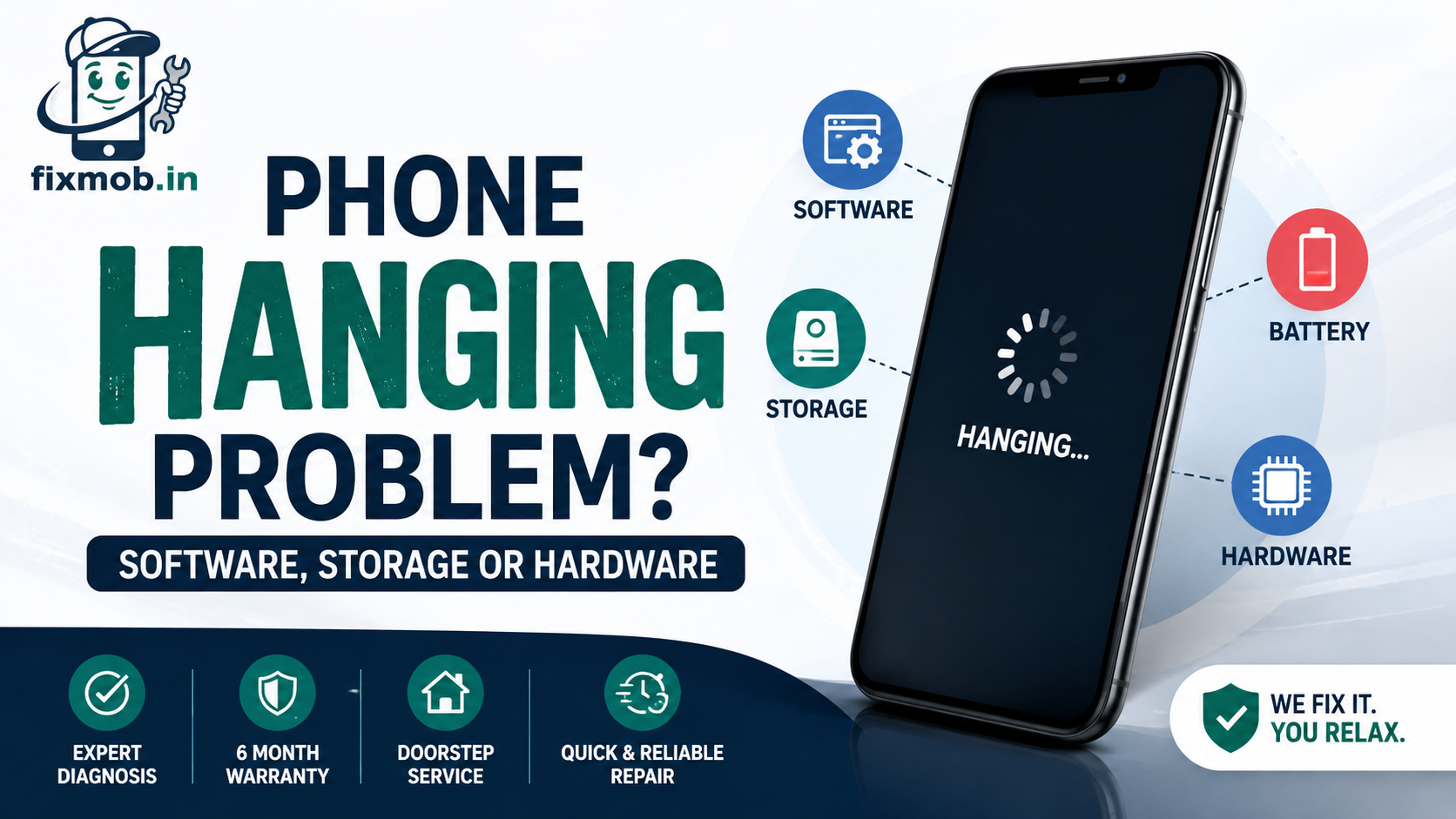
Phone Hanging Problem? Software, Storage Or Hardware
The keyboard lags. The camera opens on a black rectangle. Everything stops for four seconds, then catches up in a rush.
Most of the time a phone hanging problem is a software and storage issue you can fix yourself in twenty minutes. Sometimes it is a dying battery or a failing board. This guide tells you which one you have.
Quick Answer
• Low storage is the single most common cause of freezing
• Android struggles once free space drops under ten percent
• A worn battery causes freezes and sudden restarts, not just short life
• Heat throttles the processor, so overheating and lag arrive together
• Freezing that survives a factory reset points at hardware
Why Does A Phone Hanging Problem Happen?
A phone hanging problem happens when the processor cannot finish a task in time, usually because memory, storage, or thermal headroom has run out. Software causes account for most cases. Hardware causes are rarer but they get worse rather than better.
The five real causes, in the order you should rule them out:
• Storage almost full, so the system has nowhere to write temporary files
• Too many background apps competing for RAM on a 4GB or 6GB handset
• A single misbehaving app leaking memory or stuck in a crash loop
• Heat throttling the processor down to protect the chip
• A worn battery that cannot deliver current under load
Is It Software Or Is The Hardware Failing?
A software phone hanging problem is unpredictable and app-specific. A hardware one follows a pattern: they arrive with heat, with charging, at low battery percentage, or after a drop. The table below is the quickest way to place your symptoms.
|
What you see |
Likely cause |
Where to start |
|
Lag in one app only |
App bug or cache |
Clear that app’s cache |
|
Everything slow, storage warning |
Full storage |
Free up space |
|
Freezes then restarts |
Battery or board |
Check battery health |
|
Freezes only when hot |
Thermal throttling |
Cooling and case check |
|
Freezes while charging |
Port, cable, or battery |
Charging diagnosis |
|
Dead after a drop |
Loose connector or board |
Technician inspection |
Phone hanging and restarting together is the combination worth taking seriously, because a clean software fault rarely reboots the handset on its own.
How Much Free Storage Does Your Phone Actually Need?
Keep at least twenty percent of internal storage free. Google is more conservative and warns that an Android device can start having issues when less than ten percent of storage is free, because the system needs room for temporary files, updates, and app caches.
This is the fix most people skip, and it is the one that works most often.
• Sort apps by size in Settings and remove anything unopened in three months
• Clear the cache of your three heaviest apps, usually WhatsApp, Chrome, and Instagram
• Move WhatsApp media and camera video to cloud or a laptop, then delete the local copy
• Turn off automatic media download in WhatsApp groups
• Empty the recently deleted folder in Photos, which still holds space for thirty days
Clearing cache is safe and removes nothing personal. Clearing storage for an app deletes its local data, so back up first.
There is a physical reason this fix works so reliably. Your phone writes in fixed-size blocks and must wipe an entire block before reusing any part of it, so a nearly full handset spends its time rearranging old data instead of storing new data.
That is also why deleting five gigabytes often produces an immediate improvement, while closing background apps produces almost none.
Does A Weak Battery Make Your Phone Hang?
Yes. A battery below roughly eighty percent health cannot always supply the current the processor demands during a burst, so the system either stutters or shuts down to protect itself. This is why a phone hanging problem often appears alongside sudden drops from thirty percent to zero.
The pattern to watch for is freezing that clusters at low charge, in cold or hot weather, or during camera and gaming use. Those are all moments of peak current draw.
Our battery replacement guide covers how to read battery health and when a swap is worth the money. On most handsets a new cell costs a fraction of a new phone and removes the freezing entirely.
When Does Heat Cause Freezing And Restarts?
Above roughly 40 degrees internally, the processor throttles its own clock speed to avoid damage, and the phone feels like it is hanging. Bengaluru traffic with navigation running, a case that traps heat, and fast charging while gaming are the three usual triggers.
Heat that arrives without heavy use is a different signal. A phone that gets hot sitting idle usually has a rogue background process, a swelling battery, or a fault on the board.
If your phone hanging problem only shows up in the afternoon, in the car, or on charge, treat temperature as the cause and not the apps.
Our guide to phone overheating causes and fixes explains how to tell a normal warm phone from one that needs opening up.
How Do You Fix A Hanging Phone Step By Step?
Work down this list in order and stop when the freezing stops. The first five steps are free, take under half an hour, and resolve most cases of a phone hanging problem without anyone touching the handset.
1. Restart the phone properly, holding power for thirty seconds if the screen is frozen.
2. Check free storage and get it above twenty percent.
3. Update every app, then update the system software.
4. Boot into safe mode. If the freezing stops, a downloaded app is the cause.
5. Uninstall recently added apps one at a time, starting with the newest.
6. Clear the cache of your heaviest apps, not every app on the phone.
7. Check battery health and cycle count.
8. Back up everything, then factory reset as the last software step.
9. If it still freezes after a reset, book a hardware diagnosis.
Step nine matters. A factory reset is the dividing line: freezing that survives it is not phone software repair territory any more.
Two cautions before you reset. Confirm your Google or Apple backup actually completed, because a partial backup is discovered at the worst possible moment. And restore apps in small batches rather than all at once, so the app responsible reveals itself instead of hiding in a crowd of forty.
Safe mode deserves more attention than it gets. It runs the phone with every downloaded app disabled, which separates a system fault from an app fault in about two minutes and saves you the entire reset if the answer is an app.
What Hardware Faults Cause Freezing?
Three hardware faults produce freezing that no reset will clear: a degraded battery, a loose or corroded board connector, and storage chip failure. Water exposure and drops are the usual history behind all three, sometimes months earlier.
Storage failure is the one people rarely suspect. When the flash memory starts failing, the phone freezes on writes, apps refuse to install, and photos vanish or corrupt.
|
Fault |
Typical sign |
Bangalore cost range |
|
Worn battery |
Freezes plus sudden shutdowns |
1,200 to 4,500 rupees |
|
Loose connector |
Freezes after a drop |
800 to 2,500 rupees |
|
Corrosion on board |
Started after water contact |
1,500 to 8,000 rupees |
|
Storage chip failure |
Apps fail to install, files corrupt |
Quote after diagnosis |
These are typical ranges rather than quotes. Our phone motherboard repair guide explains what board-level work involves and when it beats replacing the handset.
If your phone freezes and then refuses to wake at all, the phone not turning on checklist covers what to test before assuming the worst.
One warning about timing. People often connect a fault to whatever happened that week, but corrosion from a monsoon soaking takes months to spread far enough to cause freezing, so mention any water contact even if it was last year.
Frequently Asked Questions
Why is my phone hanging so much all of a sudden?
A sudden change usually follows a system update, a new app, or storage crossing the ninety percent mark. Check those three in that order before anything else.
Does clearing RAM or using a booster app help?
No. Android manages memory better than cleaner apps do, and most boosters add background load of their own, which makes the freezing slightly worse.
Will a factory reset fix a phone hanging problem?
Often yes, when the cause is software. If the phone hanging problem returns immediately after a clean reset with no apps installed, the fault is hardware.
Can a virus cause my phone to freeze?
Rarely on a phone with Play Protect enabled. Sideloaded apps from outside the Play Store are the realistic risk, and safe mode will show whether one is responsible.
How long does a hardware diagnosis take?
A technician can usually identify the cause in fifteen to thirty minutes at your door, including battery health, storage checks, and a visual board inspection.
Is it worth repairing a phone that keeps freezing?
If the handset is under four years old and the fault is a battery or connector, repair costs a small share of a replacement and is worth doing.
Where Do You Go From Here?
Run the nine steps first. Storage, safe mode, and a battery health check cost nothing and settle most cases without a technician.
If the phone still freezes after a factory reset, the phone hanging problem is physical and needs someone to open it. See what our doorstep repair services cover, or book a free diagnosis and pay only once the phone is running properly again.