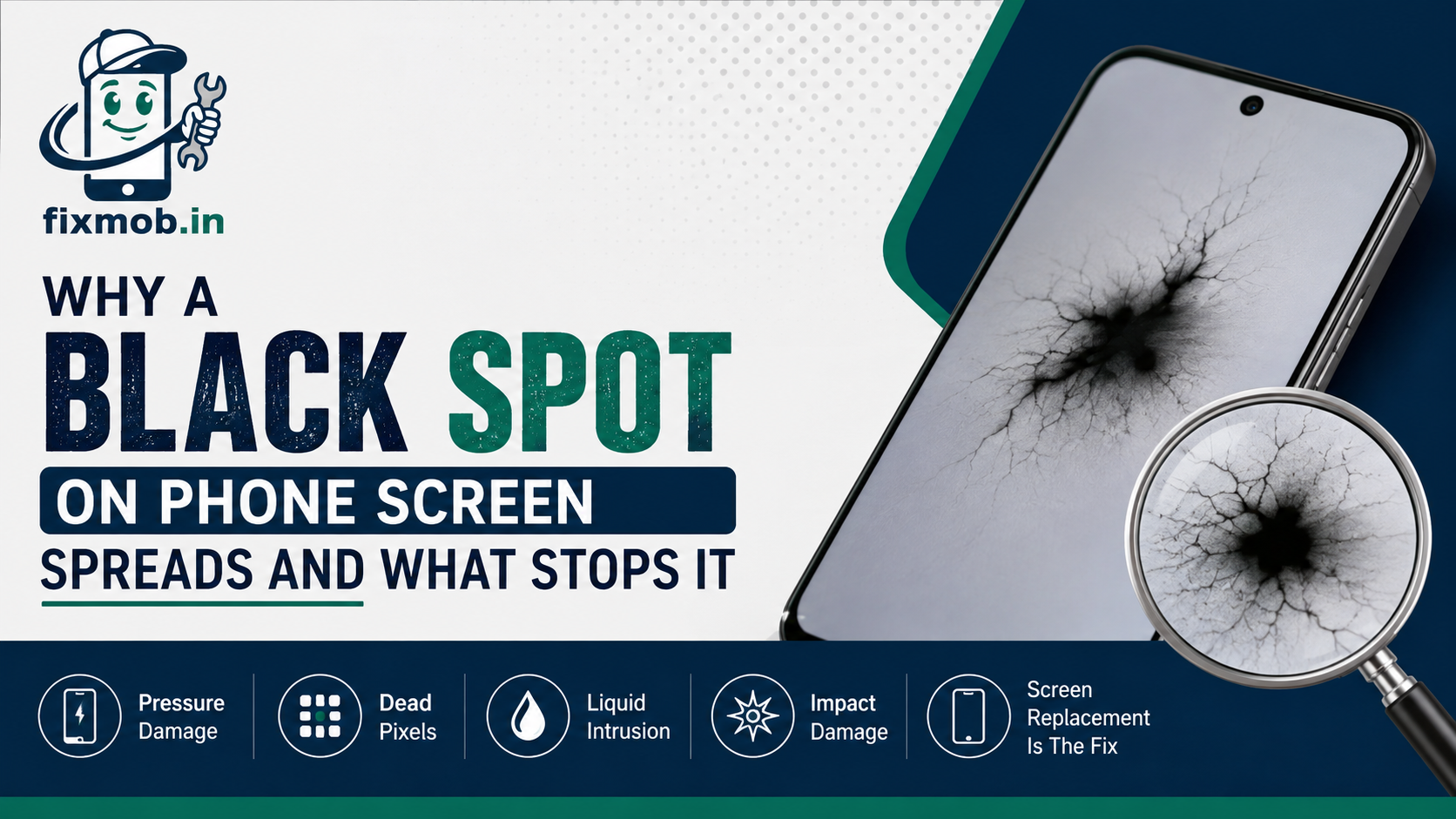
Why a Black Spot on Phone Screen Spreads and What Stops It
It began as a dot you could cover with a fingernail. Two weeks later it has an outline like spilled ink and the edge is creeping toward your keyboard.
That growth is the important detail. A black spot on phone screen is either a static defect that will sit there for years or a rupture inside the panel that gets worse every week, and telling the two apart takes about two minutes.
The Essentials
• Ink like blots spread, tiny fixed dots usually do not
• Pressure and heat are what push a spreading spot outward
• No app, cloth, or thumb massage repairs a dark area on a panel
• The panel is one sealed unit, so the fix is replacement, not repair
What Causes A Black Spot On Phone Screen?
Four things, in order of how often they turn up: pressure damage to the panel, a cluster of dead pixels, liquid that has reached the layers behind the glass, and impact damage from a drop that left no visible crack. A black spot on phone screen is almost always one of these.
Pressure is the leading cause and the least obvious. Sitting on the phone, a heavy object in the same bag, or a tight back pocket puts enough load on the panel to rupture the layer underneath while the outer glass survives untouched.
The others have clearer stories behind them. Dead pixels are a manufacturing defect and appear early in a phone’s life, while liquid marks and impact blots have a date you can usually remember.
There is a fifth cause worth knowing about on OLED handsets. Burn in leaves a faint permanent ghost of whatever sat on screen for hundreds of hours, such as a navigation bar, and it reads as a dark patch rather than a defined spot.
• Pressure: an ink like blot with a soft, spreading edge
• Dead pixels: a pinpoint dot, sharp edged, fixed in size
• Liquid: a cloudy patch, often with a rainbow rim
• Impact: a blot with fine radiating lines, sometimes no cracked glass
Will The Black Spot Spread Or Stay The Same?
It depends entirely on which of the four you have. A pressure blot spreads, because the damaged layer keeps leaking outward under normal handling and heat. A dead pixel cluster stays the same size for the life of the phone.
Heat is the accelerator most people miss. A phone left on a dashboard in Bangalore traffic, or charging under a pillow, warms the panel and speeds up a spreading blot noticeably.
Pressure keeps working on it too. Every time the phone goes into a tight pocket or takes your weight on a chair, a black spot on phone screen with a soft edge gains a little more ground.
|
Type |
How it looks |
Does it spread |
What fixes it |
|
Pressure blot |
Ink like, soft edges |
Yes, often quickly |
Panel replacement |
|
Dead pixel cluster |
Tiny sharp dot |
No |
Usually left alone |
|
Liquid intrusion |
Cloudy, rainbow rim |
Yes, with corrosion |
Cleaning and panel |
|
Impact damage |
Blot with fine lines |
Yes, along the lines |
Panel replacement |
|
Burn in on OLED |
Faint ghost of an image |
Slowly |
Panel replacement |
The practical rule is simple. Photograph the spot against a plain white screen today, take the same photo in a week, and compare. Anything that has visibly grown is a repair you should book rather than watch.
Is It A Dead Pixel Or Physical Damage?
Dead pixels are pinpoints, roughly the size of a full stop, with hard edges that never change. Physical damage is larger, softer at the boundary, and often darkest at the centre where the load landed. If you can see structure inside the mark, it is damage.
Run one more check before you decide. Take a screenshot of the affected area and open it on another device. If the screenshot looks perfect, the fault is in the panel, because a screenshot captures what the phone is sending to the display, not what the glass is showing.
Touch response is the second tell. Tap directly on the mark and see whether the phone registers it. A dead touch zone means the digitizer layer is affected too, which pushes the repair from cosmetic to urgent.
Age helps you decide as well. A black spot on phone screen that was there from the first week is almost certainly a panel defect, while one that appeared in year three has a cause somewhere in how the phone has been carried.
Cracked glass with a dark mark behind it is a different situation again, and it needs faster action because the seal is already broken. Our cracked screen repair guide covers how a small crack turns into a dead display.
Can Water Cause A Black Patch On The Display?
Yes, and it looks different from pressure damage. Liquid produces a cloudy or blotchy mark, often with a faint rainbow edge, and it usually arrives alongside other symptoms such as a flickering backlight or a speaker that sounds thin.
The mark itself is only the visible part. Water that reaches the display layers has already passed the frame, which means the connectors and the board underneath are sitting in the same moisture.
Do not wait to see whether it dries out. Corrosion continues as long as the residue is inside, which is exactly the point made in our guide on why a water damaged phone needs a technician rather than rice.
A black patch on the display after a spill therefore needs two jobs, not one. The board is cleaned and dried first, and only then does anyone decide whether the panel can stay.
That order matters for your money. Fitting a new display over a corroded board gives you a clean screen and the same black spot on phone screen a few months later.
How Do You Check A Black Spot In Two Minutes?
Run these five checks in order. Together they tell you the type, whether it is growing, and whether the touch layer is affected, which is everything a technician needs to quote you accurately.
1. Open a plain white image at full brightness and note the exact size of the mark.
2. Switch to a plain black image and check whether the mark still stands out.
3. Take a screenshot and view it elsewhere to rule out a software or image fault.
4. Tap directly on the mark to test whether touch still registers there.
5. Photograph it beside a coin for scale, then repeat the photo in seven days.
Skip the pixel fixer apps and the videos telling you to rub the mark with a cloth. Colour cycling tools can sometimes revive a stuck coloured pixel, but they do nothing for a dark area, and rubbing a pressure blot spreads it.
Keep the phone out of heat and out of tight pockets while you wait for the repair. Neither will reverse anything, but both slow the spread down measurably.
Write down what each check produced. A technician who can see a dated pair of photographs and a failed touch test can quote a black spot on phone screen accurately without a long diagnosis.
What Does Screen Replacement Cost In Bangalore?
Budget Android panels typically run 1,500 to 3,500 rupees, mid range AMOLED displays sit around 3,500 to 9,000, and flagship or iPhone panels start near 9,000 and climb steeply from there. A black spot on phone screen almost always means the whole display unit is replaced.
That surprises people who hoped for a glass only job. Glass replacement works when the display underneath is perfect and only the outer layer is cracked, which is not the case here.
The panel type drives the rest of the price. LCD units on budget phones are cheap and widely available, while AMOLED and folding panels are sealed assemblies that arrive as one expensive part.
|
Phone type |
Typical display range |
Glass only possible |
|
Budget Android LCD |
1,500 to 3,500 rupees |
Sometimes |
|
Mid range AMOLED |
3,500 to 9,000 rupees |
Rarely |
|
Flagship Android |
9,000 to 22,000 rupees |
No |
|
iPhone, recent models |
9,000 to 30,000 rupees |
No |
Check your warranty position before you pay anyone. Brands publish their warranty and post sales service terms on the government’s Right to Repair Portal India, which lists mobile phones among its focus sectors, and a spot that appeared with no impact history is worth raising with the maker first.
Ask what grade of panel is going in, and get the quote in writing after inspection. Our repair services page sets out what a proper display diagnosis covers before any work begins.
Frequently Asked Questions
Can a black spot on a phone screen be repaired without replacing the display?
No. The panel is a sealed stack of layers, so replacing the whole display unit is the only reliable fix.
Does a black spot on mobile screen affect the touch?
Sometimes. If the digitizer layer under the mark is damaged, that area stops responding to taps, which makes the repair far more urgent.
Why did a spot appear with no drop or crack?
Pressure is the usual answer. A phone in a tight pocket or under weight in a bag can rupture the panel internally while the outer glass stays completely intact.
Is it covered under warranty?
Manufacturing defects usually are, physical and liquid damage usually are not. Raise it with the brand early, since warranty claims get harder once a third party has opened the phone.
Can heat make it worse?
Yes. Dashboards, direct sun, and charging under a pillow all warm the panel and speed up a spreading blot, so keeping the phone cool buys you time.
How fast should I get it fixed?
Book within days if it is growing. A black spot on phone screen that keeps expanding eventually reaches the touch layer, and by then a display swap is the only option left.
Where Do You Go From Here?
Do the white screen photo today and repeat it in a week. If the mark has grown, or touch has already died in that patch, the panel is on its way out and waiting only widens the affected area.
When you are ready, book a doorstep repair and get it inspected in front of you. Most display work is finished on site the same day, with the price agreed before anyone opens the phone.