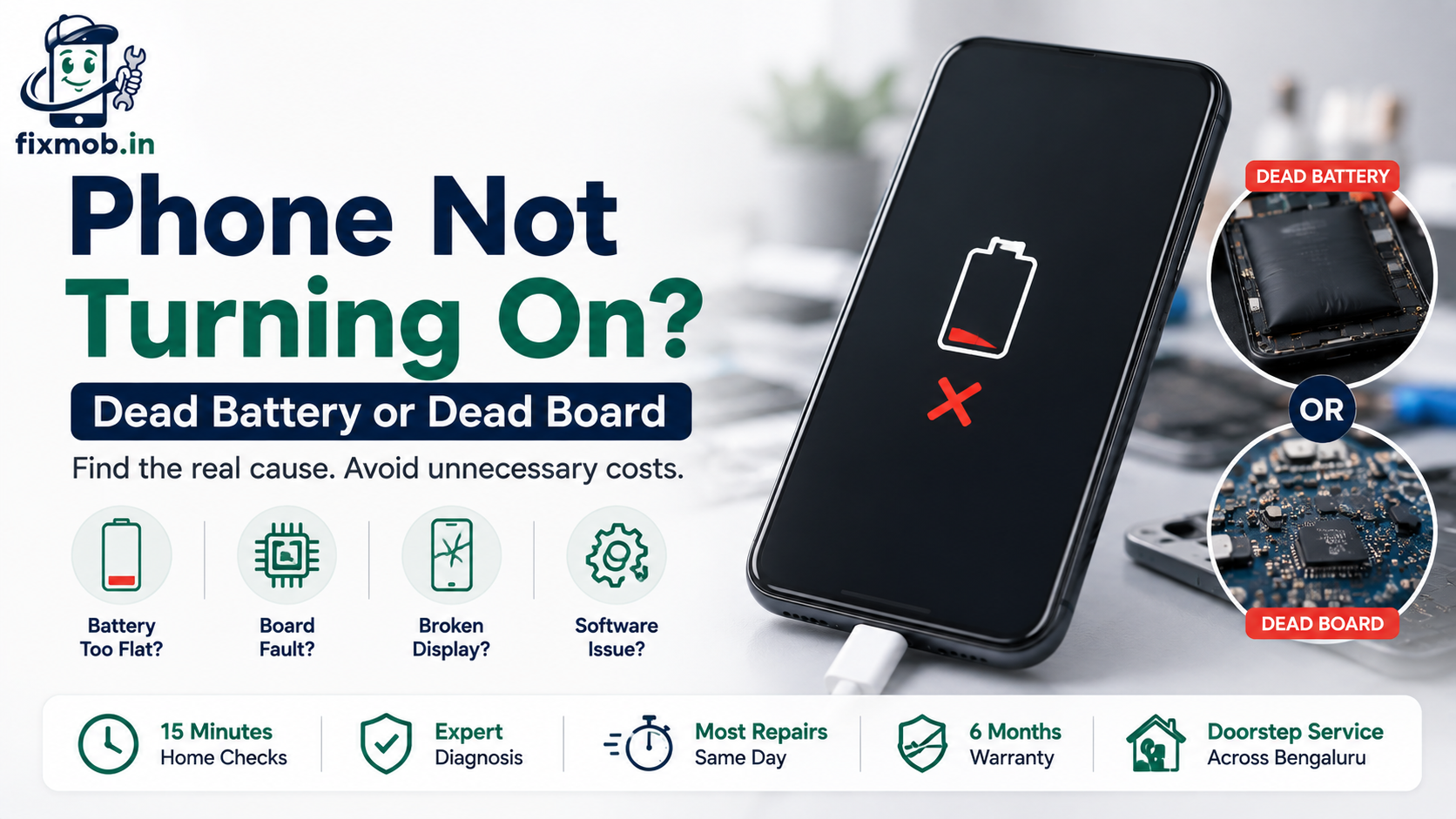
Phone Not Turning On? Dead Battery or Dead Board
A black screen tells you almost nothing on its own. The same silence can mean a battery that has finally given up, a board that has quietly failed, or a screen that broke while everything behind it kept working.
That matters because the price gap is enormous. A phone not turning on might need a cell worth a few hundred rupees, or microsoldering on the logic board. This guide shows you how to tell which, before anyone quotes you.
The Short Version
• A totally silent phone points to the board, not the battery
• A flat battery usually shows something within an hour on charge
• Vibration, sound, or a faint backlight means the board still lives
• Water and hard drops cause most true board failures
• Fifteen minutes of checking at home tells you which fault you have
Why Is Your Phone Not Turning On?
A phone not turning on almost always traces back to one of four things: a battery too flat or too worn to start the device, a fault on the logic board, a broken display hiding a working phone, or software stuck mid boot. Each looks identical from outside.
That last point is what trips people up. A phone that runs perfectly except for a dead display looks exactly like a phone with a fried board, because both give you a blank screen and no response.
The four usual causes:
• A drained or degraded battery. Deeply discharged cells need time on charge before they respond at all.
• A board level fault. A failed power chip, a bad charging circuit, or corrosion stops the boot sequence.
• A dead display or connector. The phone boots normally, you simply cannot see it.
• A software hang. The system crashed and the device never finished starting.
Working out which one you have costs nothing and takes about fifteen minutes.
The order matters as much as the answer. Battery and software faults are cheap and quick, display faults sit in the middle, and board faults are the expensive end. Ruling out the cheap causes first is what stops you paying board prices for a cell problem.
How Do You Tell A Dead Battery From A Dead Board?
Listen and feel before you look. If the phone vibrates, chimes, warms up near the camera, or shows even a faint glow in a dark room, the board is alive and the fault sits elsewhere. Total silence after an hour on a known good charger points at the board.
The table below maps what you observe to the likely cause. Run through it before you accept any quote, because it tells you whether a technician’s diagnosis makes sense.
|
What you observe |
Most likely cause |
What it usually needs |
|
Nothing at all, no light, no vibration, stays cold |
Board or power chip fault |
Diagnosis, then board level repair |
|
Charging icon appears, phone still will not start |
Worn or failed battery |
A new cell |
|
Vibrates or rings, screen stays black |
Display or display connector |
Screen replacement |
|
Stuck on the logo or looping restarts |
Software or storage fault |
Software repair, usually no parts |
|
Warms up near the middle but never boots |
Short circuit on the board |
Board inspection, stop charging |
One caution on that first row. When a phone won’t turn on and also refuses to warm up on charge, do not keep it plugged in for hours hoping it revives. A short circuit draws current and generates heat where you cannot see it.
The middle two rows are the ones worth knowing about, because both look catastrophic and neither is. A phone not turning on with a working display and a failed cell is a thirty minute job. So is the reverse, where a perfectly healthy phone sits behind a screen that went dark after a drop.
Age gives you one more clue. Handsets past their third birthday tend to fail at the battery, while a two year old phone that dies overnight without an accident more often has something wrong on the board.
What Are The Signs Of A Failed Battery?
A battery rarely dies without warning. In the weeks before a phone not turning on, most people notice sudden shutdowns at thirty or forty percent, a case that feels slightly swollen, or a charge that vanishes within a few hours of light use.
Look back at how the phone behaved recently:
• It shut down abruptly while the meter still showed charge left
• Cold mornings or air conditioned offices made it die faster
• The back panel or screen started to sit slightly proud of the frame
• It ran hot while doing nothing much at all
A swollen cell deserves urgency rather than patience. Stop charging it, keep it somewhere cool, and get it looked at, because swelling presses against the board and the display from the inside.
It is worth knowing what a battery fault does not look like. Batteries fade rather than vanish, so a handset that worked normally at lunchtime and was completely lifeless by evening, with no warning signs in the weeks before, is not behaving like a worn cell.
If the symptoms above sound familiar, our battery replacement guide covers battery health thresholds, safe cells, and what a fair price looks like for your model.
When Is The Motherboard The Real Problem?
Suspect the board when the failure was sudden, total, and followed an accident. A phone not turning on right after a spill, a drop onto a hard floor, or a night on a cheap charger is far more likely to have a board fault than a coincidentally dead battery.
Board failures share a pattern. They take out power rather than one feature, and they arrive without the gradual decline a battery gives you.
Signals that point at the board:
• No response whatsoever from any cable, adapter, or socket
• The phone died instantly rather than fading over weeks
• Liquid reached it recently, even if it worked fine afterwards
• It gets warm near the middle but never shows a logo
Liquid is the slow one. Corrosion can spread for days after a spill before anything visibly fails, which is why our water damaged phone guide pushes for immediate cleaning rather than waiting.
For what board work actually involves and where the cost lands, see our guide to phone motherboard repair.
A board fault is not the end of the road, though. Component level repair brings plenty of these handsets back, and even when it does not, the storage chip usually survives, so your photos and chats are recoverable in most cases.
What Should You Try Before Calling A Technician?
Six checks, in order, take about fifteen minutes and cost nothing. Work through them before booking anything, because a phone not turning on often turns out to be a flat cell, a failed cable, or a software hang rather than a hardware failure.
1. Charge for a full hour on a wall socket. Use a charger you know works. Deeply drained cells can take forty minutes before showing any sign of life.
2. Swap the cable, then the adapter. Test both on another device. Cables fail far more often than phones do.
3. Clean the port. Switch the phone off, then lift out compacted lint with a wooden toothpick. Never use metal or compressed air.
4. Force restart it. Apple’s own guidance is to force restart an unresponsive iPhone. Most Android phones respond to holding power and volume down for around twenty seconds.
5. Check for life in the dark. In a completely dark room, tilt the screen against a light source. A faint image means the backlight failed, not the phone.
6. Feel for warmth and listen for vibration. Plug in and wait two minutes. Any heat, buzz, or chime means the board is running.
If all six come back empty, the phone needs opening. Stop there rather than trying a teardown yourself, because glued cells and ribbon connectors turn a cheap job into an expensive one very quickly.
Three habits make a bad situation worse, and all three are common:
• Charging a phone that got wet. Current plus liquid equals a short, and that turns a cleaning job into a board repair.
• Leaving a warm, unresponsive phone on charge overnight. Heat with no boot is a short circuit sign, so unplug it.
• Prying the back off with a knife. Batteries puncture easily, and a punctured lithium cell is a fire risk rather than a repair.
What Does Dead Phone Repair Actually Involve?
Proper dead phone repair begins with diagnosis, not with parts. A technician measures current draw on the charging line first, which separates a battery fault from a board fault within minutes and stops you paying for a cell the phone never needed.
From there the work follows the evidence:
• No current draw at all suggests a power circuit or chip fault
• Normal draw with no boot suggests the battery or software
• A high, steady draw suggests a short somewhere on the board
• Visible corrosion means cleaning comes before any replacement
Ask for the reading before you approve anything. A shop that replaces the battery first and the board second, charging for both, is guessing at your expense.
Two questions separate a careful technician from a parts swapper. Ask what the current draw was, and ask to see the board once it is open. Anyone doing the work properly will happily answer both.
You can see the full range of options, from cells to circuit level work, on the list of repair services, and a reputable technician will tell you plainly when a phone is beyond economical repair.
Frequently Asked Questions
Can a completely dead phone still be repaired?
Often yes, since a phone not turning on usually needs only a new cell or a charging circuit fix. Severe corrosion or a cracked processor is where recovery becomes unlikely.
Why is my phone not switching on even after charging all night?
Because charging assumes the battery accepts current. If the cell, the port, or the charging circuit has failed, the phone can sit plugged in overnight and gain nothing at all.
Will I lose my photos if the phone is dead?
Usually not, because your files sit on the storage chip, which board and battery repairs do not touch. Recovering a dead handset is often the fastest route back to your data.
How long does a dead phone repair take?
A battery or port fix is normally done the same day. Board level work takes one to three days because diagnosis, cleaning, and testing all take time.
Is it worth repairing or should I just buy a new phone?
Repair usually wins if the phone is under three years old and only one part has failed. Several simultaneous faults on an old handset tilt it the other way.
Can a dead phone be fixed at my doorstep?
Battery, port, and screen jobs are done on site. Board level faults need a controlled workshop bench, so those go through free pickup instead.
Who Should You Call First?
Before you write the handset off, get someone to measure it rather than guess at it. Book a free diagnosis for a phone not turning on, and a certified technician will tell you whether it is a battery, a port, or the board, with a firm quote before any work starts.