How To Remove Scratches From Phone Screen Glass Safely
You tilt the phone under a light and there it is. A hairline mark across the display that you cannot unsee.
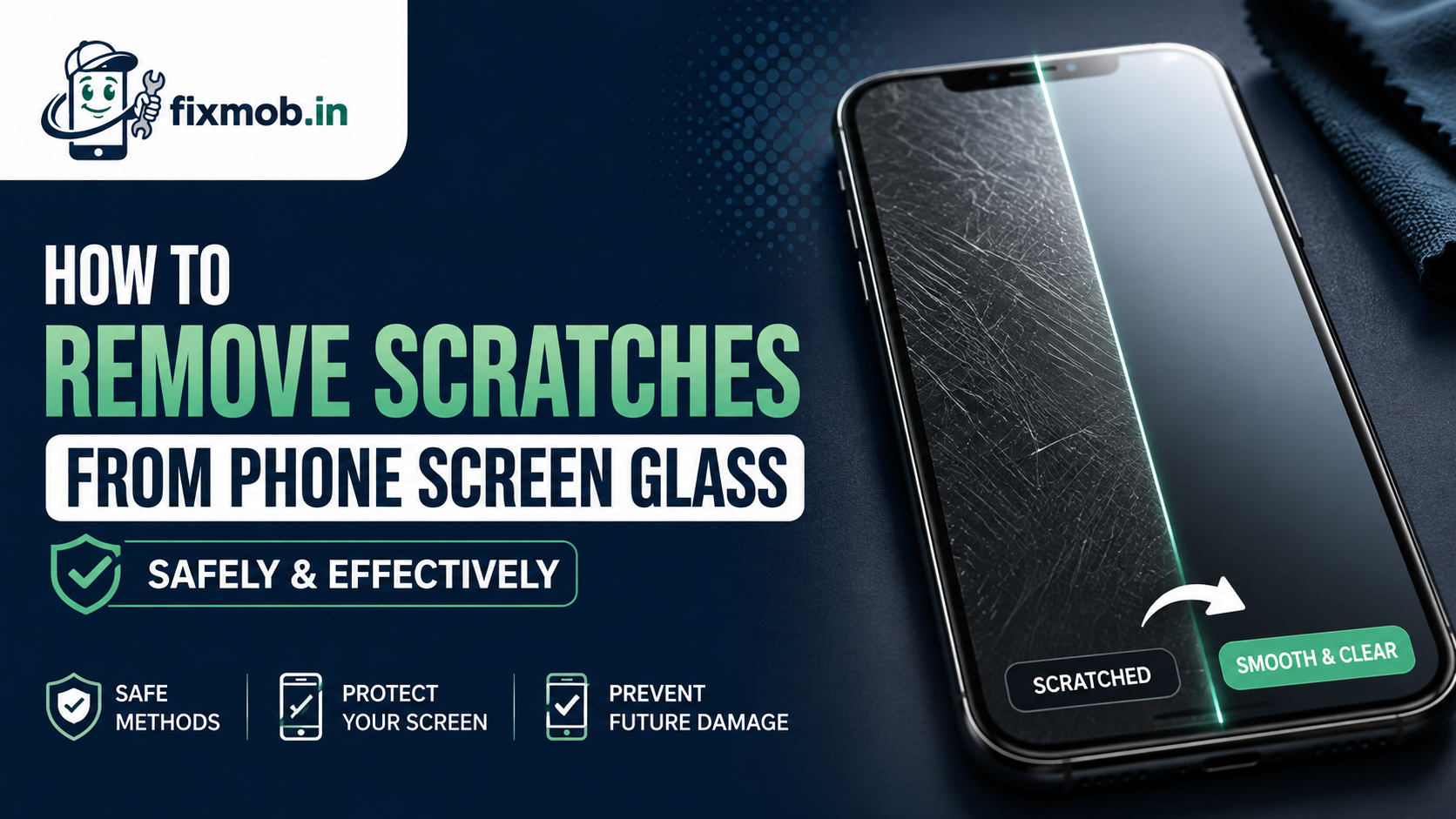
Here is the part most guides skip: you cannot truly remove scratches from phone screen glass, because a scratch is missing material, not a stain. What you can do is hide the shallow ones safely and know when the deep ones need a new panel.
The Bottom Line
• A scratch is a groove in the glass, not a mark sitting on top of it
• Toothpaste and polishing compounds strip the screen coating
• Only very shallow marks can be made less visible, never erased
• A scratch you can catch with a fingernail needs a replacement
• A tempered glass protector is the only reliable prevention
Can You Really Remove Scratches From A Phone Screen?
Not properly. To remove scratches from phone screen glass you would have to grind away the surrounding surface until it sits level with the bottom of the groove, and phone glass is only a fraction of a millimetre thick with a coating on top. Home methods hide marks, they do not repair them.
What people call a successful fix is almost always one of three things:
• The mark was in the screen protector, not the glass
• The mark was in the oleophobic coating, which can be re-applied
• Filler compound sat in the groove and made it less visible for a few days
Does Toothpaste Remove Scratches From Phone Screen Glass?
No, and it makes things worse. Toothpaste is a mild abrasive designed to polish enamel, so on a phone it grinds away the oleophobic coating and leaves a hazy patch that catches every fingerprint. Apple’s own guidance warns that rubbing the screen with an abrasive material will diminish the coating and might scratch the glass.
Baking soda paste, car polish, and metal cutting compounds all work the same way. They are harder than the coating and softer than the glass, so the only thing they remove is the layer you wanted to keep.
The result is predictable. The original scratch is still there, and now the whole area smudges, drags under your finger, and looks dull at an angle.
There is one narrow exception people misread as proof. On an old phone with a plastic display, mild polishing genuinely can soften a mark, because plastic is soft enough to reflow. Almost nothing sold in India since 2015 uses plastic on the front.
Videos showing the trick work for the same reason. The compound leaves a thin residue that fills the groove for the length of the clip, and the mark reappears within a day or two of normal use.
What Is Actually Scratched, The Glass Or The Coating?
Most visible marks sit in the coating, not the glass, which is why some people appear to remove scratches from phone screen surfaces with nothing but a cloth. Phone screens carry a thin oleophobic layer that repels oil and lets your finger glide.
That layer wears off in patches over one to two years, and a worn patch looks exactly like fine scratching under a light.
Run this two-minute test before you try anything:
1. Clean the screen with a microfibre cloth and a little water, then dry it.
2. Tilt the phone under a bright light and find the mark.
3. Drag a fingernail across it, gently and slowly.
If the nail glides over, the mark is in the coating or is shallow enough to ignore. If the nail catches and drops into it, the groove has reached the glass and no polish will help.
|
Depth |
Fingernail test |
Realistic outcome |
|
Coating wear |
Glides, looks hazy |
Re-coat, fully fixable |
|
Hairline surface |
Glides, visible at angle |
Reduce visibility only |
|
Light scratch |
Slight catch |
Hide with a protector |
|
Deep scratch |
Nail drops in |
Panel replacement |
|
Crack from a scratch |
Catches, spreads |
Replace now |
Which Home Remedies Are Safe And Which Cause Damage?
Only three are safe, and none of them repair glass. The safe ones clean or re-coat. Everything else is an abrasive being sold as a fix, and attempts to remove scratches from phone screen surfaces with abrasives usually cost people the coating and sometimes the display.
|
Method |
Safe? |
What it actually does |
|
Microfibre cloth and water |
Safe |
Removes dirt mistaken for scratches |
|
Oleophobic re-coating spray |
Safe |
Restores glide and hides haze |
|
Tempered glass protector |
Safe |
Covers marks, prevents new ones |
|
Toothpaste |
Damaging |
Strips coating, leaves haze |
|
Baking soda paste |
Damaging |
Same, more aggressive |
|
Car polish or cutting compound |
Damaging |
Removes coating, can cloud glass |
|
Vegetable oil or petroleum jelly |
Pointless |
Fills the groove for a day |
|
Sandpaper or nail file |
Destructive |
Permanent clouding |
Skip anything involving heat or pressure. Both risk separating the layers of the display, which turns a cosmetic annoyance into a real phone screen scratch repair job.
Why Does Phone Glass Scratch In The First Place?
Sand and dust, not keys and coins. Keys are softer than toughened phone glass, but quartz, the main mineral in ordinary grit, is harder. That is why a phone carried in the same pocket as loose change survives while one taken to a beach or a construction site does not.
Knowing where the grit comes from matters more than trying to remove scratches from phone screen glass afterwards. Bengaluru gives your screen plenty of chances. Roadworks dust, dry-season grit on the Outer Ring Road, and a bag that also carries house keys all deposit fine quartz particles on the glass.
• Wiping a dusty screen with a dry shirt drags grit across it
• Placing the phone face down on a table or car dashboard
• Sharing a pocket with sand from a weekend trip
• Cheap plastic film protectors that trap dust underneath
Screen protectors change the odds rather than removing them. A tempered glass sheet is harder than most grit and takes the damage instead of your display, which is exactly what it is for.
Replace the protector as soon as it looks scratched. People often leave a badly marked protector on for months, then judge the phone underneath by looking through it.
When Does A Scratch Need A Screen Replacement?
When it catches a fingernail, crosses the touch layer, or has started to spread. A deep groove weakens the glass, so the next small drop turns it into a full crack. At that point trying to remove scratches from phone screen glass is beside the point and the panel needs changing.
Replace it if any of these apply:
• Touch response is patchy along the line of the mark
• The scratch has a hairline crack running from either end
• Light bleeds or colours look off around the groove
• The mark sits over the fingerprint sensor or the front camera
Our guide on why cracked screen repair should not wait explains how quickly a small line spreads once the glass is compromised.
If a replacement is the answer, the panel grade matters. Read original vs compatible mobile screens before you agree to a quote, and the mobile display replacement in Bangalore guide for typical costs.
A dark patch that grows is a different fault entirely. Our guide to a black spot on phone screen displays covers that one.
How Do You Stop New Scratches From Forming?
Prevention is the only thing that reliably works, and it costs a few hundred rupees. Follow these six habits and you will rarely need to think about how to remove scratches from phone screen glass again.
1. Fit a tempered glass protector and replace it when it scratches, not the phone.
2. Clean the screen with a slightly damp microfibre cloth, never a dry shirt.
3. Keep the phone in its own pocket, away from keys, coins, and sand.
4. Use a case with a raised lip so the glass never touches a table face down.
5. Rinse your hands after the beach or a dusty site before touching the screen.
6. Blow dust off before applying any new protector so grit is not sealed underneath.
Frequently Asked Questions
Does toothpaste really fix phone screen scratches?
No. It is abrasive, so it removes the oleophobic coating and leaves a hazy patch while the original scratch stays exactly where it was.
Can a screen protector hide existing scratches?
Yes, largely. A tempered glass protector sits above the mark and fills the optical gap, so shallow scratches become far less visible under light.
Is there a coating I can reapply myself?
Yes. Oleophobic re-coating kits are inexpensive and safe, and they restore the smooth glide and fingerprint resistance that wear away after a year or two.
Do scratches affect touch sensitivity?
Usually not. Touch is read below the glass, so only a deep groove that reaches the digitizer layer causes dead or erratic spots along the mark.
Will insurance or warranty cover a scratched screen?
Rarely. Scratches are treated as cosmetic wear rather than a defect, though accidental damage plans sometimes cover a replacement for an excess fee.
How much does phone screen scratch repair cost?
There is no repair, only replacement. Panel swaps in Bangalore typically run from 2,500 rupees on budget Androids to over 20,000 on recent flagships.
What Is The Safest Next Step?
Do the fingernail test first, then fit a tempered glass protector. That combination settles most cases without spending anything on the phone itself.
If the nail catches, or touch is failing along the line, the honest answer is that you cannot remove scratches from phone screen glass and the panel needs changing. See what our screen replacement service covers, or book a doorstep repair and pay only after the new display is working in front of you.