Fix Phone Buttons Not Working Without A New Handset
A key that does nothing feels like the end of the handset. It almost never is.
Most cases of phone buttons not working trace back to four causes, and two of them cost nothing to sort out at home. This guide shows you how to tell a clogged key from a broken switch, what the repair costs in Bangalore, and how to keep using the phone while you wait.
The Short Version
• Grime under a key kills more buttons than hardware failure does
• A frozen system mutes every key at once, and a reboot clears it
• Power and volume keys often share one flex cable, so both die together
• Button repair in Bangalore typically runs 800 to 3,000 rupees
• On-screen controls keep the phone usable until the repair happens
Why Are Your Phone Buttons Not Working?
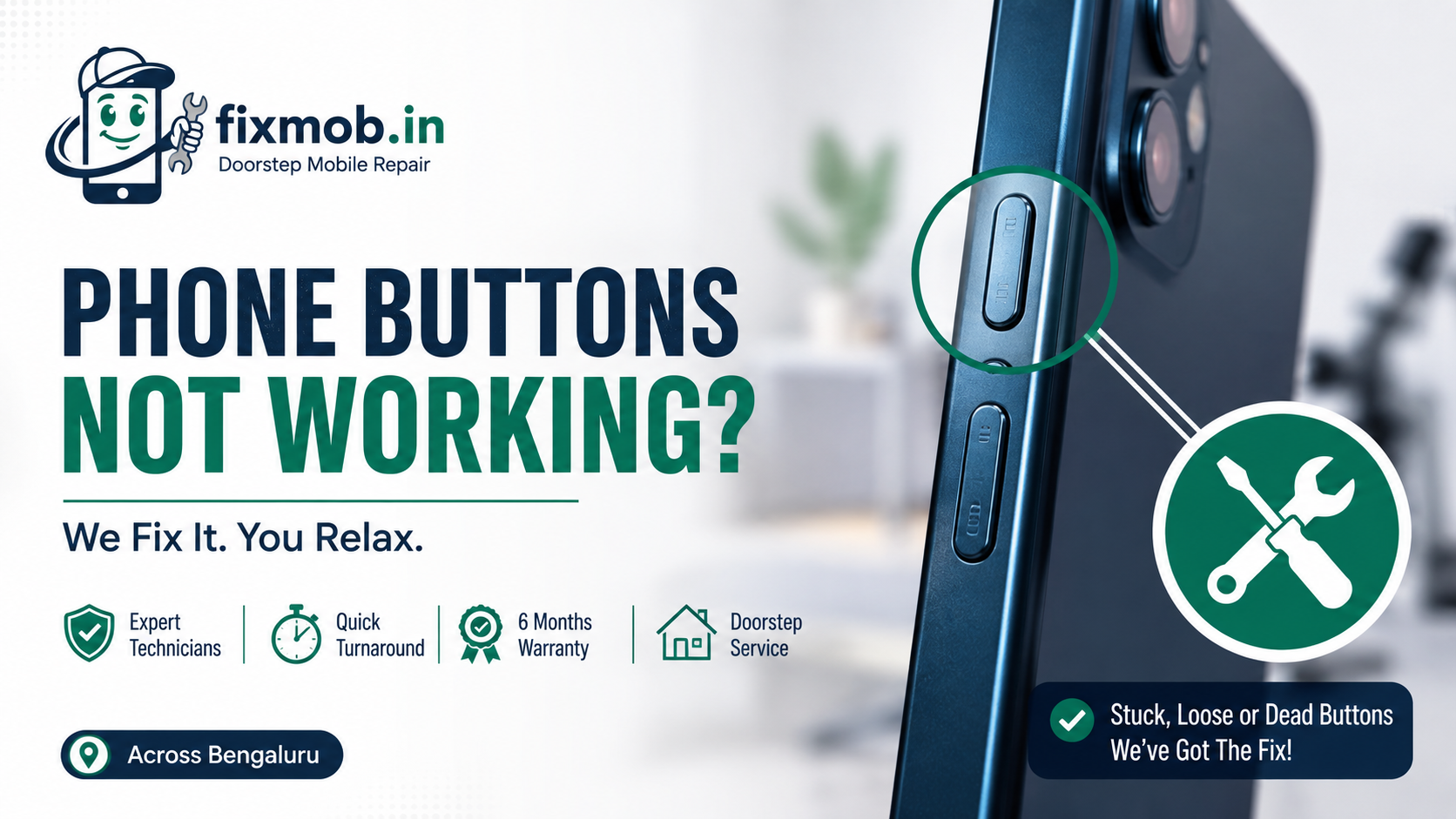
Phone buttons not working comes down to four causes: grime packed under the key, a software freeze, a worn metal dome inside the switch, or a flex cable torn loose by a drop. The first two are free to rule out. The last two need a technician and a part.
Buttons look simple from outside, but each one is a tiny dome that has to press a contact on a ribbon cable running back to the board. Anything that stops that press registering gives you the same silent key.
• Grime and pocket lint. Dust mixed with skin oil sets hard around the key and stops it travelling.
• A software hang. When the system stops responding, no key does anything, including power.
• A worn switch. Every dome has a click life, and a key you press fifty times a day gets there.
• A torn or unseated flex cable. A drop shears the ribbon or knocks its connector off the board.
• Corrosion after a spill. Liquid eats the contacts quietly, sometimes weeks after the accident.
Age tells you a lot. A three year old phone with one soft, mushy key is almost always a worn dome. A six month old phone that lost both volume keys the day after a fall is a cable, not wear.
Is It A Stuck Key, A Dead Key, Or A Setting?
Press the key and pay attention to your fingertip. A key that still clicks but does nothing points at the cable or the board. A key with no click at all points at grime or a collapsed dome. No click and no travel on several keys at once usually means the phone has frozen.
That thirty second test changes the quote, so run it before anyone opens the device.
|
What you feel or see |
Most likely cause |
What it usually needs |
|
Key clicks normally, nothing happens |
Torn flex cable or loose connector |
Flex cable replacement |
|
Key feels soft, mushy, or sunken |
Worn dome or packed grime |
Cleaning, then a new switch |
|
Every key dead, screen still on |
System freeze |
Forced restart, no parts |
|
Only the side key acts oddly |
Assistant or side key setting |
A settings change |
|
Keys died after a spill or rain |
Corroded contacts |
Board cleaning |
The fourth row catches out plenty of Samsung owners. The side key can be mapped to open an assistant instead of the power menu, which looks exactly like a fault until you check the setting.
Timing is the other clue worth recording. Phone buttons not working from the morning after a monsoon commute is a corrosion story, while a key that faded over six months is simple mechanical wear.
One more thing to rule out before you spend anything. Screen protectors and tempered glass sometimes wrap far enough around the frame to sit on the volume rocker, and a badly cut back cover does the same job from the other side.
How Do You Use A Phone While The Power Button Not Working?
You do not need the key at all on a modern handset. Both Android and iOS ship on-screen replacements, so a power button not working is an inconvenience rather than a stoppage. Set one up first, then book the repair at your convenience.
Google documents an Accessibility Menu that locks the screen and changes volume from an on-screen panel, which covers the two jobs your side keys normally do. iPhone owners get the same coverage from AssistiveTouch.
Useful workarounds while phone buttons not working waits for a technician:
• Turn on double tap to wake, or raise to wake, so you never need the power key
• Plug in a charger, since most handsets boot on their own when power arrives
• Use the on-screen accessibility panel for lock, volume, and screenshots
• Schedule power on and power off, if your brand offers it, so a reboot needs no keys
These are stopgaps, not repairs. A phone that cannot restart when it hangs is a phone that will strand you eventually, usually at the worst moment.
There is a second reason not to live with it. A dead volume rocker blocks recovery mode on most Android handsets, which is the route a technician uses to reflash a phone stuck on its logo. Losing that option turns a free software fix into a paid one.
What Does Button Repair Cost In Bangalore?
Most phone buttons not working repairs in Bangalore land between 800 and 3,000 rupees, depending on the handset and whether the fix is a clean or a new part.
A power and volume flex cable is a single inexpensive component on most Android phones. On a recent iPhone the same part costs several times more.
|
Job |
Typical Bangalore cost |
Turnaround |
|
Deep clean of a clogged key |
300 to 600 rupees |
Same visit |
|
Android power or volume flex cable |
800 to 1,800 rupees |
30 to 60 minutes |
|
iPhone side or volume flex cable |
2,000 to 3,500 rupees |
1 to 2 hours |
|
Corrosion cleaning after a spill |
1,500 to 3,000 rupees |
1 to 2 days |
|
Board level contact repair |
2,500 to 5,000 rupees |
1 to 3 days |
Two details move the number. The first is the model, because flagship phones pack the cable in tighter and the part is harder to source.
The second is what else sits on that ribbon, since a volume button replacement cost often covers the power key, the microphone, and sometimes the flash as well.
Ask what the quote includes before you agree. If a technician is replacing a whole assembly rather than a switch, you should hear the reason for that out loud.
You can see the full list on the repair services page, or book a doorstep visit and get a firm number after diagnosis.
How Do You Test Your Buttons Before Booking A Repair?
Seven checks take about ten minutes and cost nothing. Work through them in order, because phone buttons not working turns out to be a setting or a stuck key often enough to be worth the effort.
1. Take the case off. A thick case presses on the keys and mimics a dead button perfectly.
2. Force restart the phone. Hold power and volume down for roughly twenty seconds on Android, or use your model’s force restart combination.
3. Test each key separately. Volume up, volume down, and power all fail independently, and knowing which ones died narrows the fault.
4. Check the side key setting. On Samsung and several Chinese brands, the side key may be assigned to an assistant rather than the power menu.
5. Clean around the key. Switch the phone off, then work a wooden toothpick gently around the edge. Never use a pin or compressed air.
6. Try the key while charging. A key that works only on charge points at a board level power fault rather than the switch.
7. Watch for other symptoms. If the phone also refuses to boot, our guide to a phone not turning on covers the checks that separate a flat cell from a dead board.
Write down what happened at each step. A technician who hears “it clicks but nothing happens, and only since the drop” starts in the right place instead of guessing.
When Do Dead Buttons Point At A Bigger Fault?
Suspect something deeper when the keys died alongside other symptoms. Buttons that stop working at the same moment as charging trouble, random restarts, or a dead microphone are rarely a button problem at all. They are a shared cable or a board fault wearing a button costume.
Signs the fault is not the switch:
• Several unrelated features failed on the same day
• The phone got wet at some point, even briefly
• The keys work intermittently and change with temperature
• The phone restarts on its own or heats up near the middle
Any of those is worth a proper diagnosis before parts get ordered. Our guide to phone motherboard repair explains what board level work involves and where the cost lands, so you know whether a quote sounds right.
There is also a repair history angle. A phone that had its screen or battery changed recently, then lost a key a few weeks later, often has an unseated connector rather than a broken part.
Mention any past repair when you book. It points the technician straight at the likely cause and can save you the price of a cable.
Frequently Asked Questions
Can a power button be repaired, or does the whole phone go?
It can be repaired. On most handsets the key sits on a replaceable flex cable, so a technician swaps the cable rather than the phone.
How to turn on phone without power button?
Plug it into a charger. Most phones boot automatically when power arrives, which is the simplest route back in when the key has failed.
Why did my volume and power buttons stop together?
Because on many models they share one flex cable. When that ribbon tears or its connector unseats, every key on it goes silent at the same moment.
Is it safe to keep using the phone like this?
For a while, yes. The risk is that you cannot force a restart when the system hangs, so treat phone buttons not working as a repair to schedule rather than ignore.
Will I lose my data during a button repair?
No. The work is on a cable near the frame, nowhere near the storage chip, so your photos, chats, and apps stay exactly where they are.
How long does a button repair take?
Most Android flex cable jobs are done in 30 to 60 minutes at your doorstep. Corrosion and board level work need a workshop bench and a day or two.
Ready To Get Your Keys Clicking Again?
Run the seven checks first, because ten minutes at home can save you a part you never needed. If the key still does nothing, book a doorstep technician for phone buttons not working and watch the diagnosis happen in front of you.
You get a firm price before any part goes in, a six month warranty on the work, and you pay only once the key clicks again. Talk to a FixMob technician if you want a second opinion on a quote you have already been given.