Phone Battery Replacement in Bangalore: When to Do It and What It Costs
Introduction
Does your phone die by lunchtime even though it started the day at 100%?
You’re not imagining it, and you’re not alone. A worn-out battery is one of the most common reasons a good phone starts to feel unreliable.
The good news: a phone battery replacement is usually faster, cheaper, and less wasteful than buying a new device.
This guide covers how to spot a failing battery, why it happens, and what to expect when FixMob replaces it for you in Bangalore.
Quick answer
A phone battery replacement is the process of swapping your phone’s old, worn-out lithium-ion battery for a fresh one.
Key facts at a glance:
• When to replace: once battery health drops below 80%, or you see fast draining, sudden shutdowns, or swelling.
• Time needed: a typical swap wraps up in roughly half an hour to an hour.
• Is it worth it: yes, for phones 2 to 4 years old that work well otherwise. It costs far less than a new phone.
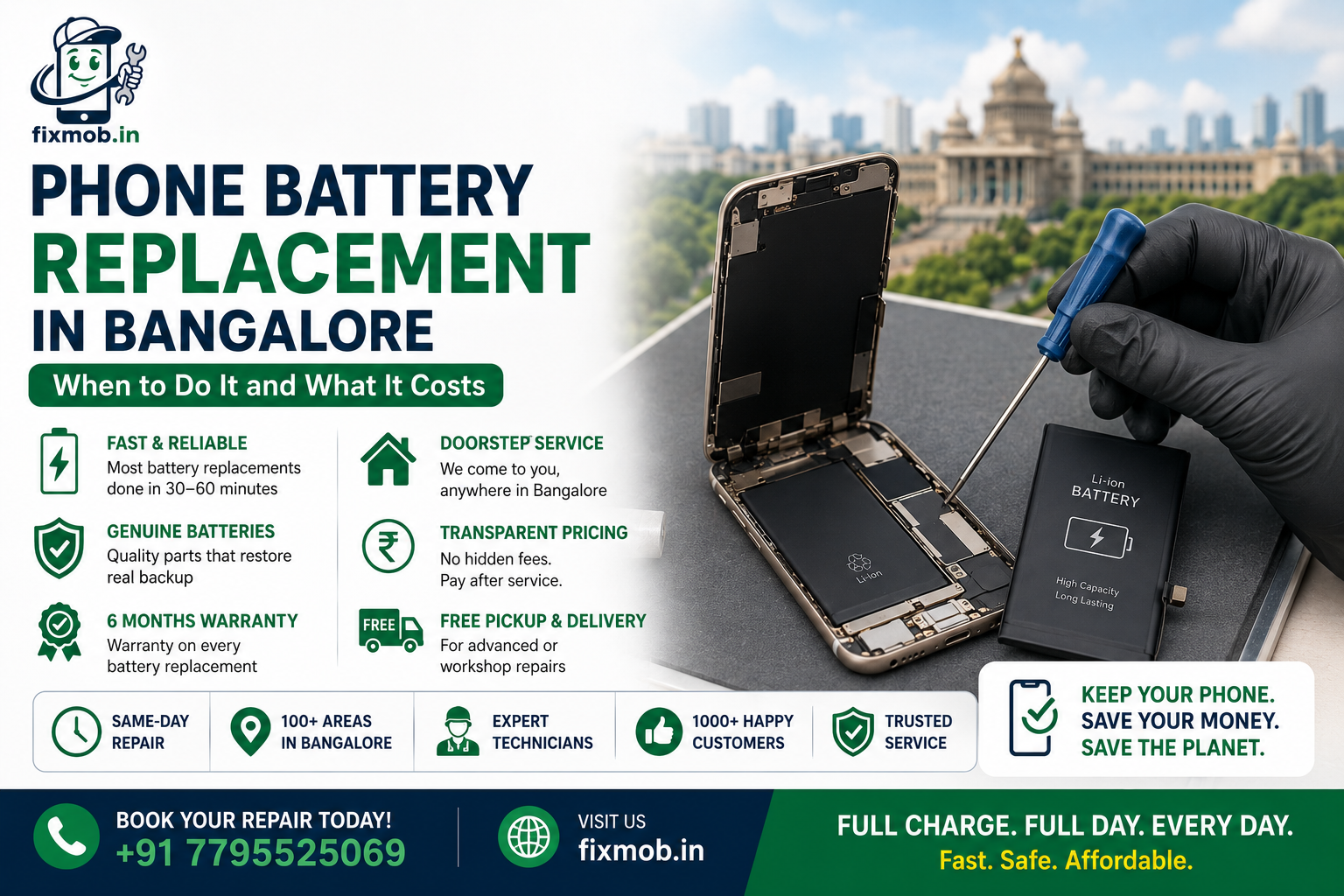
• Where in Bangalore: FixMob offers same-day, doorstep battery replacement across 100+ neighborhoods, with a 6-month warranty and pay-after-service.
Why is my battery draining fast?
Every lithium-ion battery has a limited number of charge cycles. Most phones hold up well for around 500 full cycles, roughly two years of daily use, before capacity drops noticeably.
Common signs of a battery draining fast:
• The charge level drops fast, even during light use
• The device feels warm to the touch while plugged in
• It powers off on its own while still showing 20% or 30%
• One daily top-up is no longer enough to see you through
Bangalore’s climate can speed this up. Heat is a battery’s worst enemy. Things that add extra wear include:
• Letting the handset bake inside a parked car or under harsh sunlight
• Charging it while it sits buried under a pillow or blanket
• Relying on cheap, non-certified charging cables and adapters
• Long gaming sessions or back-to-back fast-charging
None of this means you did anything wrong. Batteries are consumable parts, like tyres on a car.
Understanding battery health
Modern phones make it easy to check your battery health yourself.
|
Phone |
Where to check |
What to look for |
|
iPhone |
Open Settings, tap Battery, then Battery Health & Charging |
The Maximum Capacity figure |
|
Most Android |
Open Settings and tap Battery, or use a trusted diagnostic app |
The battery status or capacity reading |
For the official guidance, see Apple’s iPhone battery and performance page and Google’s battery and charging on a Pixel phone help page.
A simple rule of thumb:
• Above 80%: battery is usually still healthy
• Below 80%: you’ll feel the difference, and a replacement is worth considering
Checking first also saves money. If your phone is only a year old and shows 90% capacity, the real cause of fast draining might be a rogue app or a software update, not the battery. The FixMob team checks this before recommending anything.
Swollen battery: a safety issue you shouldn’t ignore
A swollen battery is urgent, not gradual.
Warning signs:
• The display is starting to push up and away from the body
• The rear panel looks puffed out or bulged
• The phone rocks or wobbles when placed on a flat surface
Noticed any of the above? Take these steps straight away:
1. Stop using the phone
2. Stop charging it immediately
3. Power it down
4. Keep it somewhere cool, away from anything flammable
5. Book a professional for mobile battery repair as soon as possible
A swollen battery is not a DIY fix. The gas built up inside can leak or, in rare cases, catch fire. It needs to be handled and disposed of safely by someone with the right tools.
Replace the battery or buy a new phone?
A fair question. Here is a quick way to decide.
|
Your situation |
Best option |
|
Phone is 2 to 4 years old and works fine apart from the battery |
Replace the battery |
|
Battery drains fast but everything else is smooth |
Replace the battery |
|
Cracked board, failing screen, or unsupported software |
Consider upgrading |
|
You want the greener, lower-cost choice |
Replace the battery |
A new battery usually costs a small fraction of a new phone. It can add another year or two of comfortable use, and it keeps a working device out of the e-waste stream.
The FixMob team will tell you honestly when a replacement is a good investment and when your money is better spent elsewhere.
Why choose FixMob for your phone battery replacement in Bangalore
Getting your phone battery replaced in Bangalore should be simple, safe, and stress-free. Here is what you get with FixMob.
|
What we offer |
The FixMob promise |
|
Doorstep service |
Fast, affordable mobile repair at your doorstep |
|
Turnaround |
Most battery replacements done in 30 to 60 minutes |
|
Same-day repair |
Available, so you are not left without your phone |
|
Genuine parts |
Quality batteries that restore real backup |
|
Warranty |
6-month warranty on every repair |
|
Pricing |
Transparent, with no hidden fees |
|
Payment |
Pay only after the service is complete |
Browse the full range of our repair services, or book your slot online in just a few taps.
Every job also includes:
• A proper diagnosis first, so we confirm the battery is the true cause before quoting
• An agreed price before we begin, with nothing added on afterwards
• A final check of charging, battery health, and overall performance before we return your phone
Service areas across Bangalore
FixMob covers 100+ neighborhoods across the city, including:
• Whitefield
• Koramangala
• Electronic City
• HSR Layout
• Marathahalli
• Indiranagar
Not on the list? There is a good chance we still cover your area, so just get in touch.
Frequently asked questions
How long does a phone battery replacement take?
A typical swap is finished in roughly half an hour to an hour. With FixMob’s same-day and doorstep service, you usually have your phone back the very same day.
How much does a phone battery replacement cost in Bangalore?
The price depends on your phone brand and model. FixMob gives a transparent quote up front with no hidden fees, and you pay only after the service is complete.
How do I know if I need a new battery or a new phone?
If your phone is 2 to 4 years old and works fine apart from poor battery life, a replacement is the smart, lower-cost choice. Consider a new phone only if it also has a cracked board, a failing screen, or software that is no longer supported.
Is a swollen battery dangerous?
Yes. A swollen battery can leak or, in rare cases, catch fire. Stop using and charging the phone, power it down, keep it somewhere cool, and get it to a professional right away.
How do I check my battery health?
On iPhone, open Settings, tap Battery, then Battery Health & Charging, and read the Maximum Capacity figure. On most Android phones, open Settings and tap Battery, or use a trusted diagnostic app. A reading below 80% usually means a replacement is worth it.
Does FixMob use genuine batteries?
Yes. FixMob uses genuine or high-quality compatible batteries that restore real backup, and every repair is covered by a 6-month warranty.
Ready to bring your battery back to life?
A tired battery does not have to mean a tired phone.
If yours is draining fast, shutting down early, or showing any sign of swelling, FixMob can get you back to a full day’s charge, safely and affordably.
Book your phone battery replacement in Bangalore with FixMob today.