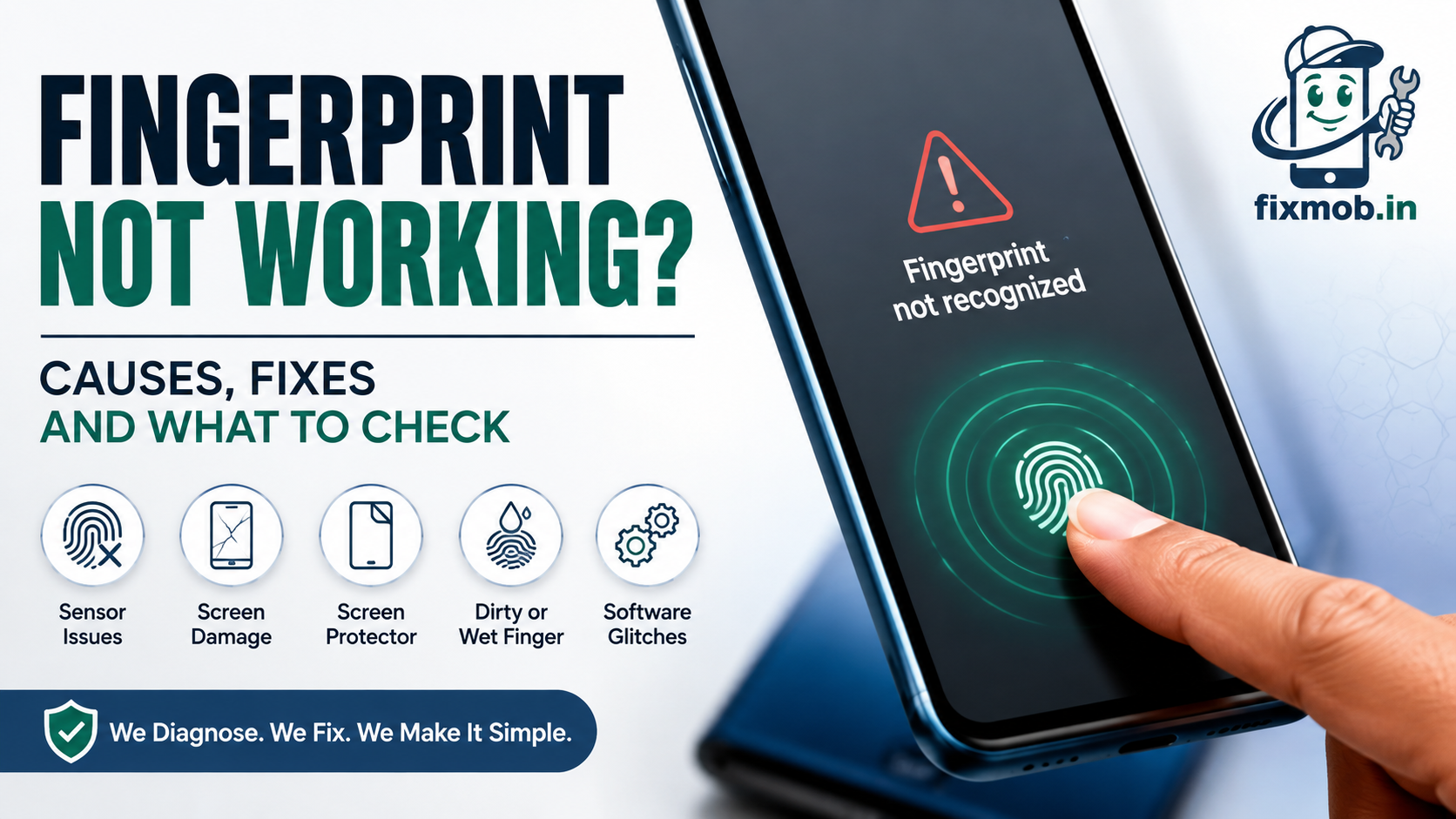
Fingerprint Not Working? Causes, Fixes And What To Check
You put your thumb on the sensor, nothing happens, and the phone asks for a PIN again. It worked yesterday.
A fingerprint not working is rarely a dead sensor. Far more often something sits between your finger and the reader, or a replacement panel has changed what the sensor can see. Both are fixable.
At A Glance
• Most failures come from a screen protector, not a broken sensor
• Re-enrol your fingerprint after any protector change or screen repair
• Optical sensors read light through the panel, so panel quality matters
• A cheap replacement display is the top cause of failure after a repair
• Sensor repairs run from nothing at all to the price of a full display
Why Is Your Fingerprint Not Working?
A fingerprint not working usually traces back to one of five causes: a screen protector over the sensor, dry or wet fingers, an enrolment that was made under different conditions, a software update that reset the sensor calibration, or physical damage to the panel above the reader.
Modern phones use three sensor types and they fail differently.
• Optical in display: shines light through the panel and photographs the ridges. Sensitive to protectors, panel quality, and bright sunlight
• Ultrasonic in display: bounces sound waves off the finger. Works with wet fingers but hates air bubbles under a protector
• Capacitive: the physical pad on the back or in the power button. Fails mainly from dirt, cracks, or a torn cable
Optical sensors sit in most mid range Android phones and cause the majority of complaints, precisely because anything that changes how light passes through the screen changes what they see.
Knowing your sensor type saves time. A capacitive pad on the back of the phone rules out every screen protector theory immediately, and a fingerprint not working on that hardware points at dirt, a crack, or a cable.
That split runs across brands rather than within them, so the sensor type on the box matters more than the manufacturer. Our Android mobile repair guide sets out which faults turn up on which brands.
Is It The Sensor Or The Screen Protector?
The protector is the first suspect, every time. If the fingerprint sensor not working started within days of a new tempered glass going on, or after the phone was dropped and the protector cracked, you have your answer without opening anything.
|
Clue |
Likely cause |
What to do |
|
Started after a new protector |
Protector interference |
Remove it and retest |
|
Works sometimes, fails often |
Air bubble or dirty screen |
Clean the screen, re-enrol |
|
Fails only in bright sunlight |
Optical sensor limitation |
Shade the screen with your hand |
|
Fails only with dry hands |
Poor ridge contact |
Moisturise, add a second enrolment |
|
Failed after a drop |
Damaged panel or sensor |
Get it inspected |
|
Failed after a screen repair |
Wrong panel or loose cable |
Return to the technician |
Test it properly before you spend anything. Peel the protector off completely, clean the screen, delete every saved fingerprint, then enrol again from scratch.
That last step is the one people skip. The phone stored your ridge pattern as seen through the old conditions, so a fingerprint not working after any change to the glass often just needs a fresh template.
A protector can cause more than one problem at a time. If the screen has also started registering taps you never made, ghost touch on a phone screen explains that fault and how it is diagnosed.
How Do You Fix It Without A Repair?
Work through these nine steps in order. They cost nothing, take about five minutes, and resolve most cases where a fingerprint not working has no obvious physical cause behind it.
1. Clean the screen with a dry microfibre cloth, then dry your finger properly.
2. Remove the case and screen protector and test again with bare glass.
3. Press firmly and hold until the phone unlocks rather than tapping quickly.
4. Check you are using an enrolled finger, and add the finger you actually use most.
5. Enrol the same finger twice at slightly different angles.
6. Delete all fingerprints and re-enrol from a clean screen.
7. Install any pending system update, then re-enrol once more.
8. Restart the phone to clear a stuck biometric service.
9. Test in shade if the sensor is optical and you are outdoors.
Google’s Pixel support documentation makes the protector point plainly, warning that a screen protector which is not certified may interfere with the function or security of the phone’s fingerprint sensor, and recommending a fresh enrolment afterwards.
Why Does Fingerprint Unlock Fail After A Screen Replacement?
Because on most phones the sensor and the panel are a matched pair. An optical reader fires light up through the display and reads the reflection, so a replacement panel with different thickness or light transmission gives the sensor a blurred image it cannot match.
Four things go wrong during a screen repair:
• A low grade panel was fitted, with optical properties the sensor cannot work through
• The sensor flex cable was not fully reseated when the phone was closed up
• Calibration was skipped, which some models require after a panel change
• The sensor was damaged while heat and prying separated the old panel
The first cause is the common one, and it is why fingerprint not working after screen replacement is such a frequent complaint about very cheap repairs. Our comparison of original and compatible mobile screens explains which grades keep the sensor functional and which do not.
There is a simple way to protect yourself here. Test fingerprint unlock in front of the technician before you pay, alongside the front camera, the earpiece, and auto brightness, because all four run through parts that come off during a screen job.
Ask any technician one question before they start: will the in display fingerprint sensor still work after this panel goes in. A shop that cannot answer clearly is a shop to walk away from.
What Does A Fingerprint Sensor Repair Cost?
It depends entirely on whether the sensor is separate from the display. A rear or side mounted capacitive sensor is a cheap standalone part. An in display sensor is often bonded to the panel, which means a fingerprint not working can only be resolved by replacing the whole display assembly.
|
Sensor type |
Repair needed |
Indicative range |
|
Any type, protector or enrolment fault |
Cleaning and re-enrolment |
Usually free with a diagnosis |
|
Rear or side capacitive |
Sensor module replacement |
1,000 to 3,000 rupees |
|
Optical in display |
New panel of the correct grade |
4,000 to 15,000 rupees |
|
Ultrasonic in display |
Display assembly replacement |
9,000 rupees and upward |
|
Any type, board fault |
Board level diagnosis and repair |
3,000 rupees and upward |
These are market ranges across Bangalore, not a fixed price list. If you were quoted a panel price and the sensor still failed afterwards, that is a fitting problem and it belongs back with whoever did the work.
Two model specific notes. Apple pairs Touch ID and Face ID to the logic board for security reasons, so those modules cannot be swapped between devices by anyone. Some Samsung ultrasonic sensors ship attached to the display, which is why the quote jumps.
When Should You Stop Trying And Get It Checked?
Stop when the nine steps above have failed and the phone has a physical history behind the fault. Repeated enrolment attempts will not recover a sensor sitting under a cracked panel, and each attempt only adds a weaker template to the phone’s records.
Take it in when any of these apply:
• The screen is cracked anywhere near the sensor area
• The fault began immediately after a repair done elsewhere
• The phone was in water or heavy rain recently
• Face unlock or the proximity sensor stopped working at the same time
• The sensor area feels warm, or the screen has a mark above it
A crack above the reader is the clearest case of the five. If your display is damaged, cracked screen repair explains why the fault spreads the longer it is left.
Frequently Asked Questions
Why is my fingerprint not working after screen replacement?
The replacement panel most likely has different optical properties, or the sensor cable was not reseated. Both are fitting problems and should be corrected by whoever did the repair.
Do tempered glass protectors block fingerprint sensors?
Certified ones usually work after re-enrolment. Cheap or thick protectors, and any protector with air bubbles under it, commonly break optical and ultrasonic readers.
Will re-enrolling my fingerprint fix the problem?
Often yes, especially after a protector change, a screen repair, or a system update. Delete the old prints first rather than adding a new one alongside them.
Can wet or dry fingers stop fingerprint unlock?
Yes. Optical sensors struggle with very dry or damaged ridges and most fail on wet fingers, while ultrasonic readers handle moisture considerably better.
Is the fingerprint sensor repairable on its own?
Sometimes. Rear and side sensors are separate modules and cheap to replace, but in display sensors are frequently bonded to the panel, so the display goes with them.
Does a factory reset fix fingerprint problems?
Only software ones, and it erases your data. Try re-enrolment and a system update first, because neither of those costs you anything.
What Is The Fastest Way To Get This Sorted?
Peel the protector, clean the glass, delete every saved print, and enrol again. That sequence takes three minutes and clears a large share of cases, which makes it worth doing before you book anything.
If it fails and the phone has been dropped, repaired, or wet, the fault is physical and needs eyes on it. Have your fingerprint not working diagnosed at your doorstep, with nothing to pay until it is fixed, through FixMob’s mobile repair services.