Bluetooth Not Connecting? Fix It Before You Pay Anyone
Your earbuds sit in the case blinking, and your phone behaves as though they were never made. The car stereo that worked all last week now scrolls straight past your handset.
Almost every case of bluetooth not connecting traces back to a stale pairing record, a busy accessory, or a permission the phone quietly switched off. Very few are broken parts. This guide separates the free fixes from the faults worth paying for.
The Short Version
• Stale pairing records cause more failures than dead hardware ever does
• Most earbuds and speakers hold only one or two live connections
• Forgetting the device on both sides clears the majority of cases
• A real radio fault kills Wi-Fi at the same time, not Bluetooth alone
• Nine checks take five minutes and cost you nothing
Why Is Your Bluetooth Refusing To Pair?
Four causes account for most of it: a corrupted pairing key stored on one of the two devices, an accessory already connected to something else, a missing location permission, and interference on a crowded 2.4 GHz band. Bluetooth not connecting is a software problem far more often than a hardware one.
The clue is in the pattern, not the symptom. A phone that suddenly refuses every accessory points somewhere different from a single speaker that stopped behaving.
Common causes, roughly in the order technicians meet them:
• A stale pairing record. Both devices save a security key from the first pairing, and a corrupted copy on either side means they reject each other every time.
• The accessory is already busy. Your earbuds are still connected to the laptop you left open in the next room.
• Location is switched off. Android uses location access to scan for nearby devices, so turning it off breaks discovery on many handsets.
• A flat accessory battery. Plenty of earbuds stop advertising themselves below ten percent while the case light still blinks reassuringly.
• Radio congestion. Bluetooth shares the 2.4 GHz band with Wi-Fi routers, microwaves, and wireless mice.
• A half applied system update. The Bluetooth stack changes between Android versions, and an interrupted update can leave the service unstable.
Is The Fault In Your Phone Or The Accessory?
Work this out before anything else, because it halves the number of things you need to test. Pair the phone with any second accessory, then pair the accessory with any second phone. Whichever device fails both times is the one at fault.
This one test saves people from a pointless repair booking more often than any other, since bluetooth not connecting to one stubborn speaker rarely says anything about the phone.
|
What you see |
Likely culprit |
First thing to test |
|
Nothing pairs, no accessory at all |
The phone |
Try earbuds that work on another handset |
|
One device fails, everything else works |
The accessory |
Pair it with a friend’s phone |
|
Pairs, then drops within seconds |
A stale record on either side |
Forget it on both sides and start again |
|
Pairs fine but there is no sound |
Audio profile setting |
Check the Media audio toggle in device settings |
|
Never appears in the scan list at all |
Accessory not in pairing mode |
Hold its button until the light flashes fast |
If the phone pairs happily with a second speaker, stop worrying about the handset. Your problem lives in the accessory, its firmware, or its battery.
How Do You Fix It In Five Minutes?
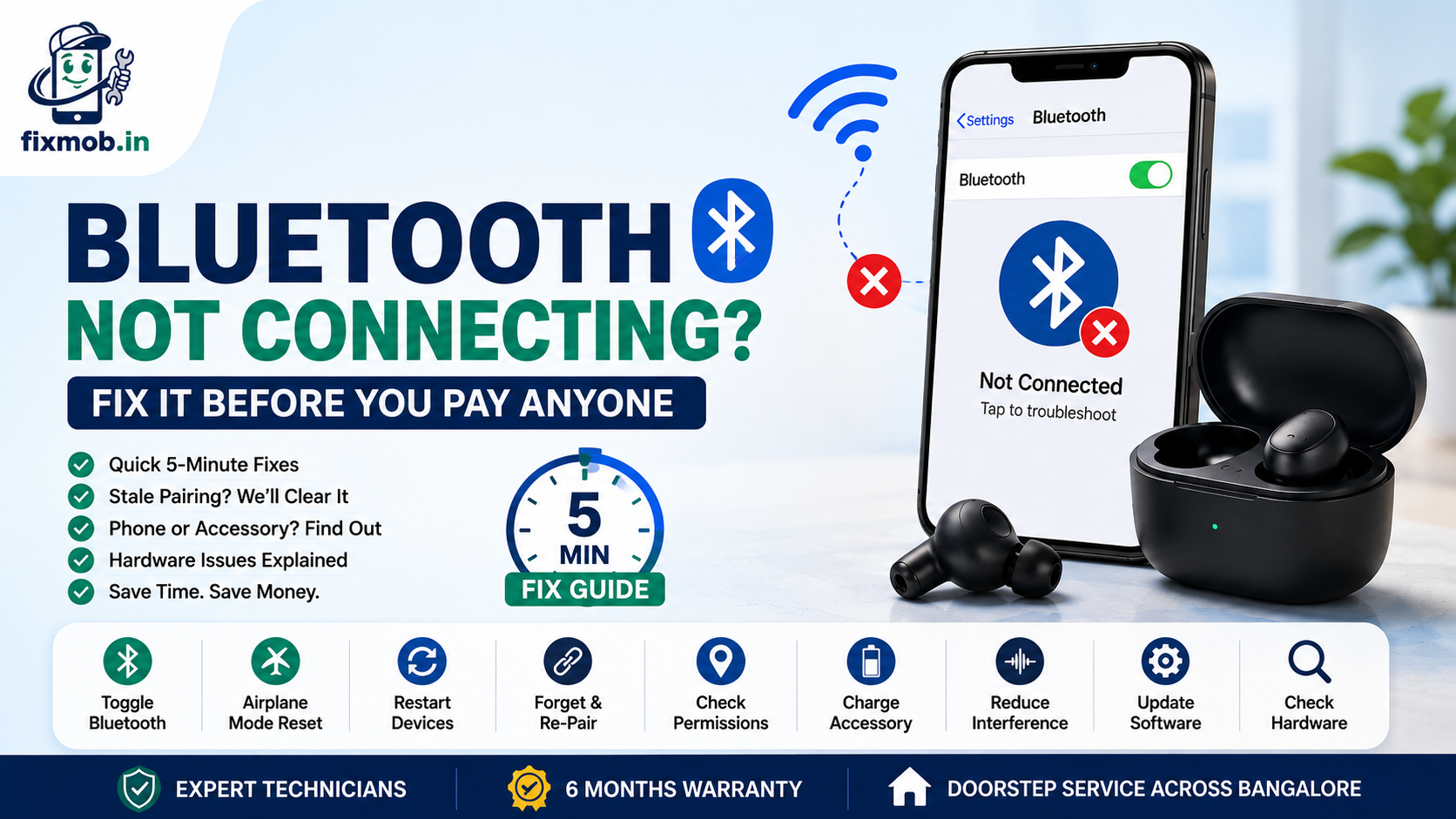
Run these nine checks in order. Each one rules out a cause, so by the end you know whether you are dealing with settings, a stale record, or something physical that needs opening up.
1. Toggle Bluetooth off, wait ten seconds, turn it back on. Rushing this defeats the point, because the radio needs a moment to release its old state.
2. Switch Airplane mode on for fifteen seconds, then off. This resets every wireless radio at once rather than just the one.
3. Restart the phone and the accessory. Earbuds usually reset by holding the case button for ten seconds.
4. Charge the accessory past fifty percent. Low power silently disables pairing on many models.
5. Forget the device on your phone, then clear your phone from the accessory’s memory. Google’s own Android guidance is explicit that both sides need clearing, not just the phone.
6. Turn Location on. Android device scanning depends on it, and this single toggle fixes a surprising share of cases.
7. Sit within half a metre of the accessory. Google’s Android Bluetooth troubleshooting guide notes that Fast Pair accessories need the phone within roughly 0.5 metres to set themselves up, so distance alone can break a first pairing.
8. Try 0000 or 1234 if a passcode is requested. These two cover almost every older speaker and car kit.
9. Reset network settings as the last step. This clears every saved pairing, every Wi-Fi password, and the cached Bluetooth data behind bluetooth not connecting after an update.
Note the order. People jump to step nine first, lose all their saved networks, and still have the same problem, because the accessory was simply attached to a laptop the whole time.
Why Does It Pair And Then Drop Straight Away?
A connection that forms and collapses within seconds is almost always a profile mismatch, a multipoint conflict, or power saving cutting the link. This version of bluetooth not connecting is the easiest to diagnose, because the pairing itself clearly worked and the trouble starts a moment later.
Multipoint is the usual suspect on modern earbuds. They hold two active links, and when both are taken, your phone gets dropped the moment a third device asks for attention.
Battery optimisation is the second. Aggressive power saving on Xiaomi, Realme, Oppo, and Vivo handsets suspends background connections, so a smartwatch disconnects overnight and reconnects only when you unlock the screen.
Three settings worth checking on the phone:
• Battery optimisation for the accessory’s companion app, set to unrestricted
• Media audio and Phone audio toggles, both enabled under the saved device
• Any scanning or nearby device permission the app requested and never received
When Is Phone Bluetooth Not Working A Hardware Fault?
Suspect hardware only when Wi-Fi fails at the same time. Both radios usually sit on one combined chip, so a genuine component failure takes out wireless internet and pairing together. If Wi-Fi is fine, phone bluetooth not working is a software issue in almost every case.
The other tell is history. Radios rarely die quietly on their own, so bluetooth not connecting that began the same day the phone was dropped, opened, or soaked points at a physical cause rather than a setting.
Three patterns that genuinely mean hardware:
• Both radios dead together. Bluetooth and Wi-Fi refuse to switch on, or the toggle flips itself back off.
• It started right after a repair. Antenna cables run under the display and get pinched or left unclipped during a screen job.
• It started after water or a hard drop. Corrosion and cracked solder joints hit the wireless section like any other, and our guide to phone motherboard repair covers how board level faults are diagnosed.
Audio faults confuse this picture regularly. If sound is missing from the phone’s own speaker as well as from your earbuds, the problem is the audio path, not the radio, and our phone speaker repair guide explains how to tell a blocked grille from a failed component.
What Should You Ask Before You Pay For A Repair?
Ask for a diagnosis first, and refuse any quote given before the phone is opened. A wireless fault can be a loose antenna clip worth minutes of labour or a board level rework worth thousands of rupees, and nobody can tell which from a description over the phone.
Any honest workshop offering mobile repair in Bangalore will test both radios, check the antenna connections, and only then quote you a figure.
|
What the technician finds |
What the work involves |
Rough time |
|
Antenna cable unclipped after an earlier repair |
Reseat the connector and retest |
15 to 30 minutes |
|
Damaged antenna flex cable |
Replace the flex and retest both radios |
30 to 60 minutes |
|
Corrosion on the wireless section |
Board cleaning under a microscope |
2 to 4 hours |
|
Failed combined Wi-Fi and Bluetooth chip |
Component level rework or reball |
1 to 3 days |
Four questions worth asking before you hand the phone over:
• Will you test Wi-Fi and Bluetooth together in front of me?
• Is this an antenna problem or a board problem, and how did you decide?
• What warranty covers the part and the labour?
• Do I pay before or after the phone works?
FixMob runs a diagnosis first and quotes afterwards, and you can see the full range on the doorstep repair services page.
Frequently Asked Questions
Why is my bluetooth not connecting to my car?
Your car stereo stores a limited number of paired phones and quietly refuses new ones once full. Clear old handsets from the car’s memory, forget the car on your phone, then pair again from scratch.
Will resetting network settings delete my photos?
No. It clears saved Wi-Fi passwords, mobile network preferences, and Bluetooth pairings only, leaving your photos, apps, messages, and accounts completely untouched.
Can a screen replacement cause bluetooth not connecting?
Yes, and it happens more often than people expect. Antenna cables run beneath the display, so a cable pinched during a screen job leaves you with bluetooth not connecting while everything else looks normal.
My phone finds some devices but not others. Why?
Older accessories use Bluetooth Classic while newer ones use Low Energy, and some handsets only list one type in the main scan. Open the accessory’s companion app instead of the phone’s settings screen.
How much does a Bluetooth antenna repair cost in Bangalore?
It depends entirely on the diagnosis, since reseating a loose connector and reworking a failed chip are hours apart in labour. Insist on the diagnosis and a written quote before any work begins.
Is it worth repairing Bluetooth on a five year old phone?
Only if the rest of the handset is healthy and the fault turns out to be an antenna rather than the board. Board level work on an ageing phone rarely justifies the cost.
Where Do You Go From Here?
Run the nine checks first, because five minutes of testing beats a booking you never needed. Try a second accessory, forget the pairing on both sides, and confirm whether Wi-Fi still works.
If both radios are dead, or the trouble started after a drop or an earlier repair, a technician needs to look at the antenna and the board.
You can book a doorstep repair slot in about two minutes, choose Other Service when the fault is bluetooth not connecting rather than a broken part, and pay only once your phone pairs properly again.