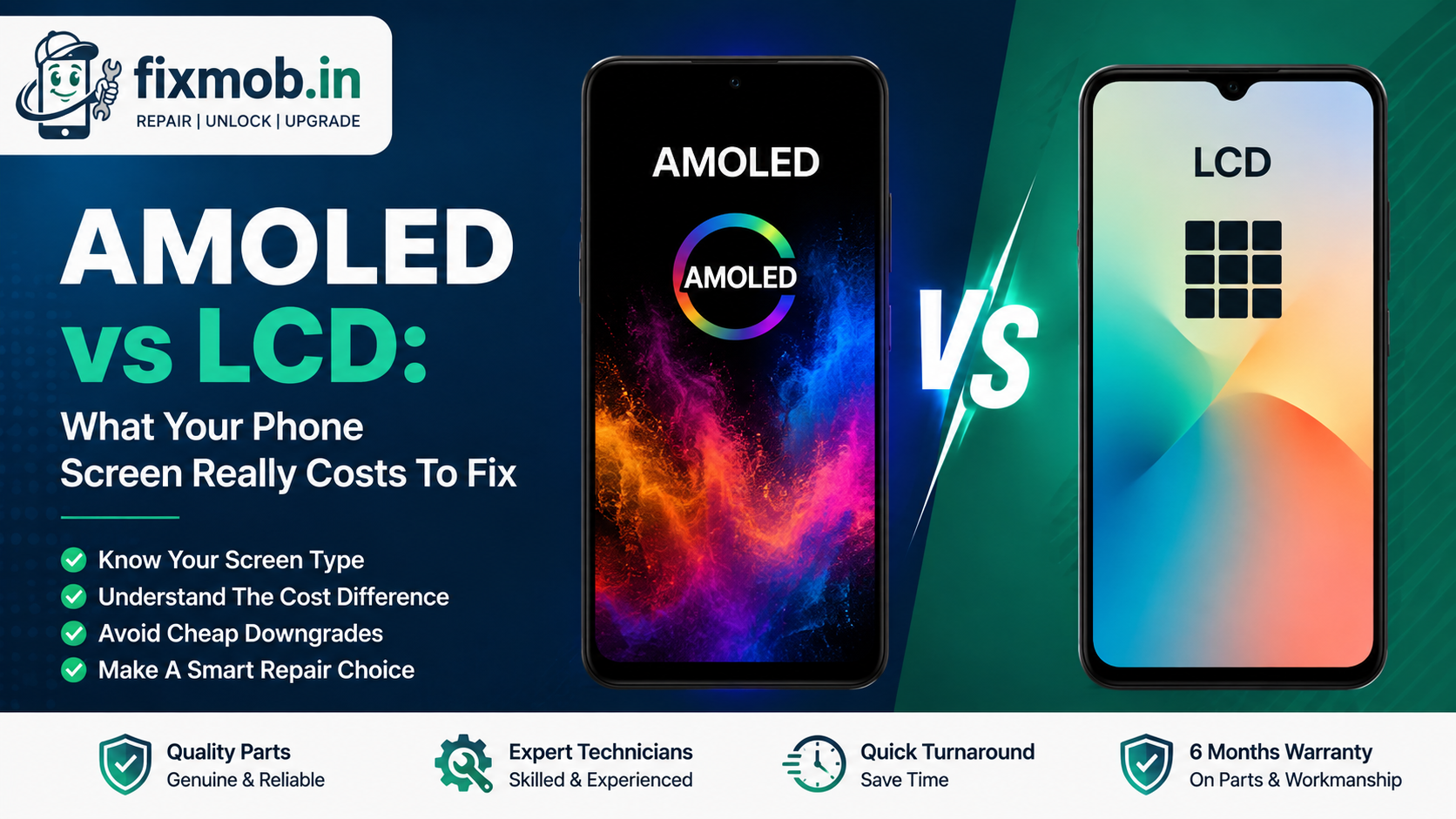
AMOLED vs LCD: What Your Phone Screen Really Costs To Fix
Two phones crack the same way and get two very different quotes. One owner pays 1,800 rupees, the other is told 9,000.
The panel behind the glass is usually the reason. This guide to AMOLED vs LCD explains which one your phone has, why the price gap is that wide, and how to avoid paying flagship money for a downgraded part.
The Short Version
• AMOLED lights each pixel itself, LCD lights the whole panel from behind
• Play a full black image and check for grey glow to identify yours
• Green lines and burn in shadows are AMOLED faults, not LCD ones
• AMOLED panels cost roughly two to five times more to replace
• A cheap swap can quietly downgrade your screen to a TFT copy
What Is The Difference Between AMOLED And LCD?
An LCD has one backlight shining through a colour layer, so the whole screen is lit whenever the phone is awake. An AMOLED panel has no backlight at all and each pixel makes its own light, which is the whole AMOLED vs LCD story in one line.
That single design choice explains everything else you notice day to day.
• Blacks. An AMOLED pixel switches off completely, so black really is black. An LCD leaks a faint grey glow.
• Battery. Dark mode saves power on AMOLED and saves nothing worth measuring on LCD.
• Thickness. No backlight layer means a slimmer phone, which is why flagships moved across.
• Always on display. Only AMOLED can light a clock on a black screen without burning through the battery.
One point matters before any repair conversation. On almost every phone sold today the glass, the touch layer and the panel are bonded into a single unit, which is why our guide to cracked screen repair treats a spreading crack as urgent rather than cosmetic.
How Do You Tell Which Screen Your Phone Has?
Open a full screen black image in a dark room and look at the edges. An LCD shows a soft grey wash and a faint glow around the border. An AMOLED stays properly black, so the display seems to vanish into the bezel.
That test settles the AMOLED vs LCD question in about ten seconds. Three more checks confirm it if you want certainty.
1. Check the spec sheet. Search your exact model number and look for AMOLED, Super AMOLED, OLED, Retina, or IPS LCD in the display row.
2. Look at the fingerprint reader. An in display sensor almost always means an AMOLED panel, which is why a fingerprint not working fault often turns into a display conversation.
3. Tilt the phone. A slight colour shift towards blue or green at an angle points to AMOLED. LCD shifts towards washed out white.
Brand names hide the same two technologies. Super AMOLED, Dynamic AMOLED, Fluid AMOLED and Super Retina are all OLED family panels, while IPS, TFT and incell are all LCD variants.
So how to check if your phone has AMOLED or LCD without any of this? Ask a technician to show you the panel model before it goes in, and ask for the old one back.
Which Faults Point To An AMOLED Panel?
Some display faults only happen on one panel type. A green or pink line running top to bottom, a burnt in shadow of the status bar, or an ink black patch that spreads are AMOLED symptoms. Backlight bleed, a dim screen and yellow tinting belong to LCD.
Knowing which family your fault sits in saves a wasted visit, because the AMOLED vs LCD split decides which faults your phone can even develop.
|
Symptom |
Usual panel |
What it means |
Typical fix |
|
Vertical green or pink line |
AMOLED |
Driver or ribbon failure inside the panel |
Full display replacement |
|
Faint shadow of a keyboard or clock |
AMOLED |
Uneven pixel wear, known as burn in |
Replacement, if it bothers you |
|
Black patch spreading like spilled ink |
AMOLED |
Physical damage to the emissive layer |
Full display replacement |
|
Screen lights up but shows nothing |
Either |
Often a loose connector or board fault |
Diagnosis first, panel second |
|
Dim display with a working touch |
LCD |
Backlight or its driver circuit |
Backlight or panel repair |
|
Yellow or grey patch that never moves |
LCD |
Liquid seeping between the layers |
Panel replacement |
The fifth row is the one worth reading twice. A dead display is not always a dead panel, and a proper phone motherboard repair diagnosis is what separates a 1,500 rupee fix from an unnecessary 9,000 rupee one.
AMOLED Vs LCD: Why Does One Cost More To Replace?
Because you are buying a light source, not just a window. An AMOLED panel contains the pixels that generate the image, so the part itself is expensive and comes from a short list of suppliers. LCD assemblies are made by many factories and priced accordingly.
Labour is roughly the same either way, so the AMOLED vs LCD difference on your bill is almost entirely the part. Here are the bands we see across Bangalore in 2026, as ranges rather than quotes.
|
Phone type |
Panel |
Market range |
|
Budget Android under 15,000 rupees |
LCD |
1,500 to 3,000 rupees |
|
Mid range with AMOLED |
AMOLED |
3,500 to 7,000 rupees |
|
Flagship Android, curved panel |
AMOLED |
8,000 to 18,000 rupees |
|
iPhone 11, XR, SE |
LCD |
4,000 to 8,000 rupees |
|
iPhone 12 and newer |
OLED |
12,000 to 30,000 rupees |
Three things push an AMOLED display replacement cost towards the top of its band: a curved edge, an in display fingerprint sensor, and a panel that is only weeks old in the market. You can see what a display job includes on our mobile repair services page.
Is A Cheaper Replacement Panel Worth It?
Sometimes, and the honest answer depends on what is being fitted. A shop quoting half the market rate for an AMOLED phone is usually offering a TFT or incell copy, which is an LCD wearing an AMOLED shaped frame. It works, and it is not the screen you had.
That swap turns your repair into an LCD vs AMOLED downgrade you never agreed to, and nothing on the bill says so. Watch for these afterwards:
• Blacks that look dark grey in a dim room
• Noticeably lower peak brightness in daylight
• An in display fingerprint sensor that reads slowly or fails
• Colours that shift when you tilt the phone
• Always on display switched off, because the copy cannot support it
None of this makes a compatible panel a bad choice on a four year old phone. It makes the AMOLED vs LCD question something to settle before the phone is opened, not after.
Ask one thing before you agree to anything: is this an original panel, a service pack panel, or a compatible one, and what warranty covers it. A shop that answers clearly is a shop worth using, which is the standard we set out on our about FixMob page.
Does AMOLED Burn In Ruin The Screen?
Rarely, and far less often than the internet suggests. Short term image retention fades on its own. True burn in is permanent uneven pixel wear, and it takes months of the same bright static image, usually a navigation bar, a game HUD or a status bar at full brightness.
Apple documents the same behaviour for its own OLED iPhones, noting that image persistence is temporary and disappears after a few minutes of normal use, while burn in comes from high contrast images shown at high brightness for long stretches.
Four habits that meaningfully slow it down:
• Leave auto brightness on rather than sitting at maximum
• Set auto lock to 30 seconds instead of five minutes
• Use dark mode and a plain wallpaper
• Hide the navigation bar in apps you keep open for hours
Burn in is also not a warranty repair in most cases, since makers treat it as wear rather than a defect. That is worth knowing before you spend an afternoon at a service centre.
Moisture is the faster killer of both panel types. Liquid creeps between the layers and leaves patches that spread, which is covered in our guide to water damaged phone repair.
Frequently Asked Questions
How To Check If Your Phone Has AMOLED Or LCD?
Display a full black image in a dark room. A grey glow means LCD, while a screen that vanishes into the bezel means AMOLED.
Can An LCD Phone Be Upgraded To An AMOLED Screen?
No. The board, the connector and the display driver are matched to the original panel type, so an upgrade is not possible on a consumer phone.
Is AMOLED Worse Than LCD For Repairs?
Not worse, just costlier. The AMOLED vs LCD price gap comes from the part, and an AMOLED panel is more expensive to buy and slightly more delicate to fit.
Does A Green Line Mean My Phone Was Dropped?
Not always. Green lines often appear on AMOLED phones with no drop at all, usually after a software update or a period of heat exposure.
Will A Screen Replacement Erase My Data?
No. Display work never touches storage, so photos, chats and apps stay exactly where they were once the new panel is fitted.
How Long Does A Display Replacement Take?
Most screen replacements finish in 30 to 60 minutes at your location, whether the phone carries an LCD or an AMOLED panel.
Which Screen Should You Choose For Your Repair?
Match the panel your phone was built with, and pay for the grade rather than the promise. If a quote is far below every other quote, ask what panel is actually going in before you say yes.
If you need a straight answer on AMOLED vs LCD pricing for your exact model, book a doorstep repair and a technician will quote the part and the grade before any work starts.